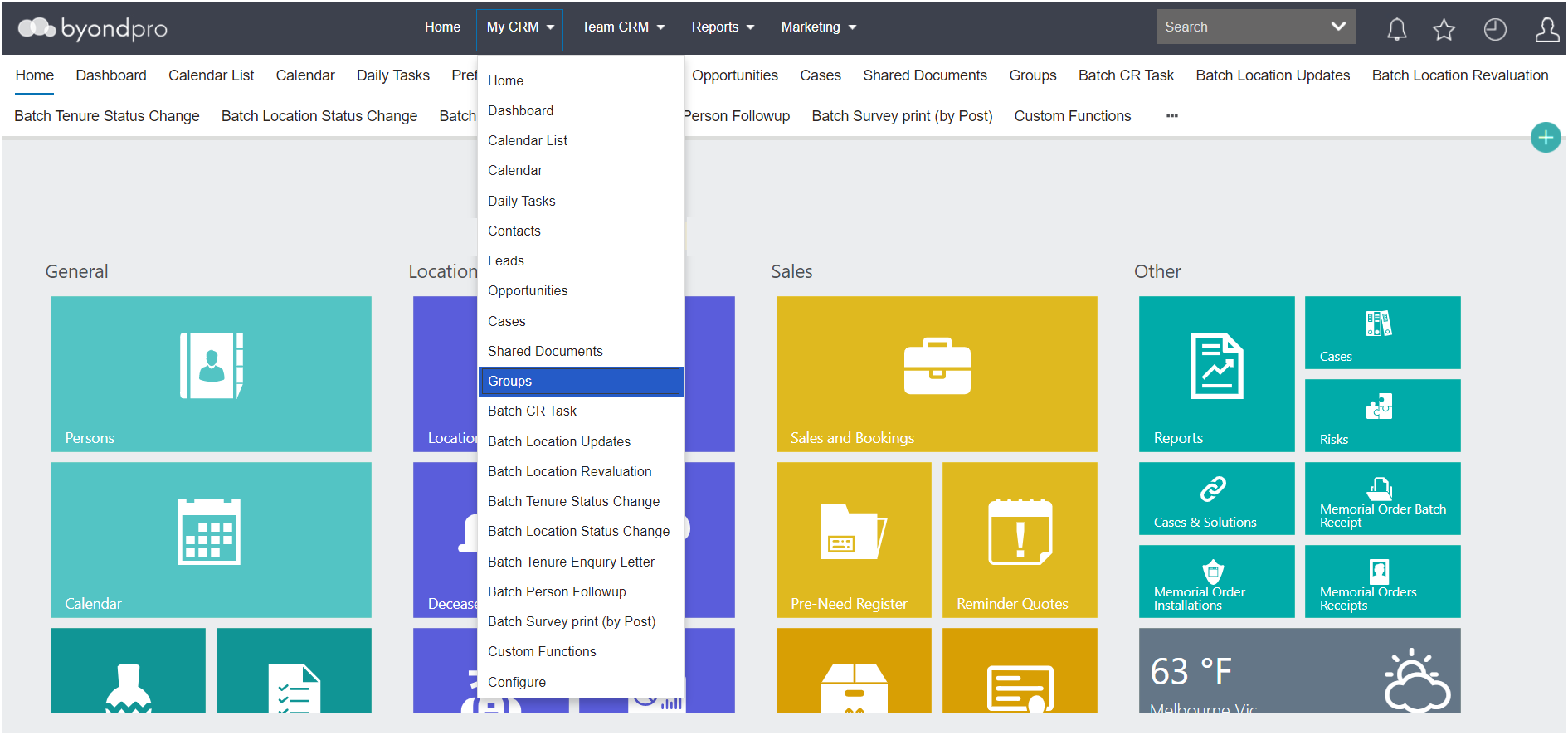
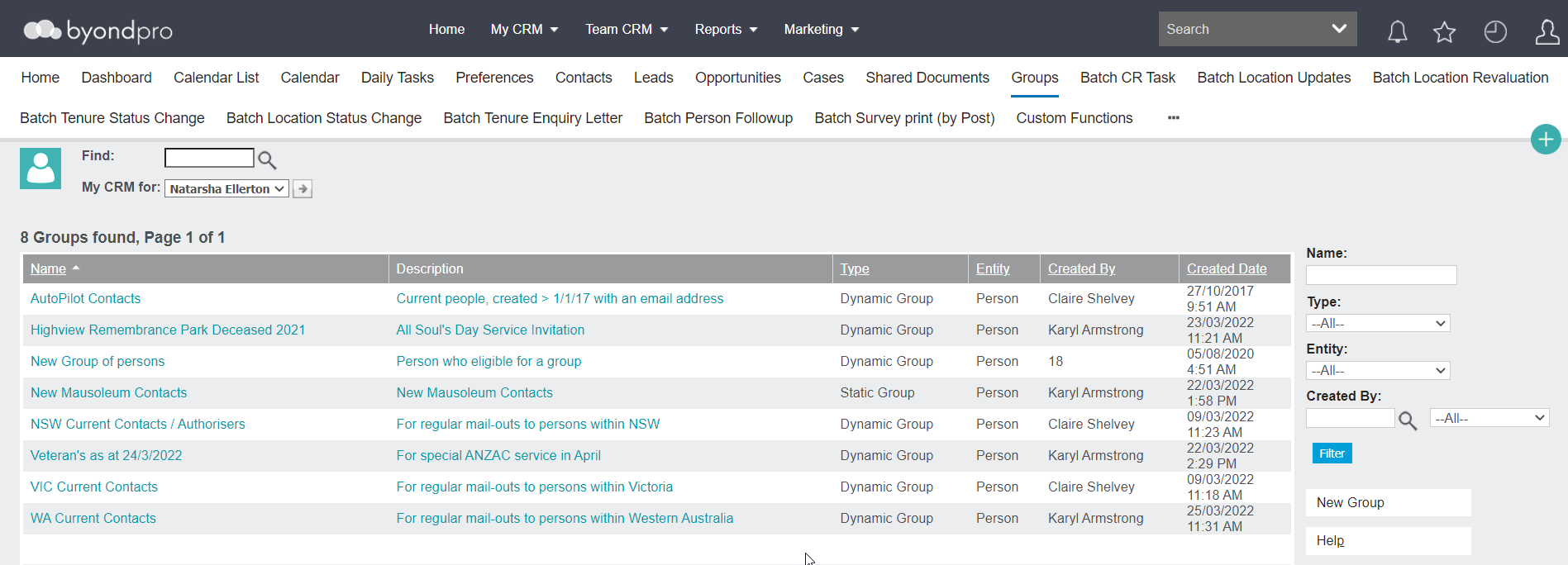
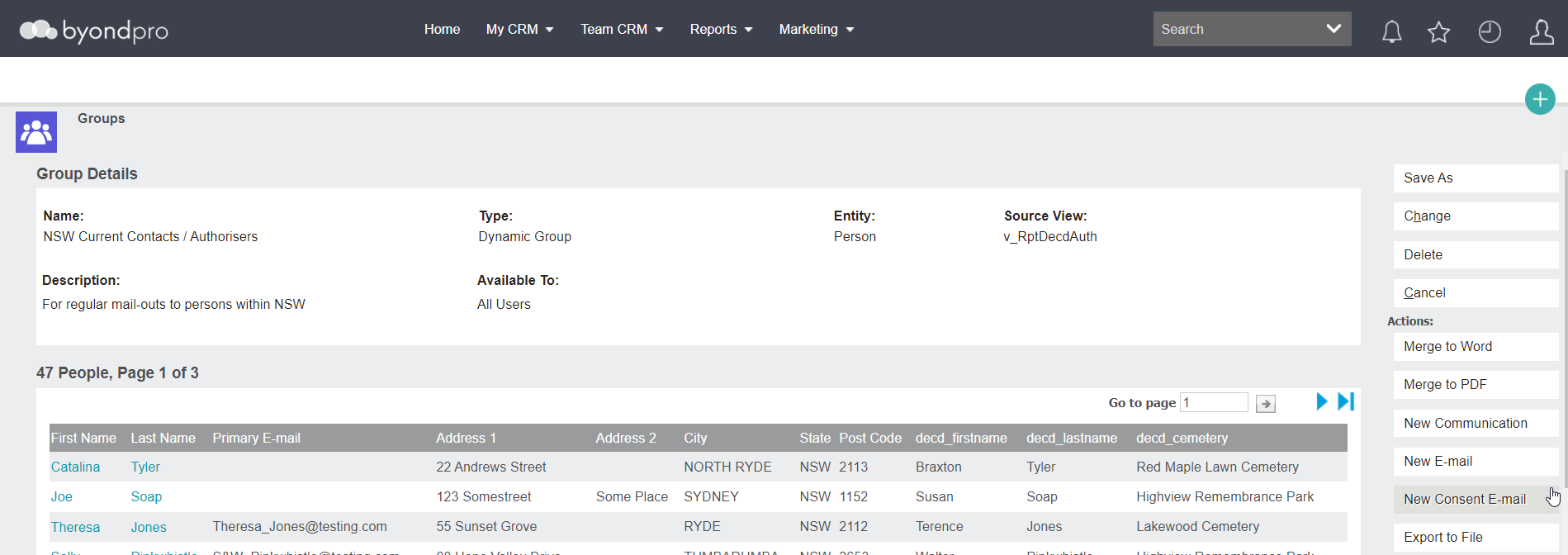
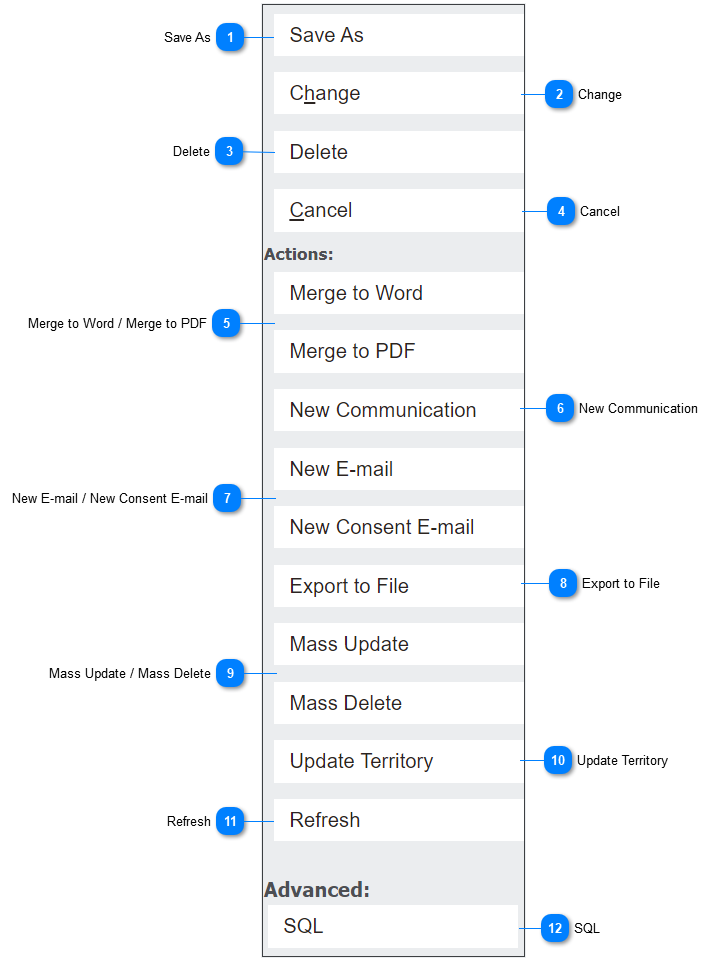
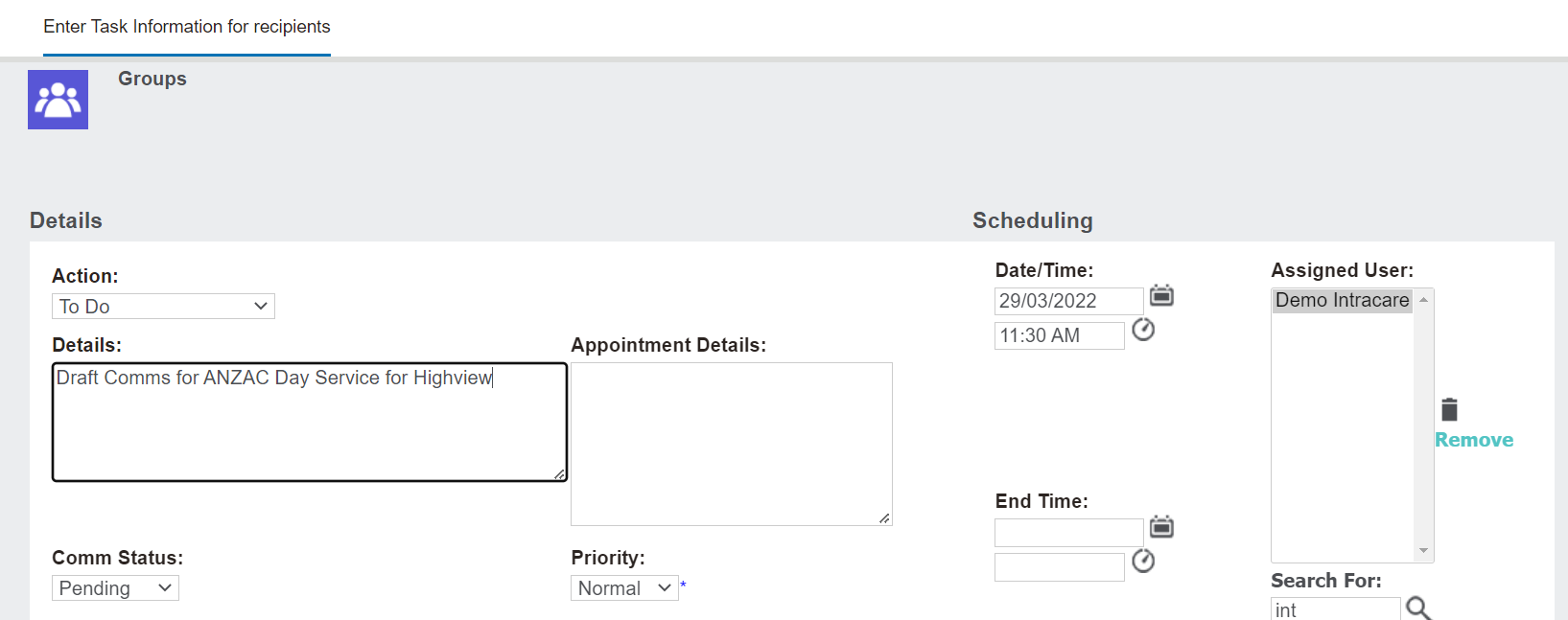
The New Communication button allows users to create a new communication or to do task with the group.
Complete the necessary fields on the communication.
Then press the Save button on the right-hand side of the page.
byondpro will display a message, asking you to confirm if you want to continue. Press OK to move forward with creating the task
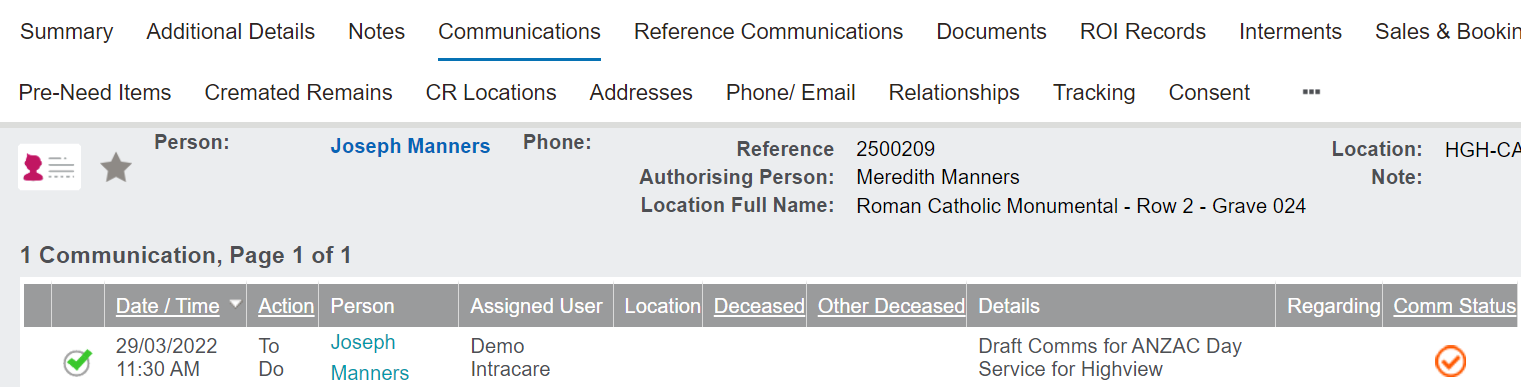
The communication or task will display on the Communications tab of the relevant records, and if not completed, will remind the user to action the task at the appropriate time.
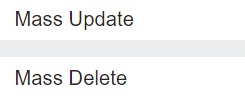
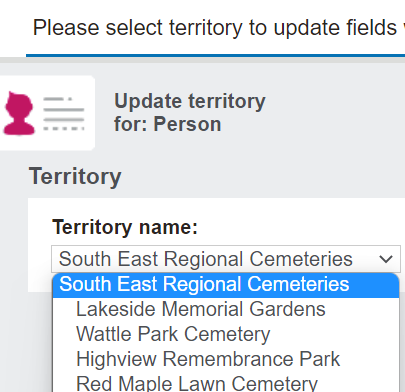
The Mass Update button allows users to perform complex batch updates on specific fields and the Mass Delete button may be useful for General Data Protection Regulation (GDPR) rulings, in which the company is required to remove records, if there's been no contact for a period of time or no consent.
These functions will be restricted from use in the out-of-the-box byondpro.
Should these functions be desired with your groups, please speak to your OpusXenta consultant about whether this function is right for your business.
Pressing the Refresh button will refresh the group with any changes that have been made to the group while on the record, such as a new record having been added to a static group by another user.