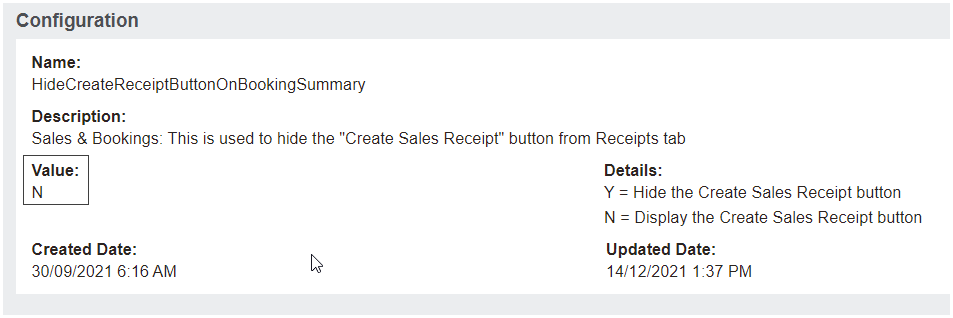
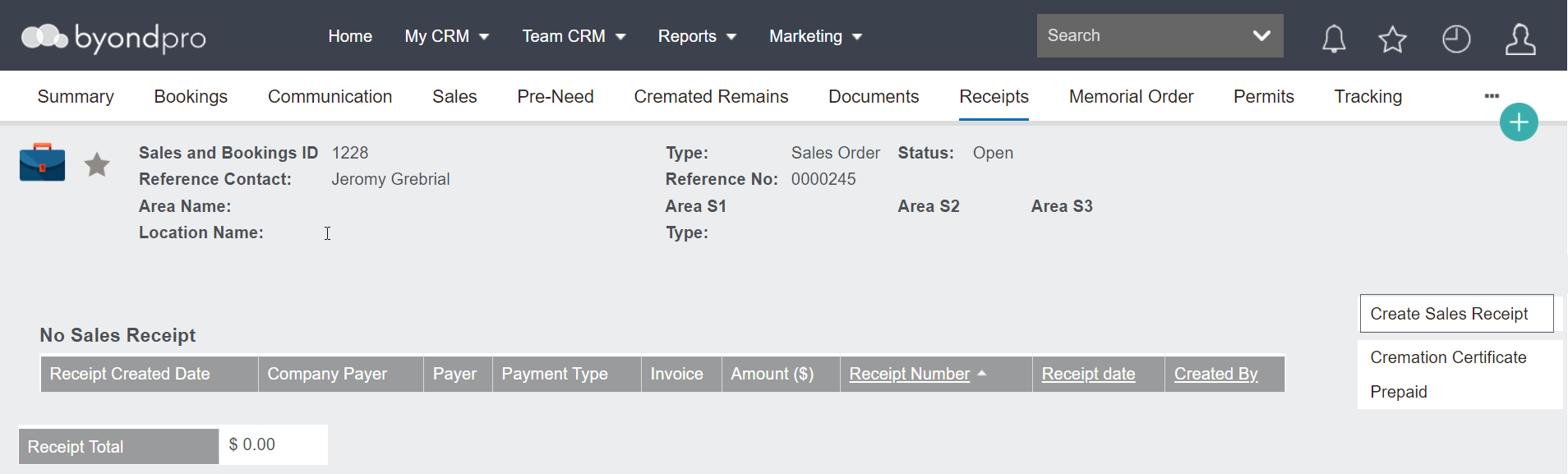
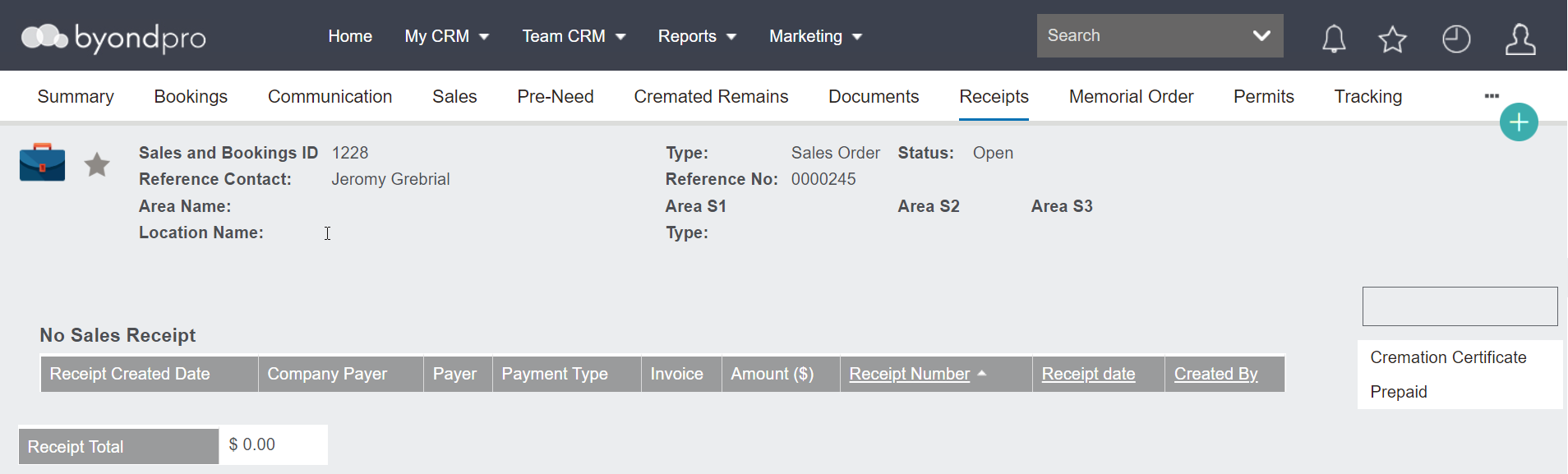
There is a configuration option to suppress the Create Sales Receipt button on the Booking Summary.
When configured to Y users will be restricted to only being able to create sales receipts in the context of a sales order.
Navigate to Administration > Cemetery System Setup > Custom Configuration and search for HideCreateReceiptButtonOnBookingSummary.
When set to N, the Create Sales Receipt button is visible on the Receipts tab of the Sale & Booking. This is useful for creating “unapplied” customer payments or managing over-payments from customers.
When configured to Y, the Create Sales Receipt button is not visible on the Receipts tab of the Sale & Booking.
Users can continue to process customer payments from the Receipts button on the Sales Order screen.