First, create a single location. This should be in line with your numbering / coding convention for location codes.
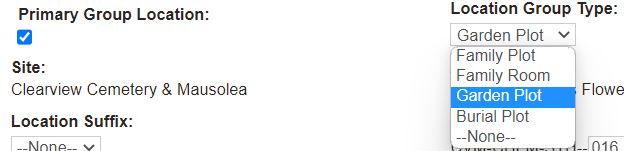
When adding a location record or editing a location record, choose the Primary Group Location tick box to trigger the Location Group Type field to display on screen.
Choose from the drop-down list selections:
Family Plot
Family Room
Garden Plot
Burial Plot
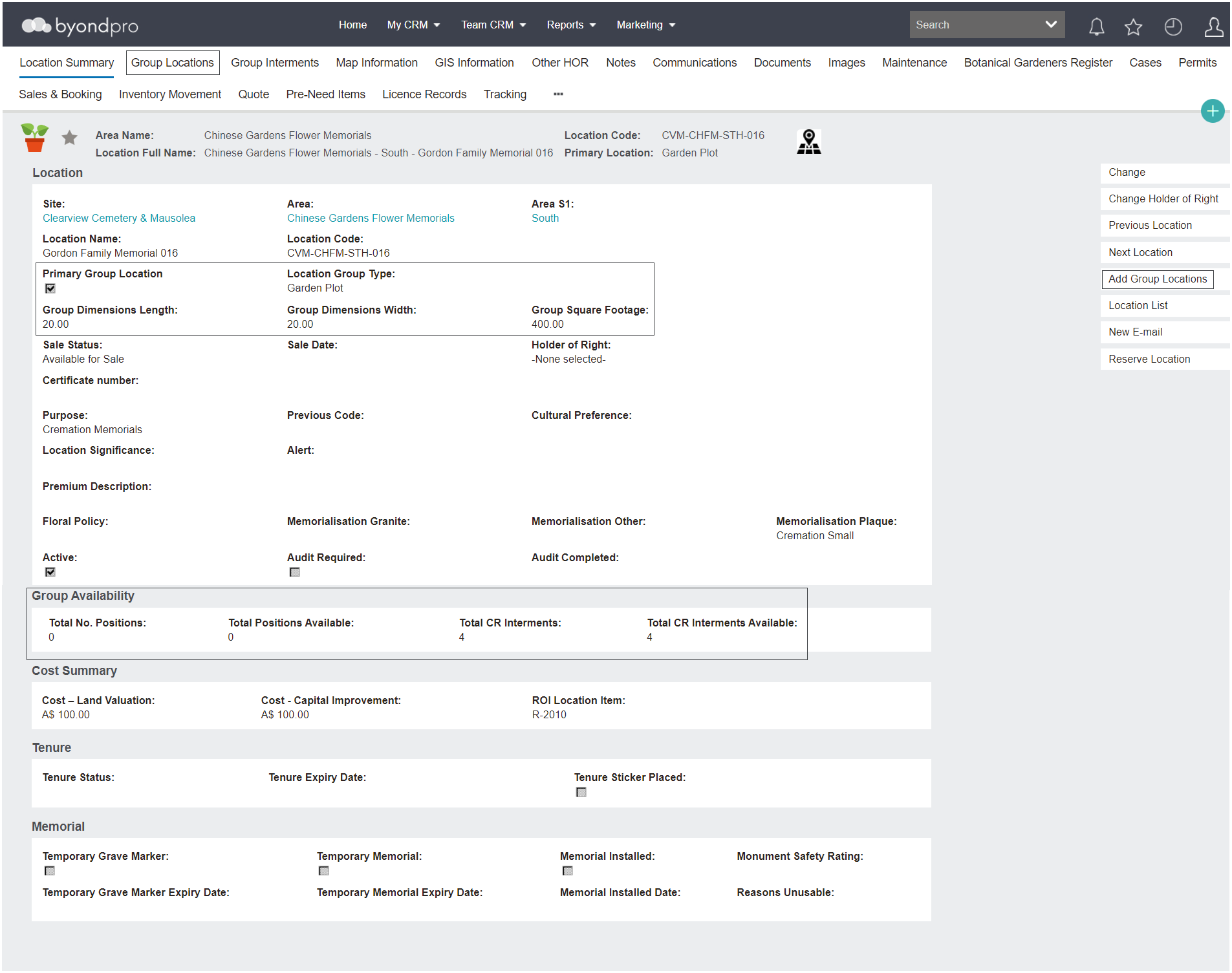
Add a Location name, for example, include the Family Name, Gordon Family Memorial.
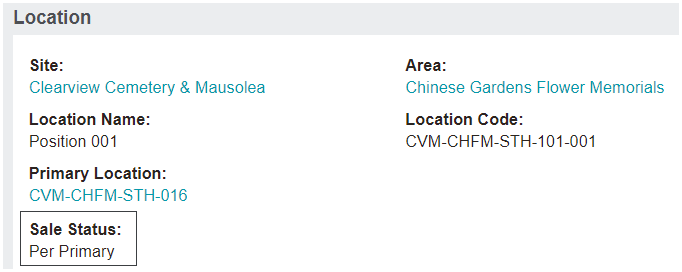
When the primary group location is selected, this activates additional tabs on the location record: