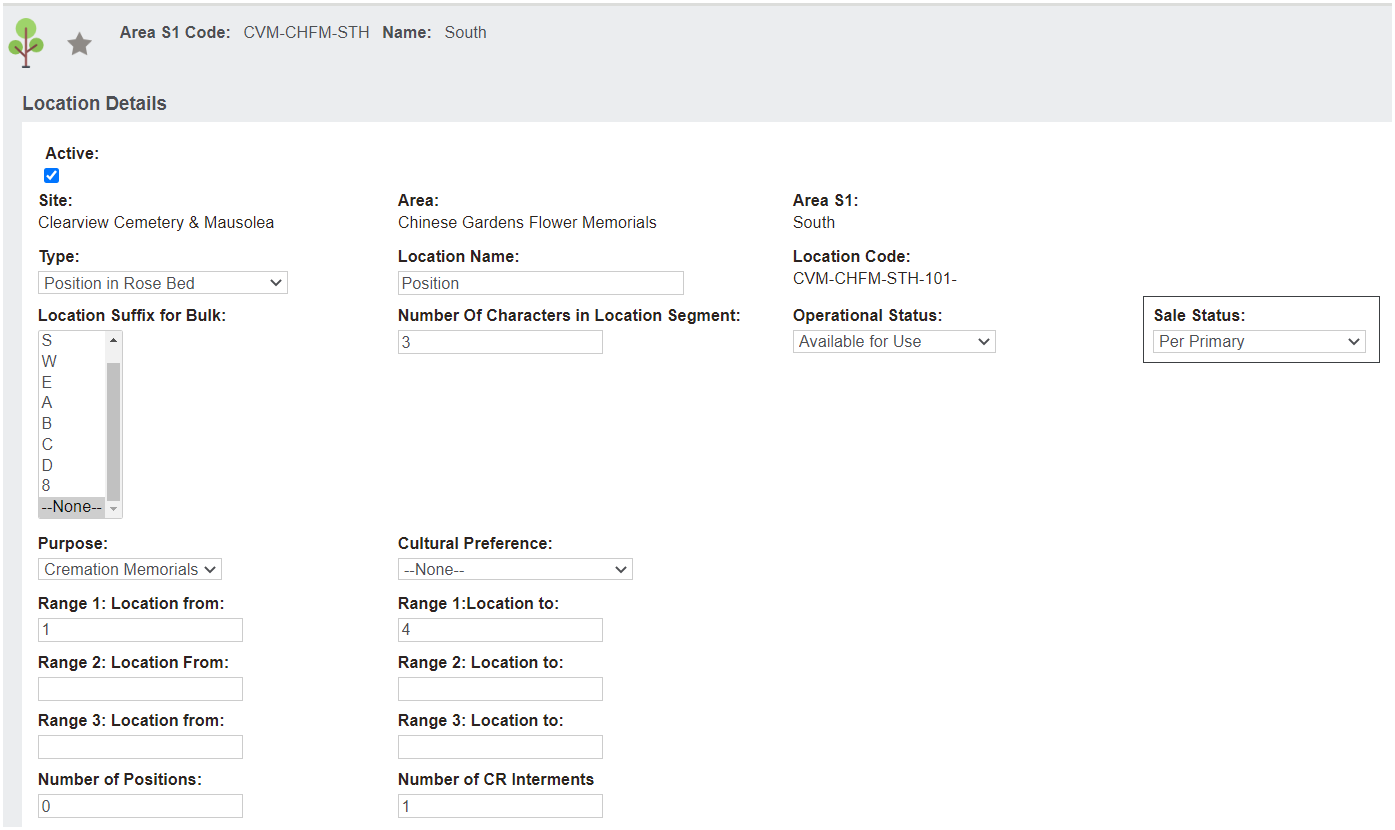
For our example, we have created four (4) positions #001 to #004, via the Add Multiple Locationsfunction.
These will be our individual locations to be linked to the primary location.
However, one key piece of information users can add at the time is the Sales Status. There is now a unique operational status Per Primary which draws the sales status from the primary record.
If this is not set at the time of creating the locations, the process of linking the location to the parent / primary record will update the sales status automatically.