Create Primary Location
First, create a single location. This should be in line with your numbering / coding convention for location codes.
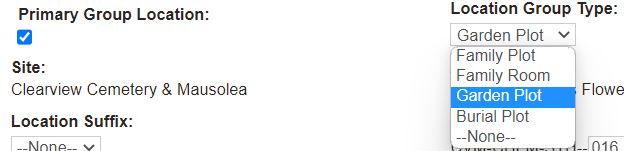
When adding a location record or editing a location record, choose the Primary Group Location tick box to trigger the Location Group Type field to display on screen.
Choose from the drop-down list selections:
-
Family Plot
-
Family Room
-
Garden Plot
-
Burial Plot
Add a Location name, for example, include the Family Name, Gordon Family Memorial.
When the primary group location is selected, this activates additional tabs on the location record:
Additional fields are also available that capture dimensions & size of the group plot:
-
Group Dimensions Width
-
Group Dimensions Length
-
Group Square Footage
Group availability across each of the locations linked to the primary location are also displayed:
-
Total No. positions / available
-
Total CR positions / available
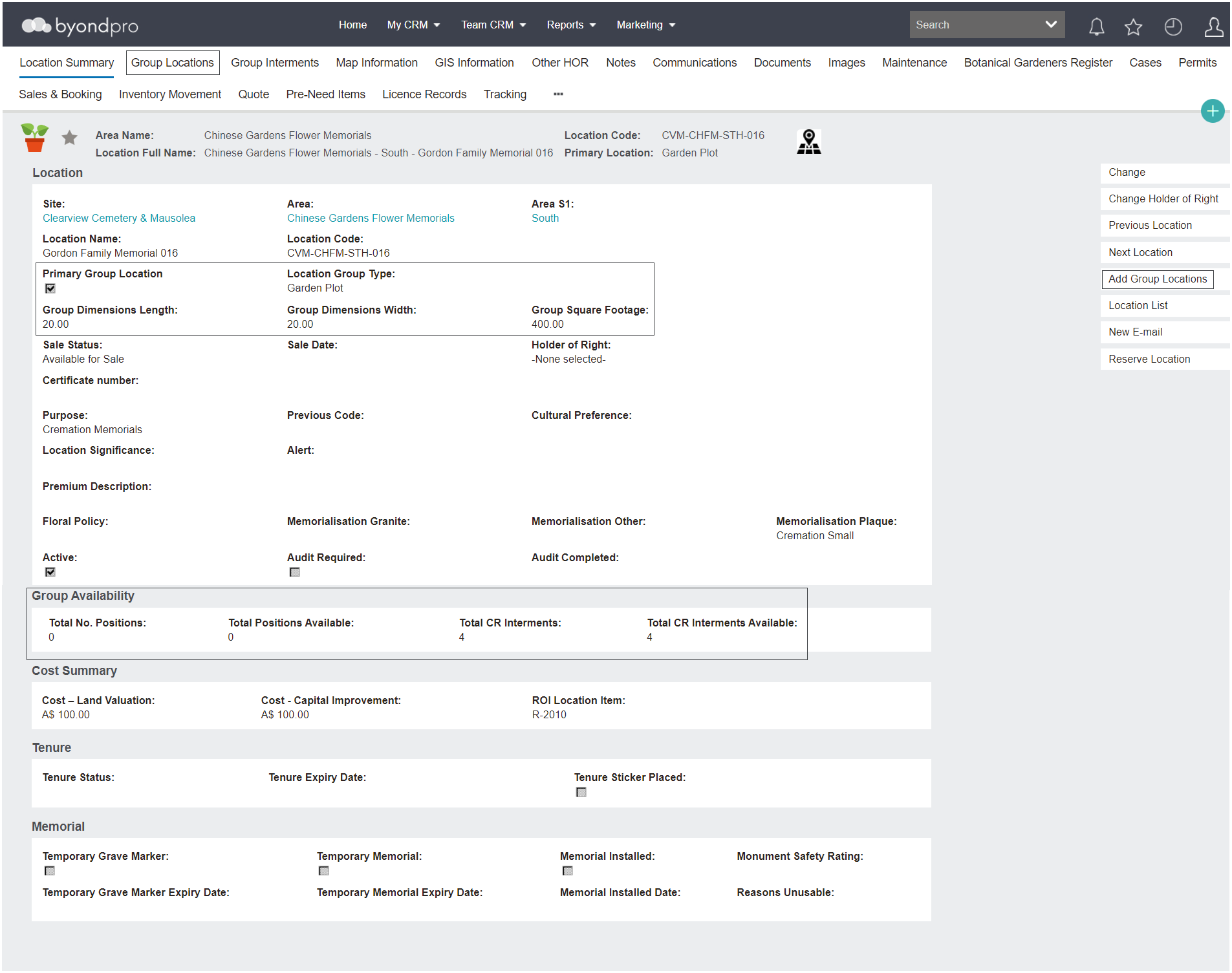
The primary location / plot becomes the saleable entity.
Then, either:
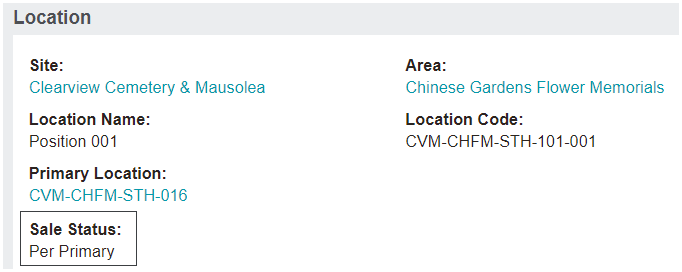
When locations are linked, the sales status on the individual locations will be automatically set to Per Primary.