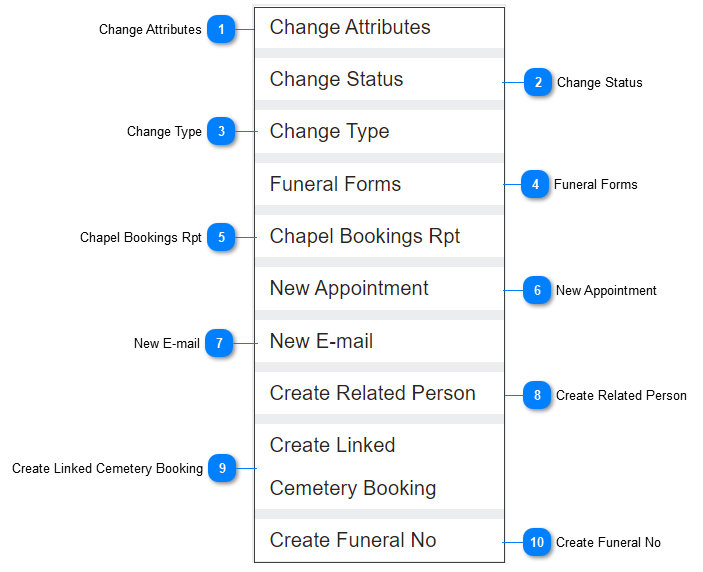
Once the initial booking and first call details are recorded, additional actions can be taken using the Action buttons from the right-hand side of the Summary tab of the Sales & Booking.
Depending on your accessibility, some of the actions may not be available and will likely not be required.
Those required actions may be completed at different times throughout the funeral arrangement process.
Refer to the below for assistance on the purpose and how to complete each action.
Change Attributes
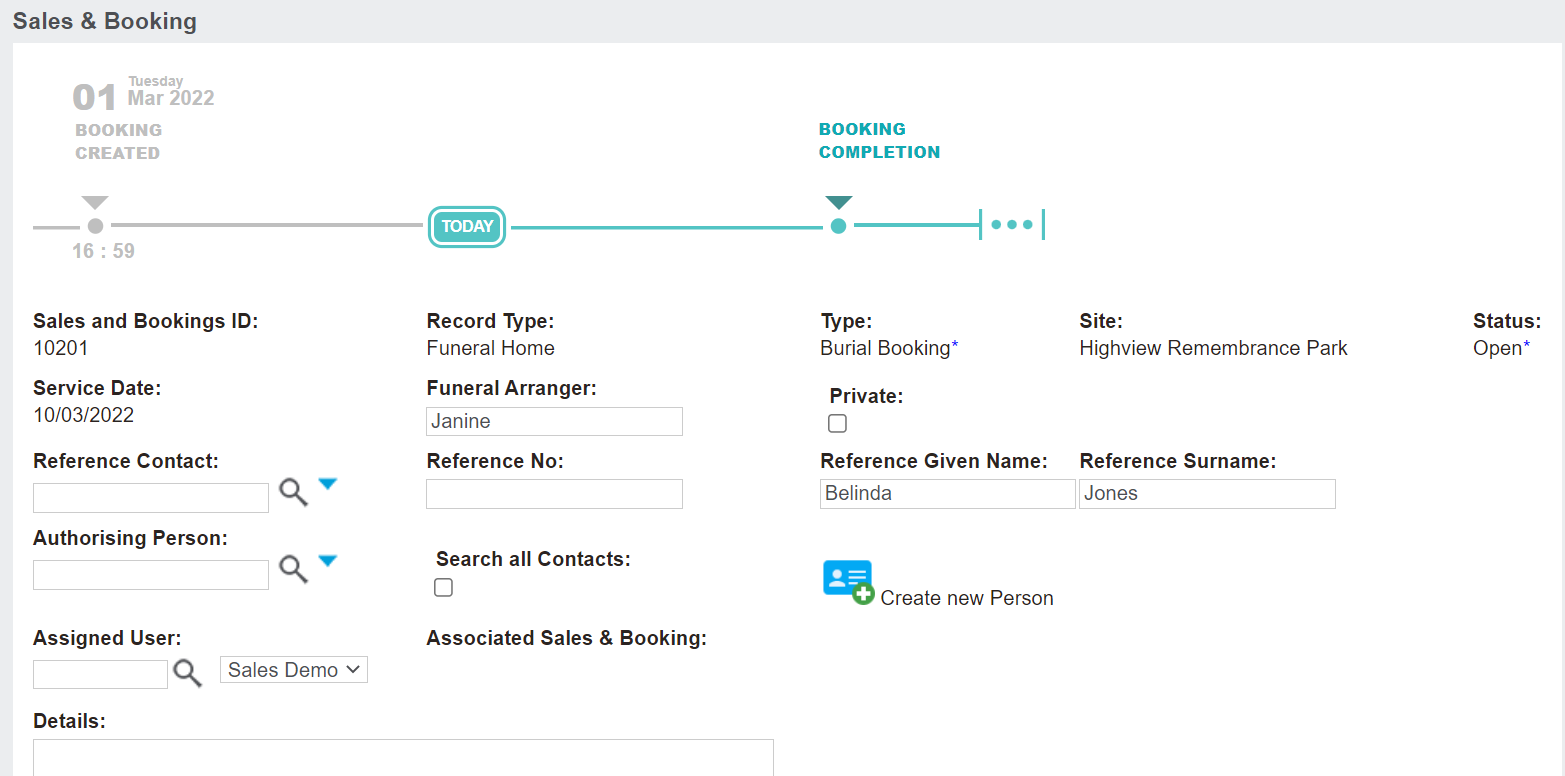
The Change Attributes button places the booking in edit mode.
Users can make changes to the following fields:
Funeral Arranger
Private tick box
Reference Contact, Number, Given Name, & Surname
Authorising Person
Assigned User
Details
You may use this button when you have the paperwork and details for the Reference Contact & the Authorising Person and are ready to add these people as person records in the system starting with the Create new Person button.
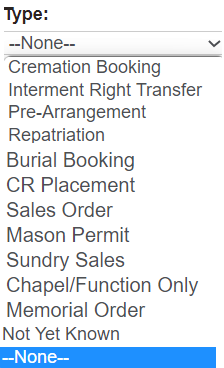
The Change Type button will allow users to change the type of booking. For example, if the type of booking was 'Not Yet Known' at the time of the first call, you would want to update it once it was known.