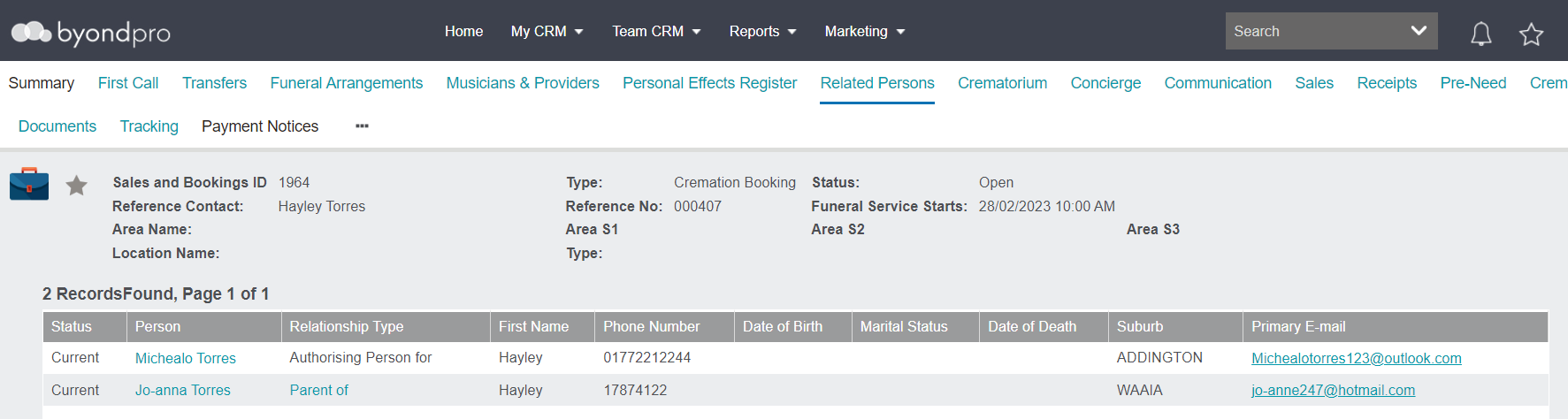
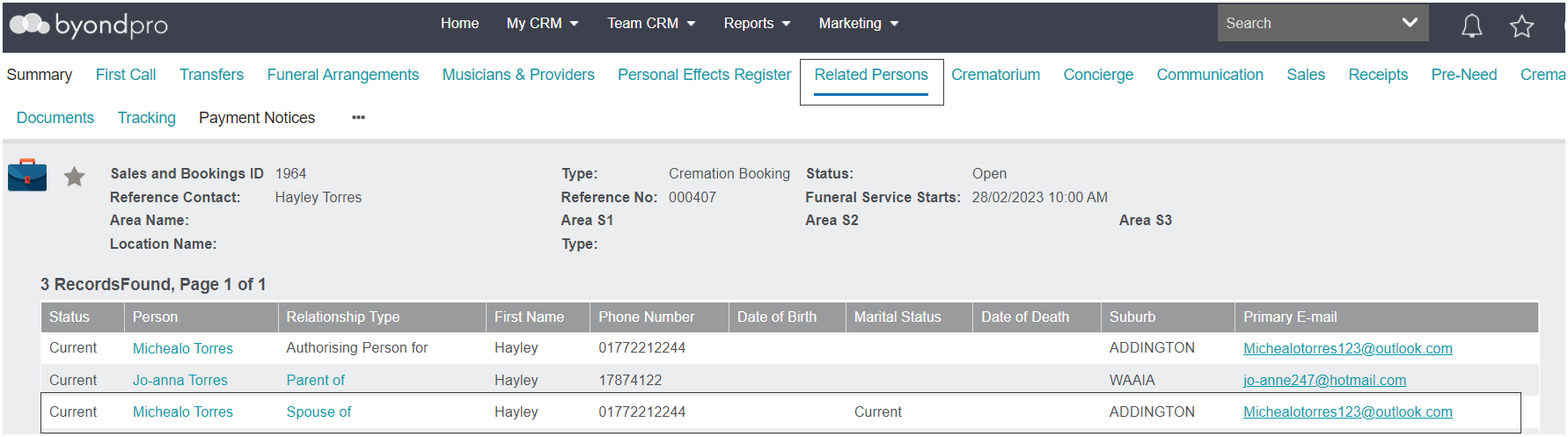
The Create Related Persons button on the Summary of the Sales & Booking will allow you to add Relationships on the Related Persons tab.
In Australia, you can use the information added to this tab to report the deceased and list of relations to the Office of Births, Deaths, & Marriages as per the legal requirements in your state.
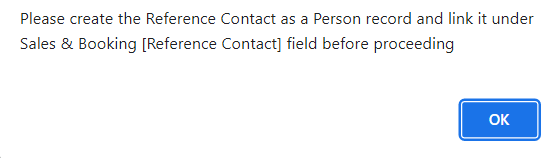
Please note that if the Reference Contact record has not been created yet or added to the booking, you will not be able to create a relationship.
Clicking on the Create Related Persons button opens a pop-up window which users can
use the search select fields to designate the
Relationship and the
Related Person.
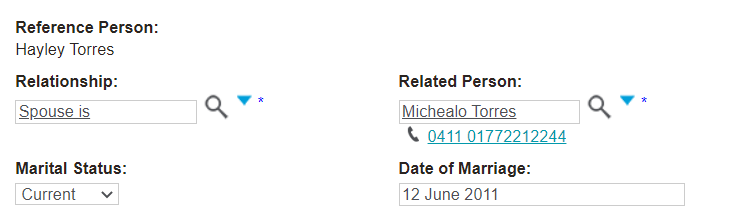
When you pick a relationship, additional fields may be added for you to complete.
For example, when you select the Relationship as 'Spouse,' additional fields of Marital Status and Date of Marriage display for the user to complete.
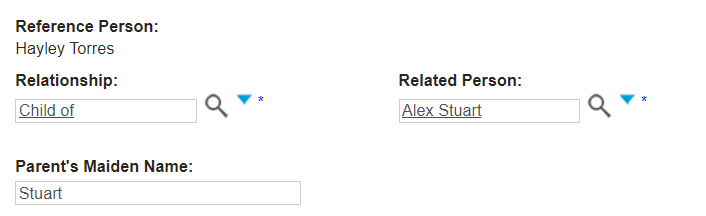
When you select the Relationship as 'Child of' or 'Parent of,' an additional field of Parent's Maiden Name displays for the user to add.
Please note that these additional fields that display can be customised to meet your reporting requirements.
If the related person record has not been added to the database as yet, you can select the
Create new Person button and
create the record here.
Once all required fields are completed, press the Save button on the right-hand side of the page.
A message will display confirming the relationship has been created successfully.
Press OK.
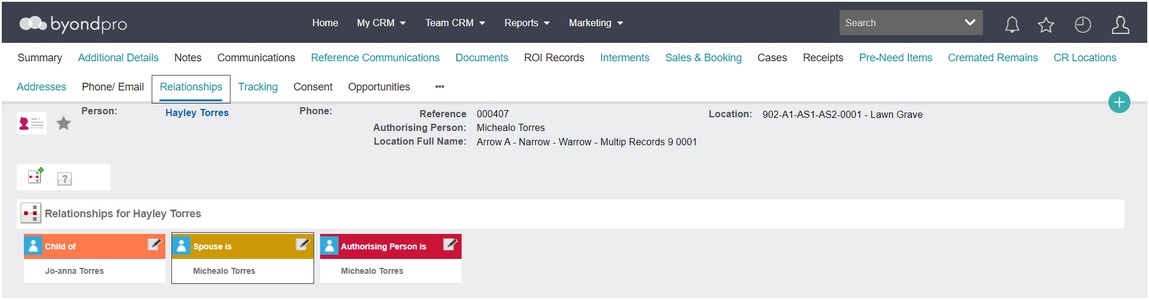
In addition, the new relationship will display on the
Relationships tab of both the deceased record and the related person's record.
You will need to complete this process for each relation which should be recorded as part of the funeral arrangement process.