If you have byondpro Cemetery Management as well and need to create an associated Cemetery booking as part of the funeral arrangements, press the Create Linked Cemetery Booking button.
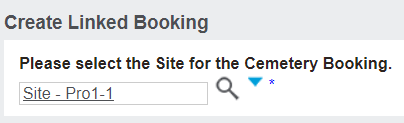
A pop-up window will display.
In the search select field of Please select the Site for the Cemetery Booking, select the cemetery site the burial or cremations is to occur at.
Once the correct site has been chosen, press the Save button on the right-hand side of the page.
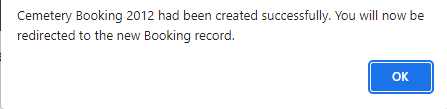
A message will display confirming the Cemetery booking has been created.
Press OK to the message.
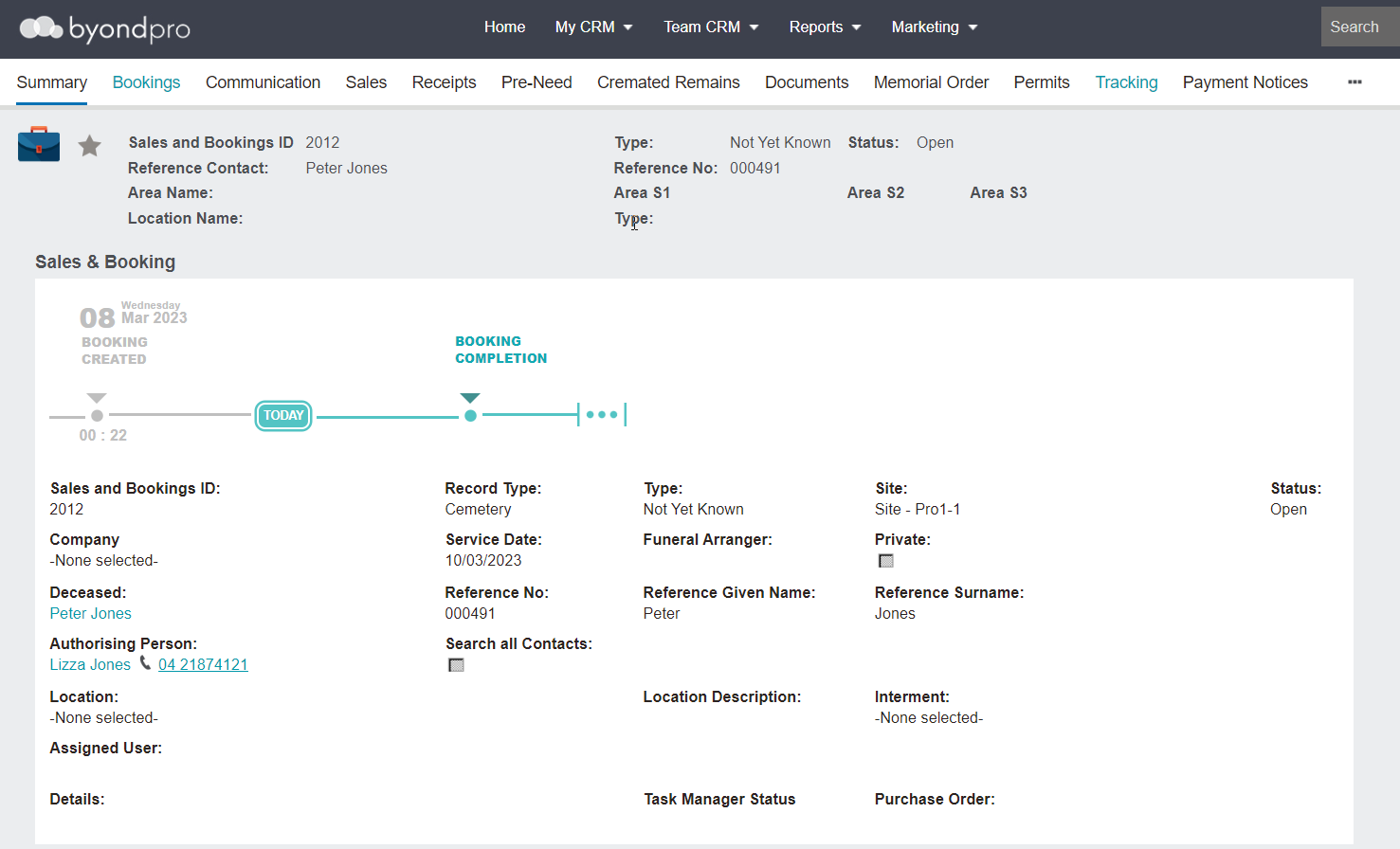
You will be taken to the new Cemetery booking, where a hyperlink to the Associated Sales & Booking will now display.
The Cemetery division of your company can now manage the Burial or Cremation Booking as necessary.