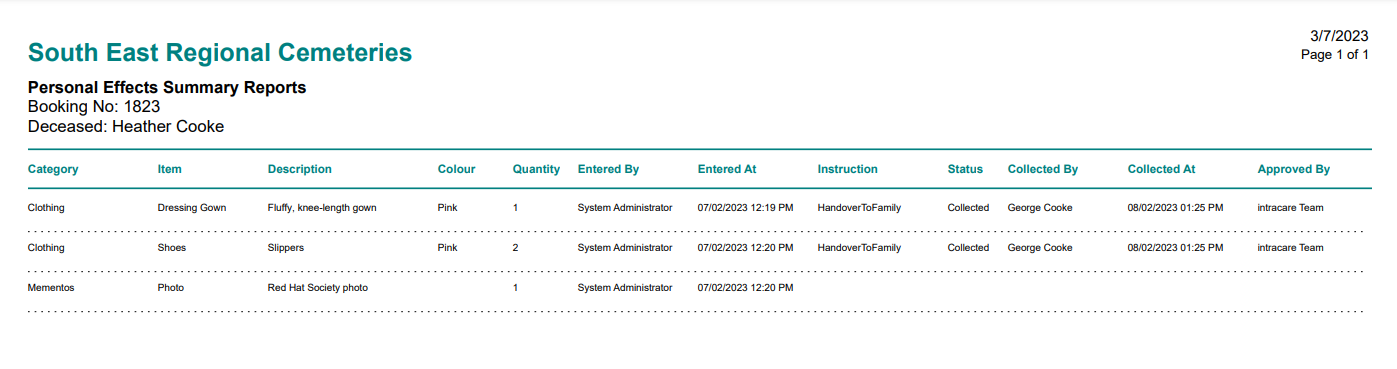
A report can be printed that details all the information in the Personal Effects Register tab.
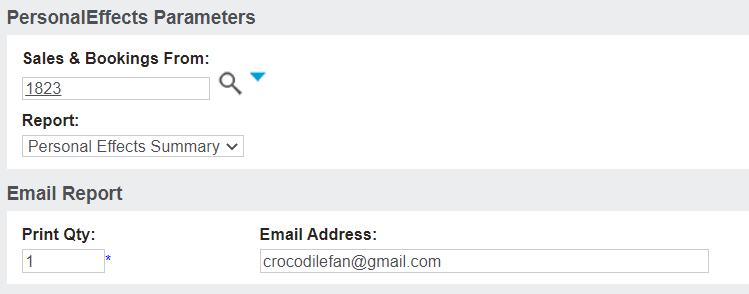
After selecting the Funeral Forms button from the right-hand side of the Summary tab of the Sales & Booking, a pop-up window appears where you can select the appropriate form from the selection list.
For our purposes, we will select the 'Personal Effects Summary' option.
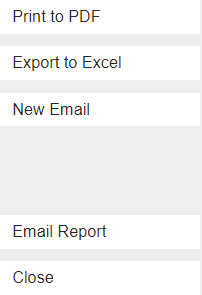
Select how you want the report to display on the right-hand side of the page.
In our below example, we have chosen Print to PDF.
The report will have all items as displayed in the Personal Effects Register with the following information: