Tabs
Incident records are managed from the tabs outlined below.
The example below depicts all available tabs, however the records will rarely have all of them visible.

The Tabs characteristic for the Incident records are generated by ticking the boxes; Property, Vehicle, Service, Injury 3rd party and Injury Staff when creating a new record.

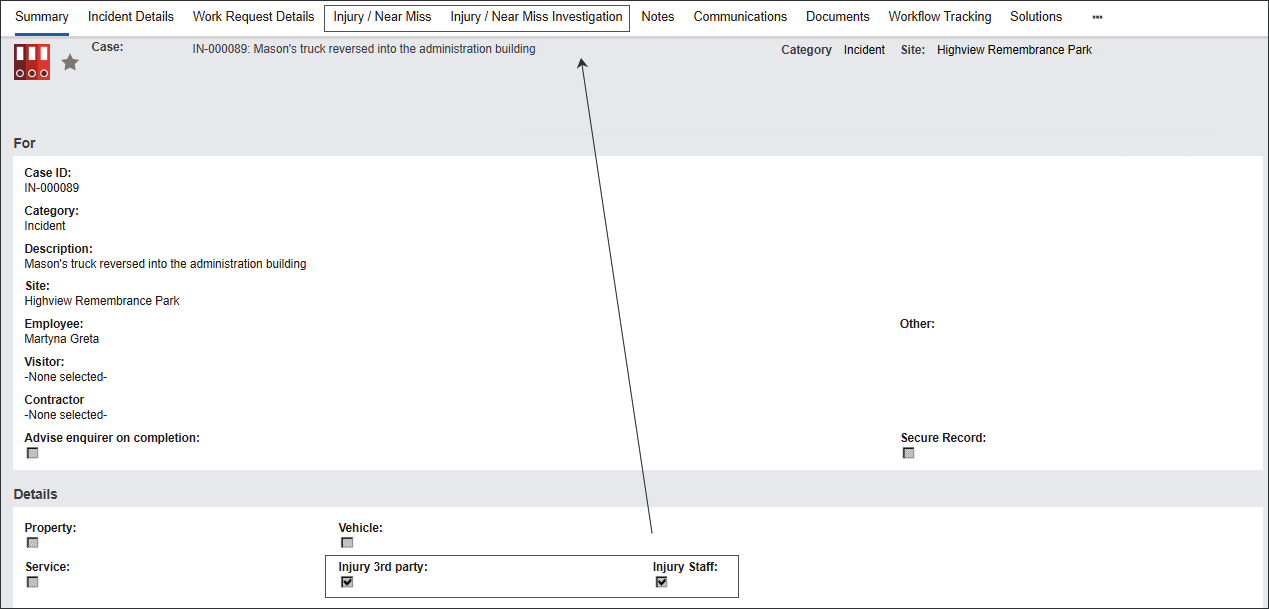
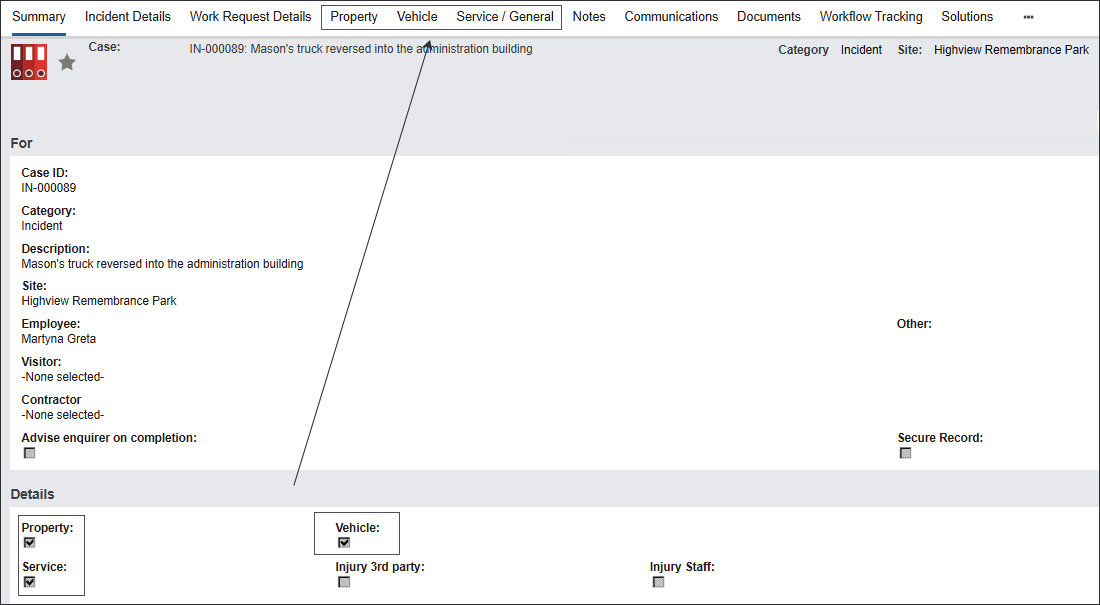
The following tabs are characteristic for all byondpro records:
-
The Notes tab allows to view and create relates notes.
-
The Communications tab allows to view and create related Communications records.
-
The Documents tab stores documents related to the record.
The following tabs are characteristic for the Cases records:
-
The Work Request Details tab stores any Work Request records created in relation to the particular Incident using the Generate Work Request button on the summary screen. See more details regarding the tab in the Work Request Details section.
-
The Workflow Tracking tab stores changes made to the record’s Status using the action buttons in the Actions section of the Summary tab.Note: You cannot make changes to the record from the Workflow Tracking tab. See, how to make Status changes in the Workflow Actions section.
-
The Solutions tab allows to cross-reference risk register records like Risks or Controls with related Cases.
Note: See a detailed description about the tab in the Solutions section.
The tabs characteristic for Incident records are described in the following sections: Incident Details, Injury/Near Miss and Injury/Near Miss Investigation, Property, Vehicle and Service/General.