Changes to Records - Task Completion
Once tasks are created, the Cremated Remains records will be updated accordingly, as shown in the
Task Actions section of this guide.
However, once tasks are marked as complete, the deceased record and location record are updated to reflect the movement as well.
Deceased Record
On the deceased record, the Location will have been updated to reflect the new location.
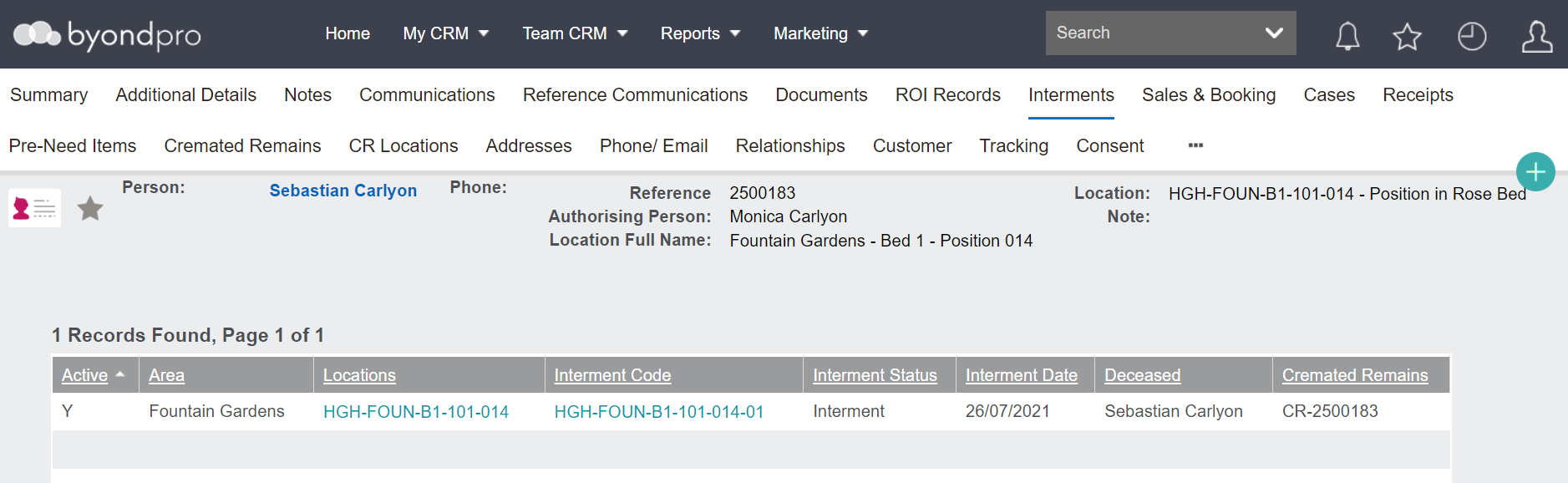
The Interments tab will have been updated to include the new location, including:
-
The Status (Active / Inactive)
-
-
A hyperlink to the location
-
A hyperlink to the interment
-
-
-
-
The Cremated Remains Reference Number
Please note this tab will have an interment location, even if the cremated remains records have not actually been interred.
Locations designed for multiple cremated remains, such as storage, collect, and scatter will also be listed in the interments tab.
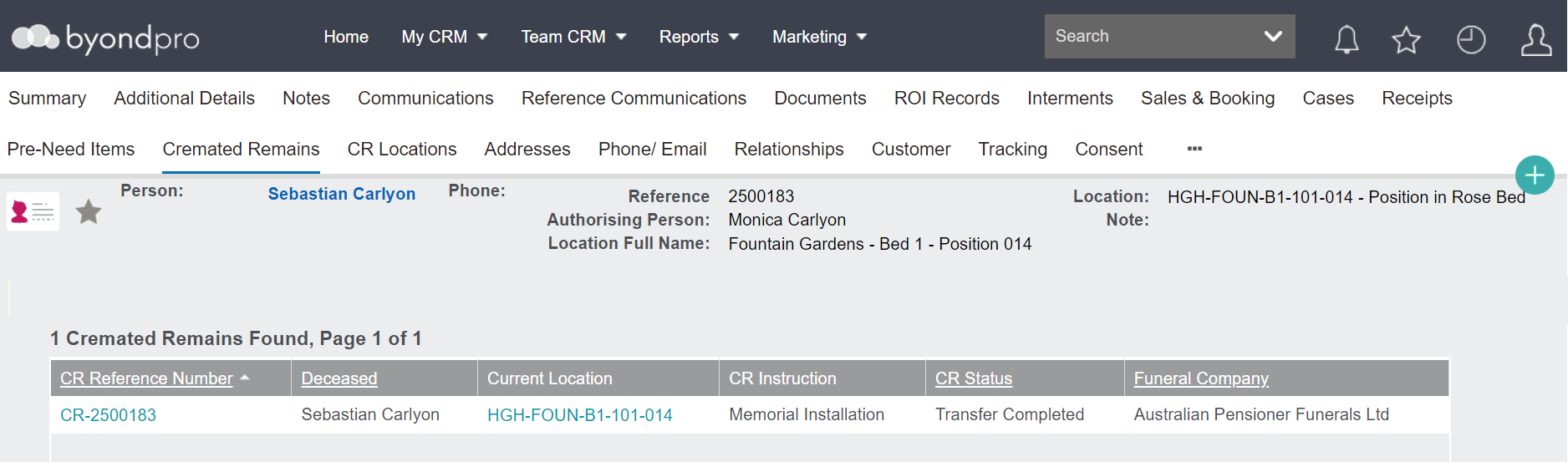
The Cremated Remains tab will update with:
-
A hyperlink to the new location
-
The Instruction and Status of the completed task, if there are no other pending tasks created. Or the Instruction and Status of the next task, if another pending task has been created.
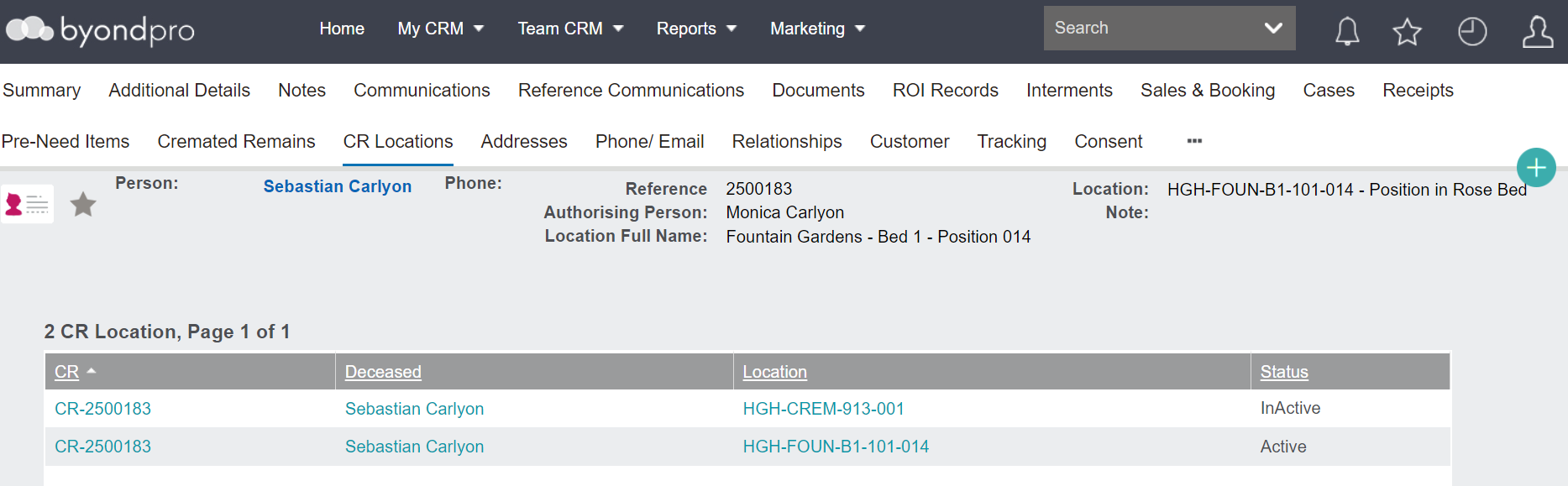
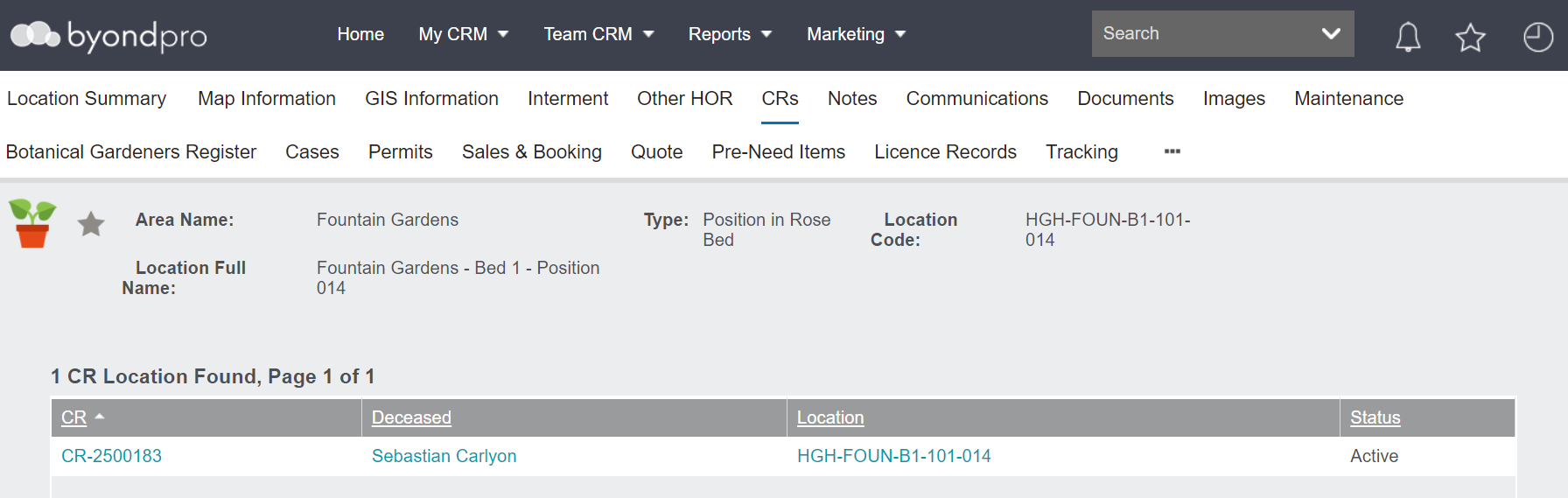
The CR Locations tab will have the previous location record updated to a status of Inactive.
The new location will display with a:
-
Hyperlink to the Cremated Remains record
-
Hyperlink to the Deceased Record
-
Hyperlink to the location record
Additionally, the status of the new location will be marked as Active.
Location Record
The new location record will have been updated to reflect the addition of the cremated remains record in this location.
On the Summary tab, the Available CR Interments field will have reduced by one.
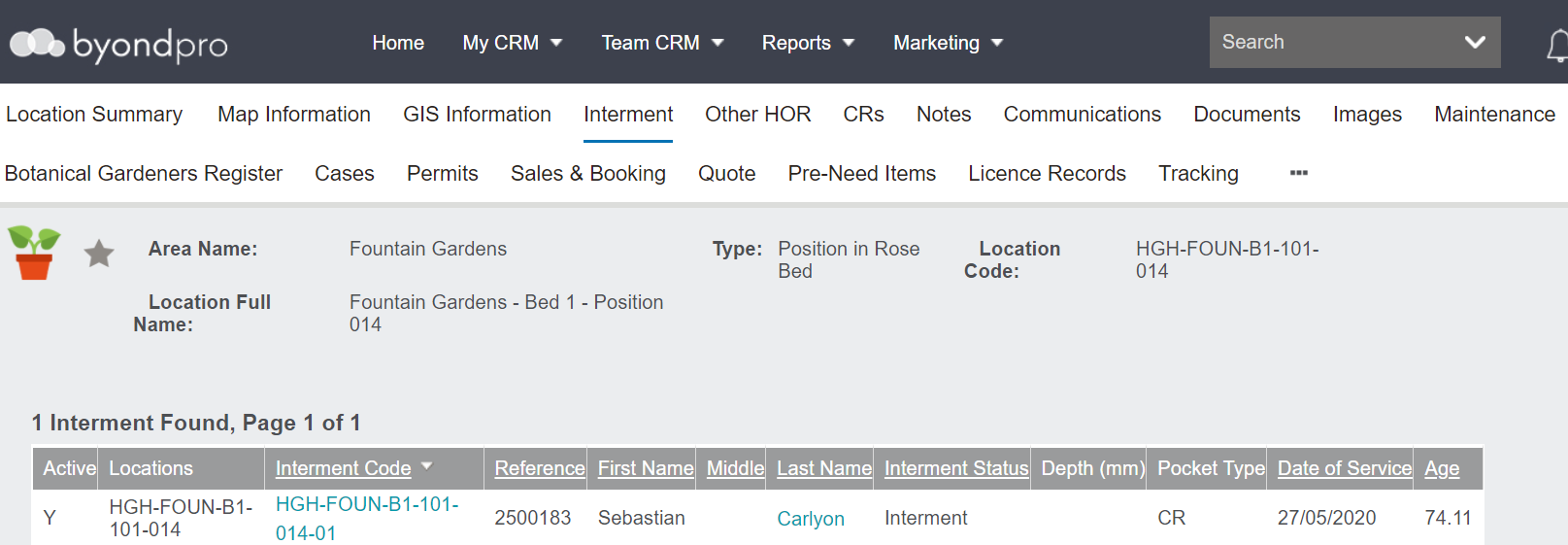
The Interment tab will have updated to reflect the Cremated Remains in the location.
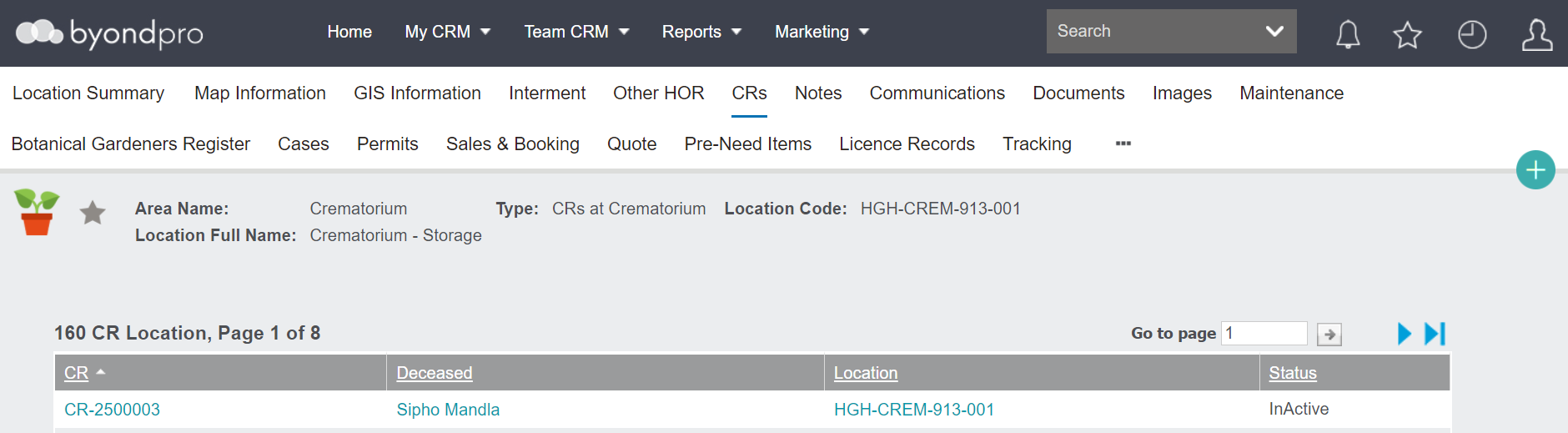
The CRs tab will have updated with hyperlinks to:
-
The Cremated Remains record
-
-
Additionally, the status will be marked as Active.
Locations Designed for Multiple Cremated Remains
Please note that locations designed to hold multiple cremated remains, such as listed below, will also update accordingly.
-
-
-
-
-
Collect location (to indicate CRs are collected by a Funeral Director or Next of Kin)
They will likely be created to allow a large number of CR Interments, such as 999 in our Crematorium example.
Additionally, the CRs tab will reflect the Active and Inactive Cremated Remains records, that is Cremated Remains currently in the location and records that have been removed from the location.