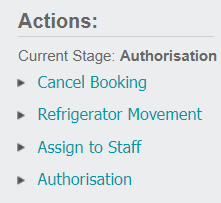
Sign In
When the deceased has been received into the care of the Mortuary, select the Sign In hyperlink on the right-hand side of any tab of the record.
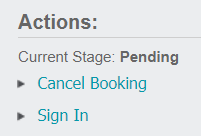
Selecting the Sign In link will take you to the Sign In tab, where there is now an option to edit using the Change Attributes button.
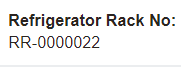
After entering edit mode, complete the fields based on the information provided, including selecting the Refrigerator Rack No from the selection list.
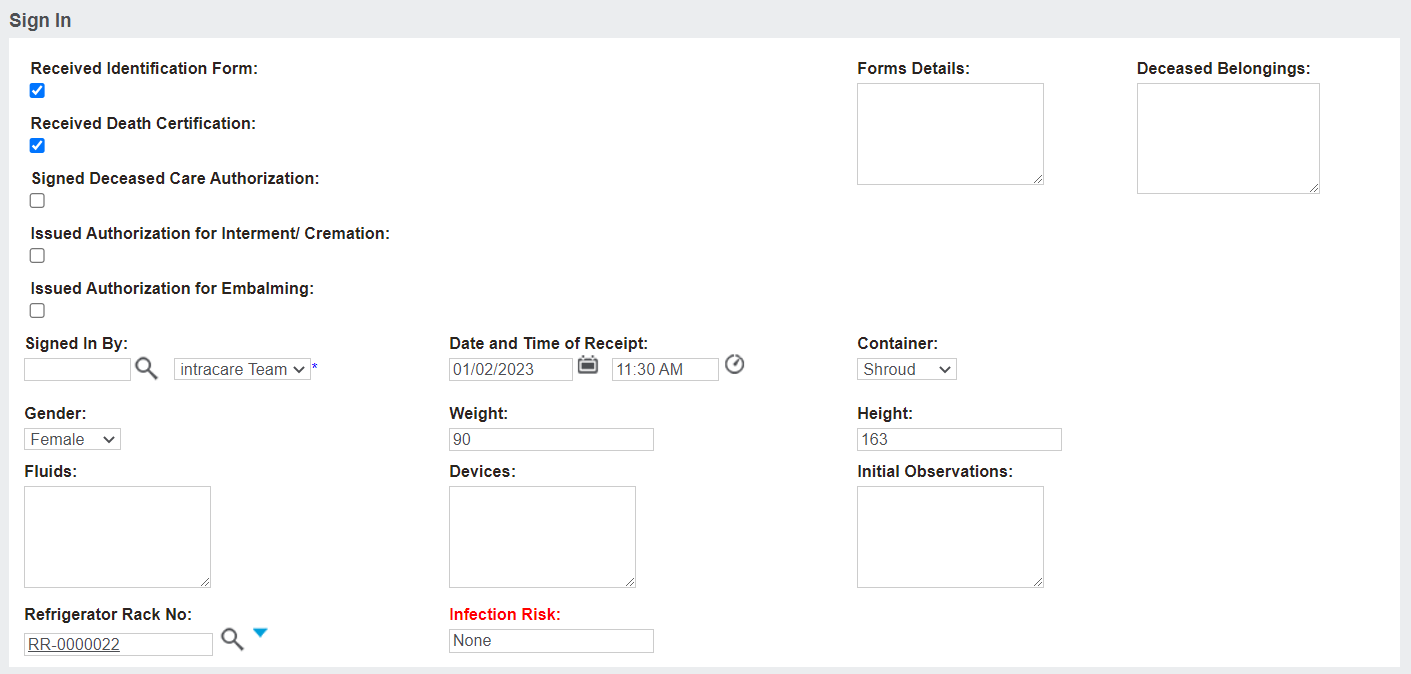
The Refrigerator Rack No. field allows users to select from the list of cooling units available and record where the body is currently stored within the Mortuary area.
Update the rack number as the deceased's remains are moved using the Refrigeration Movement action available on the right-hand side of the page.
Once saved, no further edits can be made to Sign In screen.
The Status of the record updates to ‘Signed In.’

The record will now allow users to make changes to the Authorisation tab of the record, as well as assign to staff and update the cooling unit.