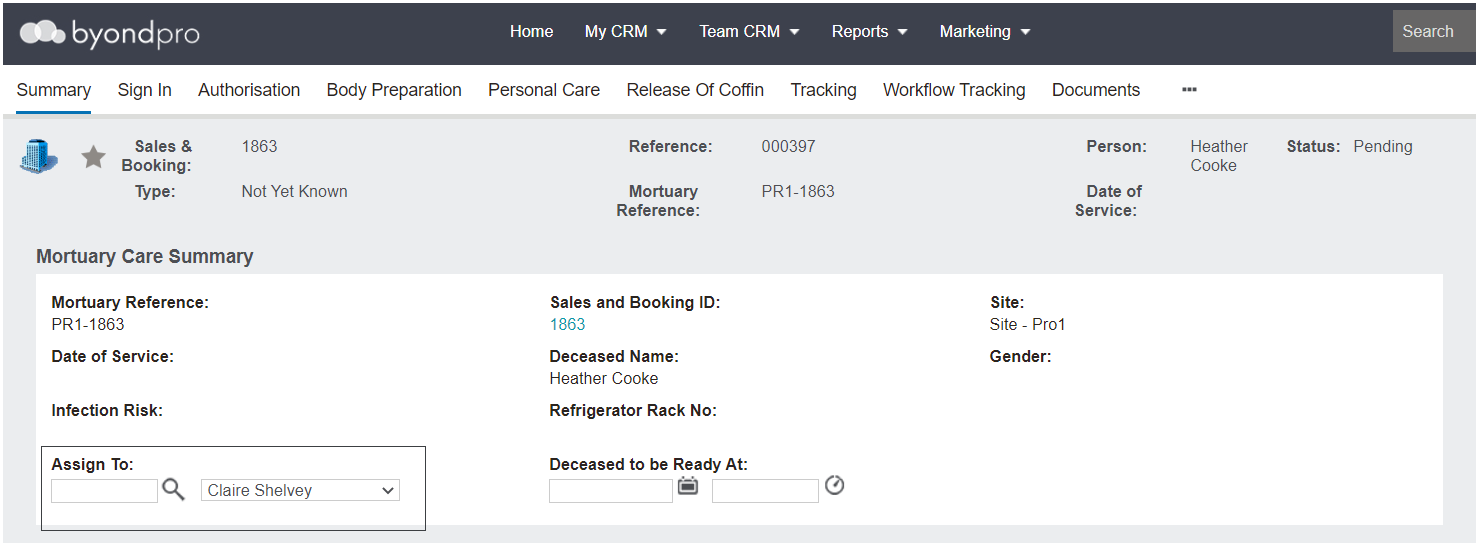
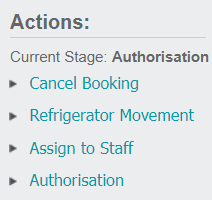
The Mortuary record can be assigned to staff from the Summary tab of the record or through the Actions list on the right-hand side of the page, which becomes available as part of the workflow.
To assign the record outside of the workflow, select the Change Attributes button on the right-hand side of the Summary screen.
In the Assign To field, locate the staff member responsible for the Mortuary record.
Select Save on the right-hand side of the page.
Alternatively, once the status of the record is Signed In, the Assign to Staff selection is available under the Actions list on the right-hand side of any page of the record.
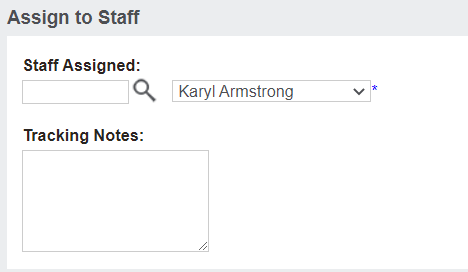
After selecting the option, you will be diverted to a new screen.
Select the Change Attributes button on the right-hand side of the page to make any changes.
Within the Assign to Staff field, locate the staff member to assign the record or next stage of the process to.
Leave any additional notes in the Tracking Notes field.
Then, select Save.
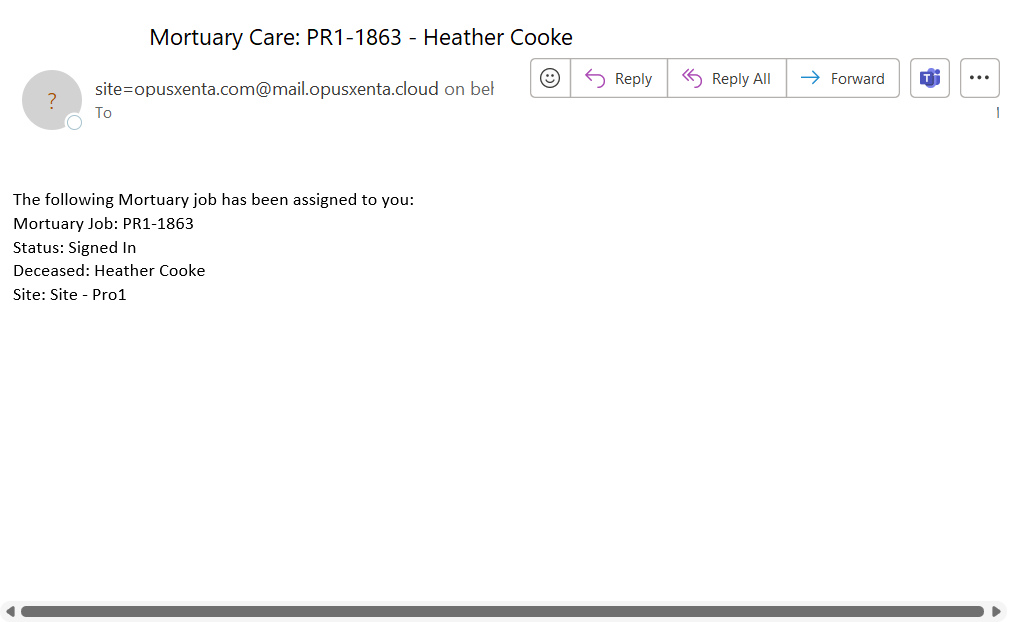
The Staff member will receive an e-mail advising the record has been assigned to them.