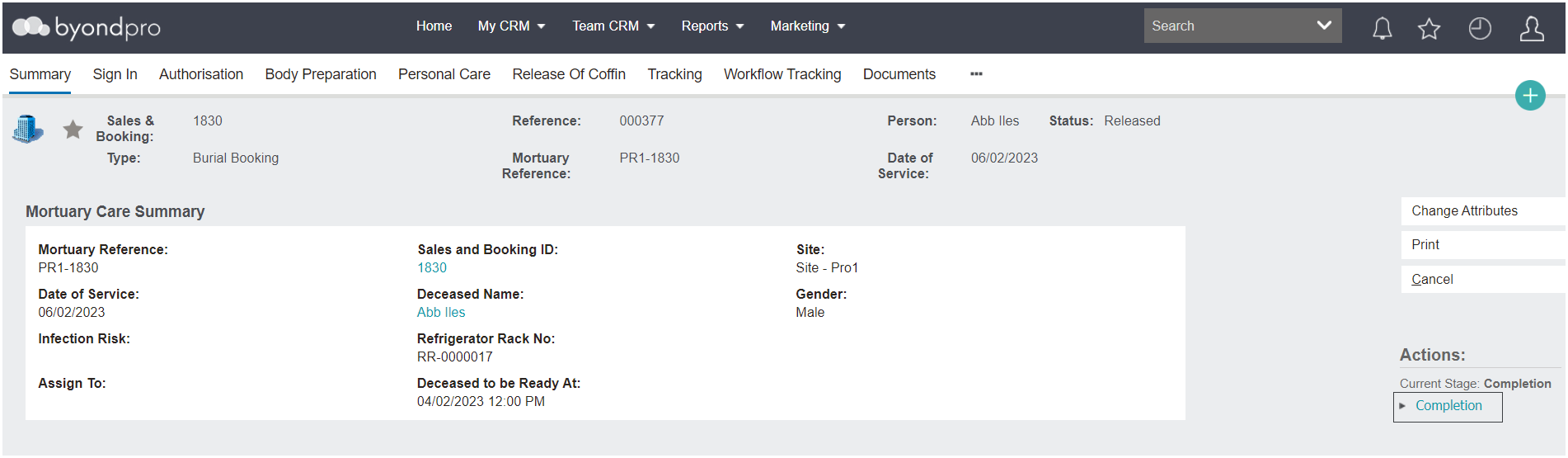
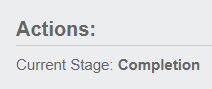
After the coffin has been recorded as released on the Mortuary record, the record can be closed and completed.
Select Completion in the Actions list available on the right-hand side of the page.
To update and record details, select the Change Attributes button on the right-hand side of the page.
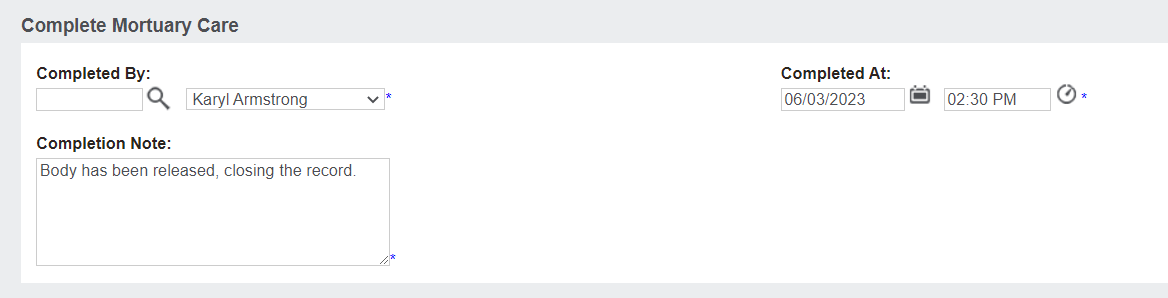
Complete the fields.
Select the Save button to save any details added to this screen.
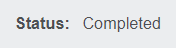
The Status of the record will now display as 'Completed.'
No further actions can be completed on this record.
However,
reports on the Mortuary record can be printed from the Summary screen of the record.