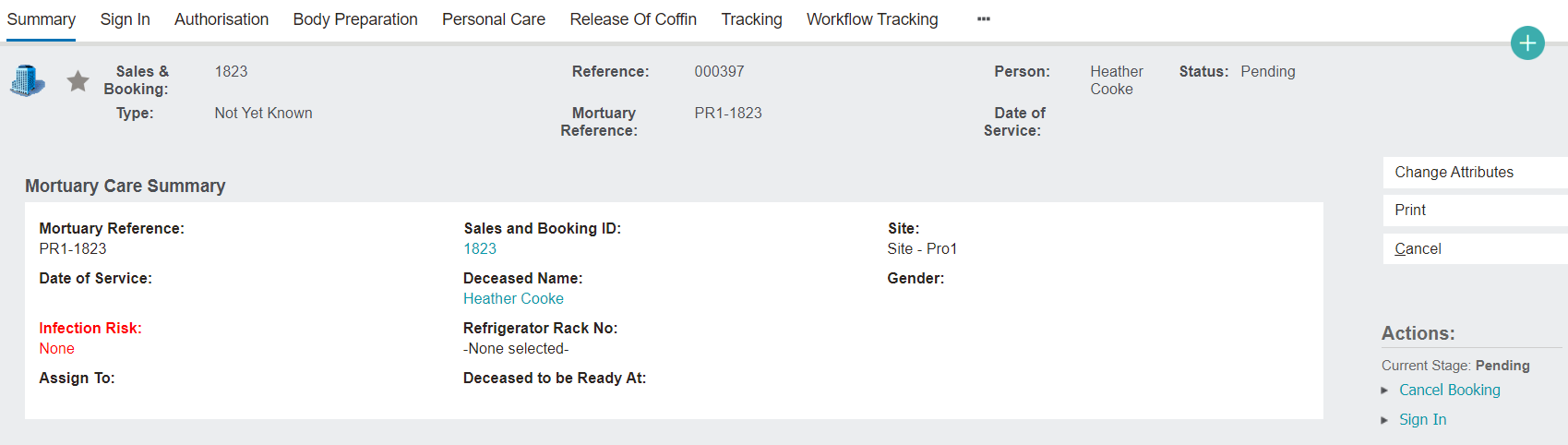
The Summary screen reflects the details provided to date and provides an overview of the Mortuary record.
Header
The header follows onto every tab as the user navigates through the Mortuary record. It provides the user basic details based on the information completed when the record was made and updates as changes are made to the record.
Mark the record as a favourite, by clicking on the star in the header and it will turn yellow.
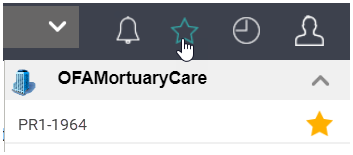
Users can find records flagged as favourites by:
1. Clicking on the star on the toolbar.
2. Then, locating the record under the Mortuary Care header.
The Status on the header will update throughout the Mortuary workflow.
Mortuary Care Summary Information Block
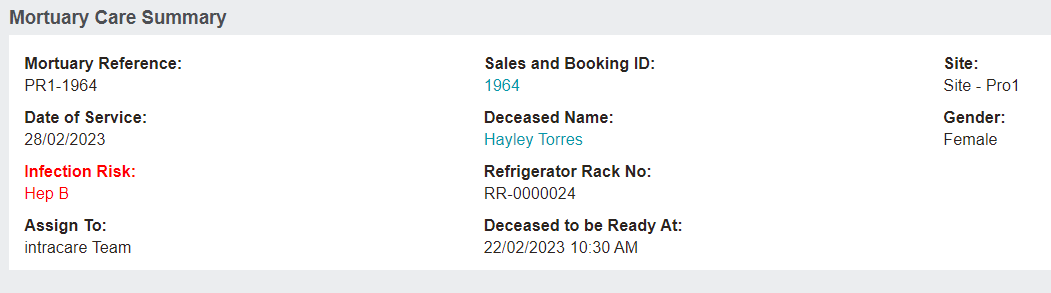
Below the header is the Mortuary Care Summary block. Fields are pre-filled from the original Sales & Booking.
The Sales & Booking ID and Deceased Name serve as hyperlinks to the appropriate records.
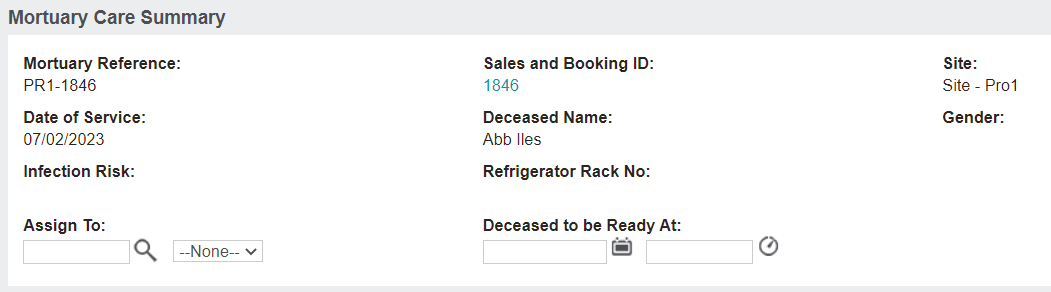
To make changes to the screen, select the Change Attributes button on the right-hand side of the screen.
Please note that the edit mode is not available for a completed record.
In edit mode, the Assign To and Deceased to be Ready At fields are the only ones that can be altered.
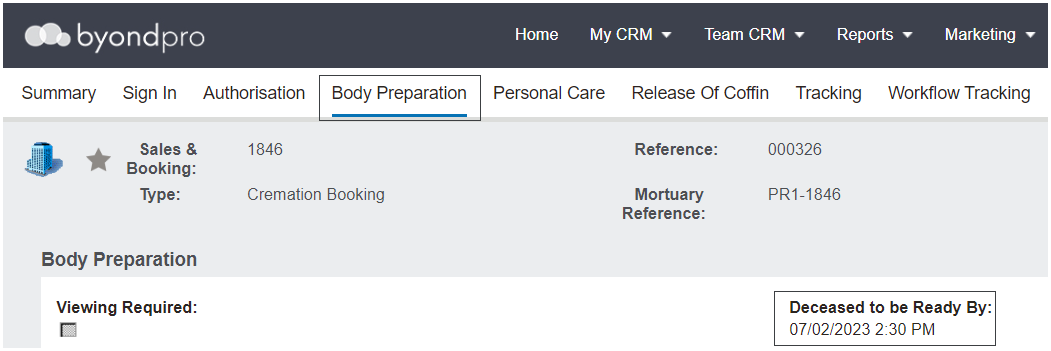
When updating the Deceased to be Ready At field, this information will flow on to additional tabs.
For the below example, this information appears in the Deceased to be Ready By field on the Body Preparation tab.