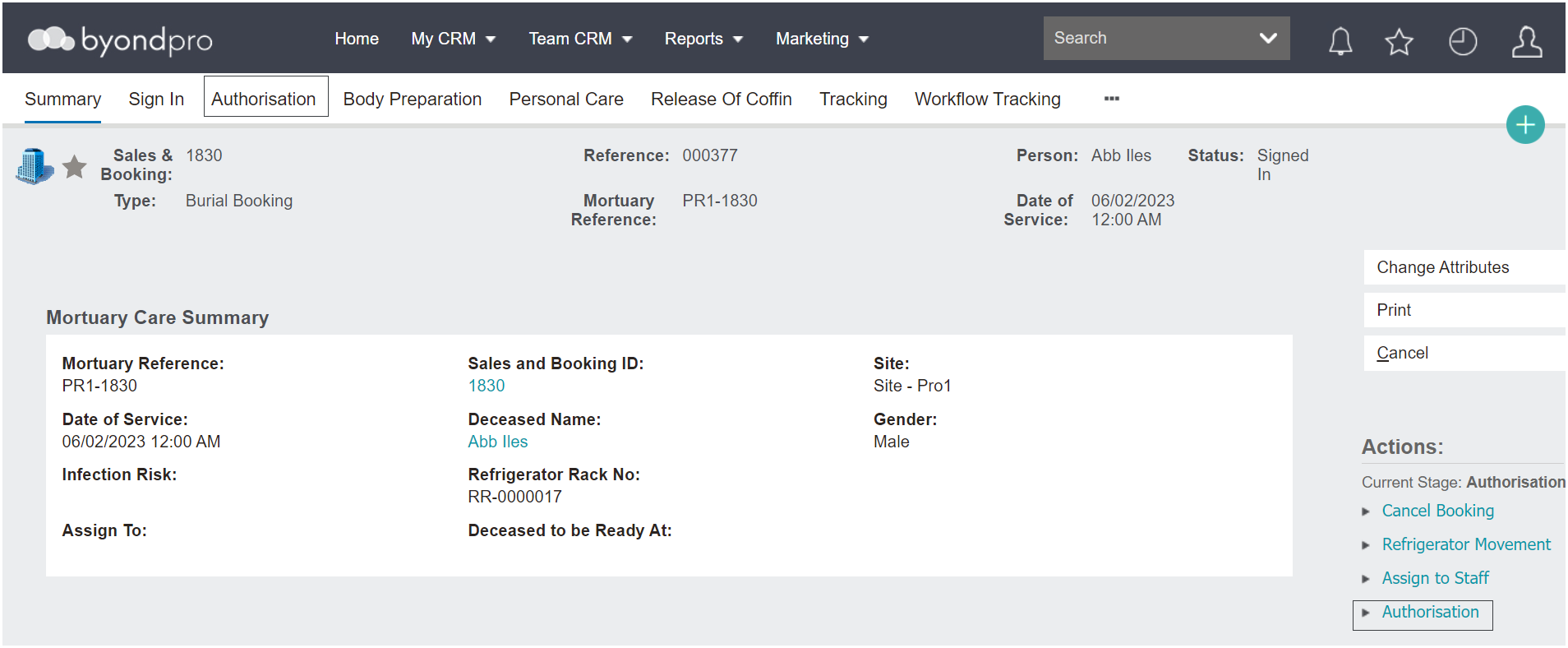
Once the deceased is signed in on the Mortuary record, the Authorisation tab can be completed.
Select the Authorisation tab on the header of the record to access this section.
However, to make changes to this screen, select Authorisation in the Actions list available on the right-hand side of the page.
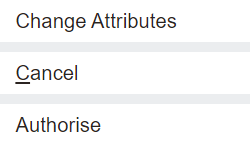
Once Authorisation is selected, the Change Attributes button is available to update the screen.
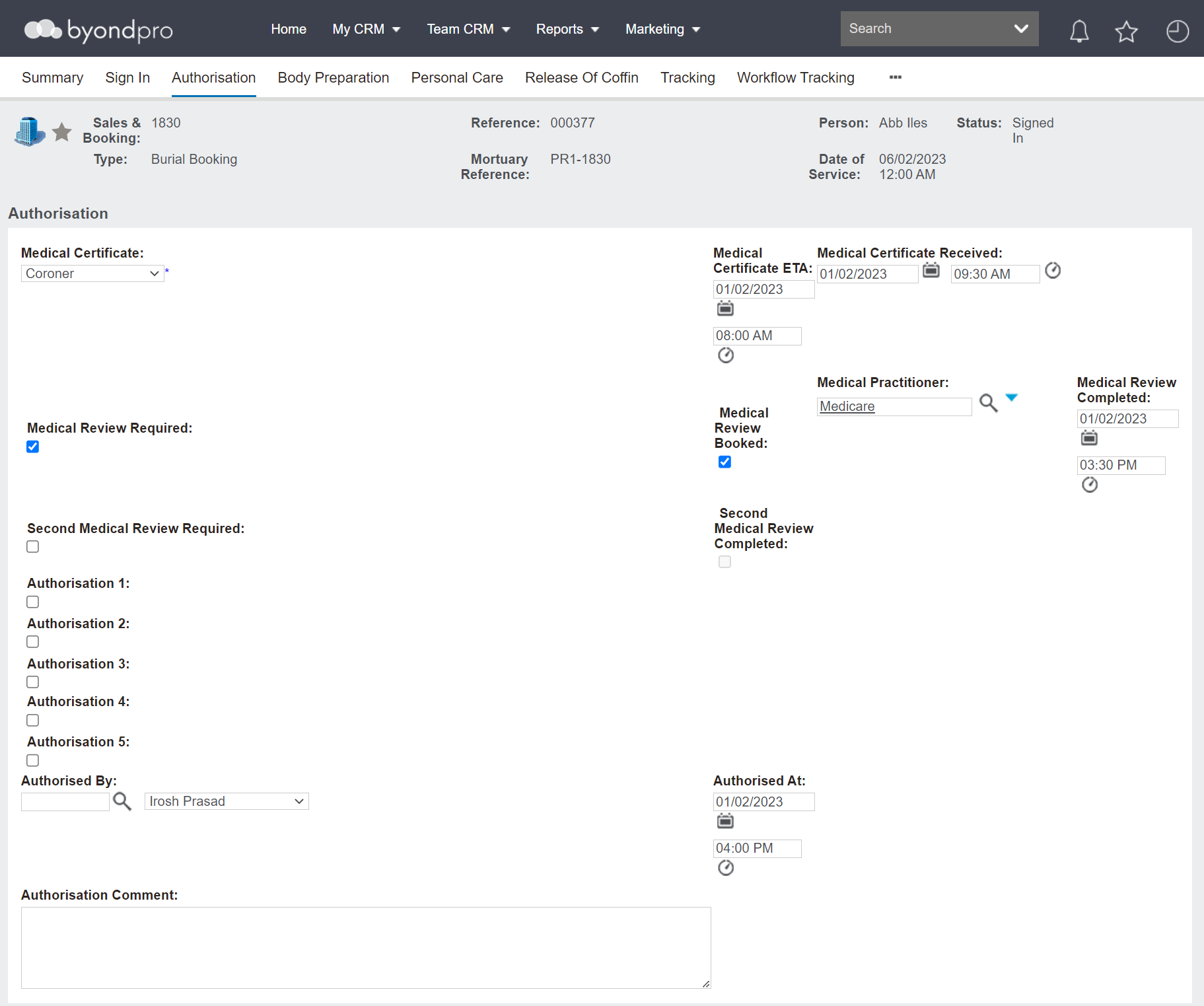
Press the button when ready to make changes, such as record who is to provide the Medical Certificate and the estimated time of arrival (ETA) of the certificate.
Complete the fields in one time or come in and out of the record as Medical Certificates are received and various stages of Authorisation are completed and documented.
The screen as seen below is how an out-of-the-box solution would look and function, however, can be customised to meet the Mortuary's needs.
Press the Save button to make sure the changes made to the Authorisation screen are saved.
Once all of the Authorisations have been completed, select the Authorise button on the right-hand side of the page.
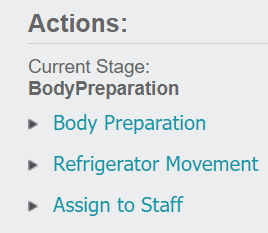
The Status of the record will now be updated to 'Authorised.'