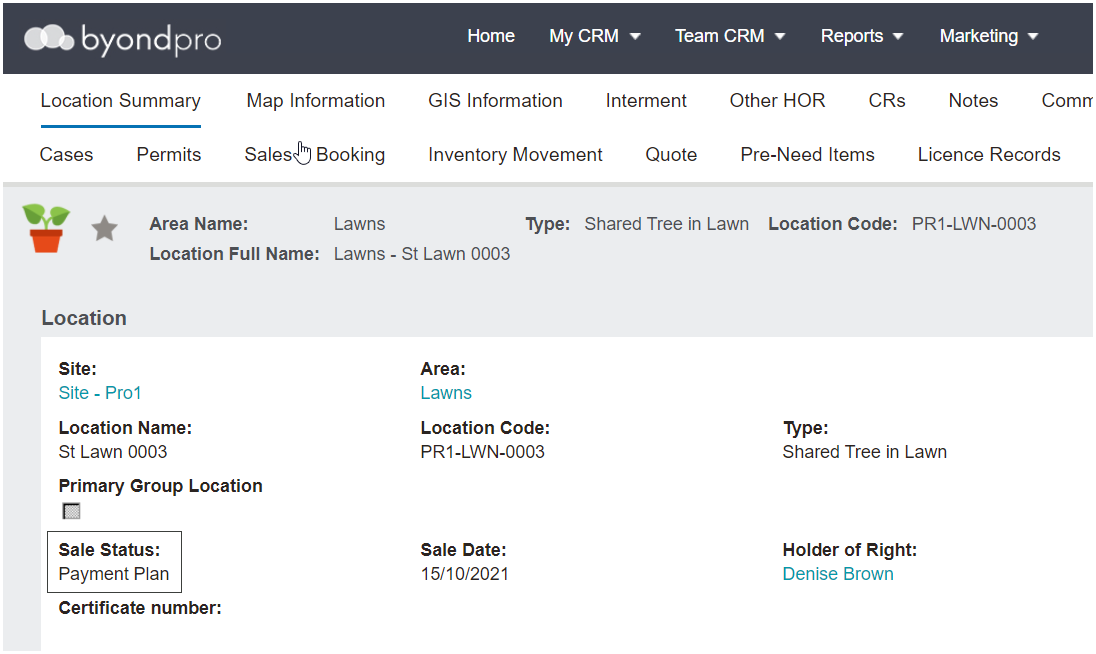
In conjunction with Advanced Revenue Recognition (ARR) this feature sets the sales status of a location to Payment Plan instead of sold when invoiced. It means that stock on hand reporting counts this as inventory until sold.
The required triggers are:
Advanced Revenue Recognition switched on
AND the purchase must be pre-need
AND a payment plan term selected which is ticked Preneed sets location status to payment plan.
When a location is sold with the above-mentioned triggers in place, the sales status on the location summary will be marked as Payment Plan.
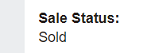
When the invoice is paid in full, the sales status changes from payment plan to sold and updates the sales date to the date of the last receipt.
Advanced Revenue Recognition
At the time of sale of an ROI / location. Where customer configuration settings for advanced revenue recognition are set to:
Y, the location status will be triggered to payment plan.
N, the location status will be set to sold.
Preneed Revenue Recognition
Where advanced revenue recognition is set to on payment in full, revenue will be recognised once the invoice is paid in full.
The item will be marked as redeemed.
The corresponding revenue / unearned income general ledger transactions will be posted to Sage 300 if integrated and payment in full will trigger the update of the location record from payment plan to sold.
Credit Note
Where a credit note needs to be created for the location, users will be able to select a location record with a sales status of both sold and payment plan.
Reporting
The new sub-category will be available on reports.
For example, the Location Valuation Report for Stock on Hand, will display the break-down for: