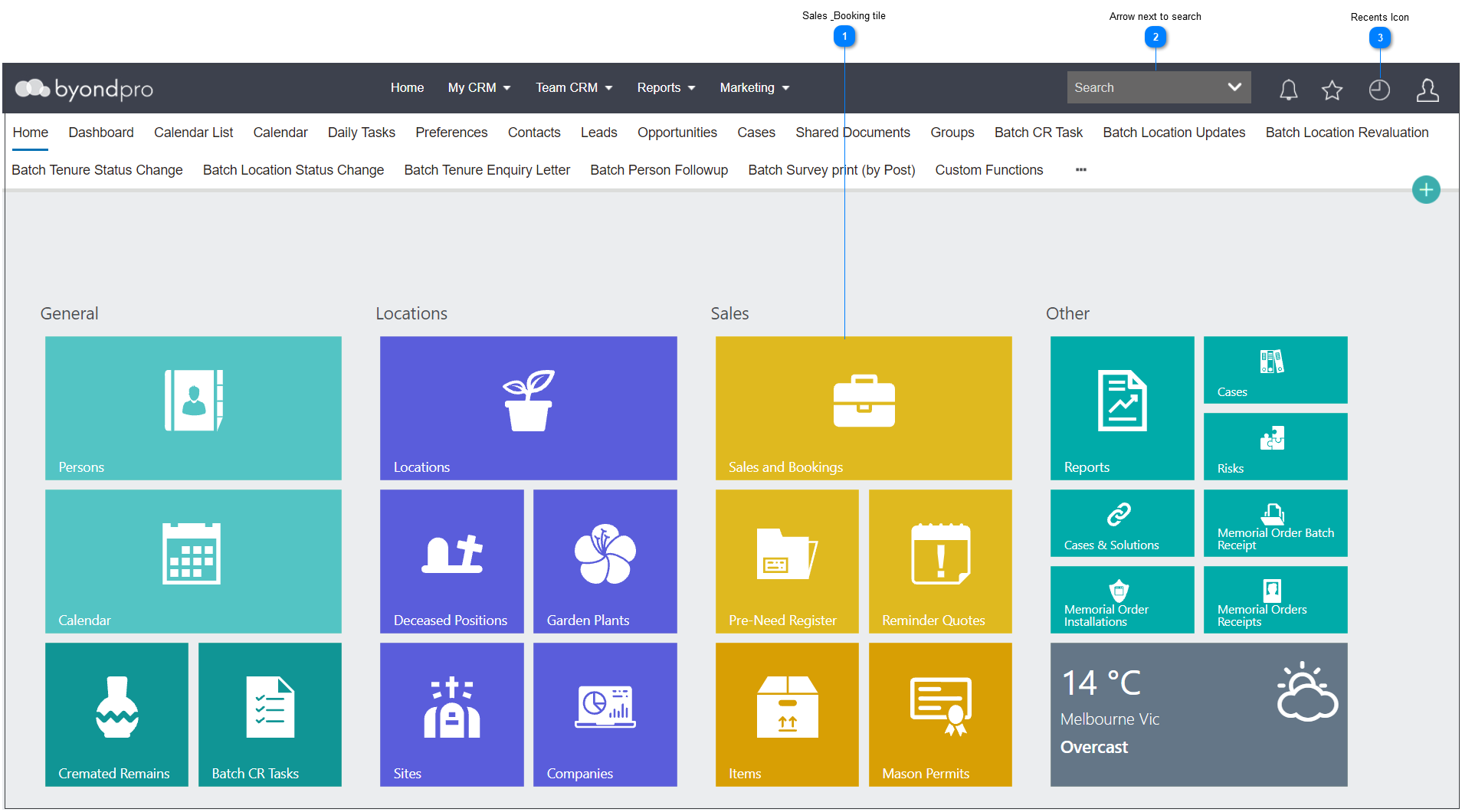
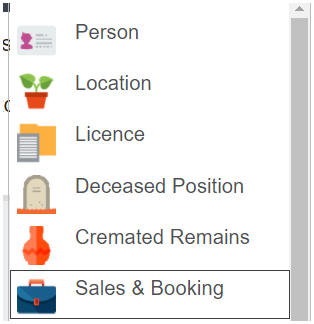
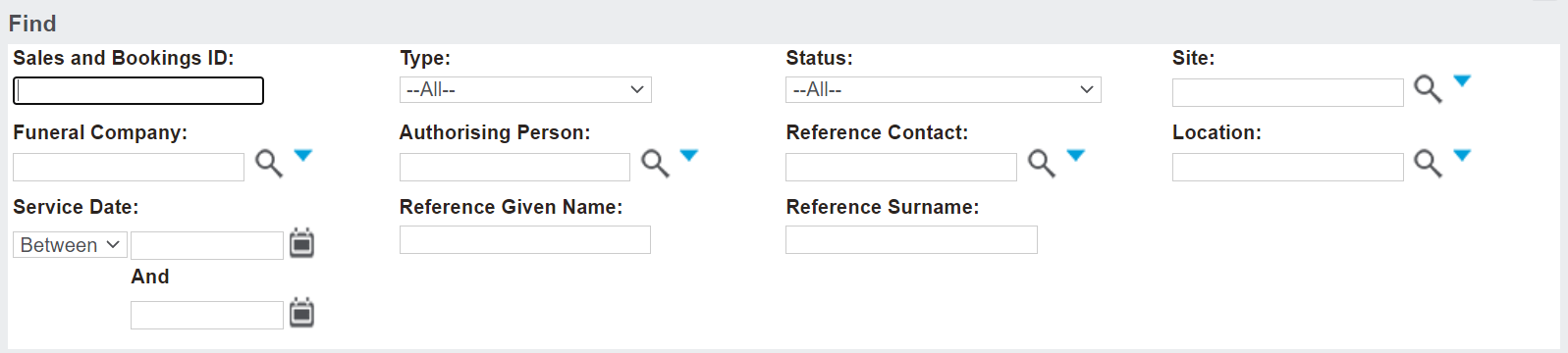
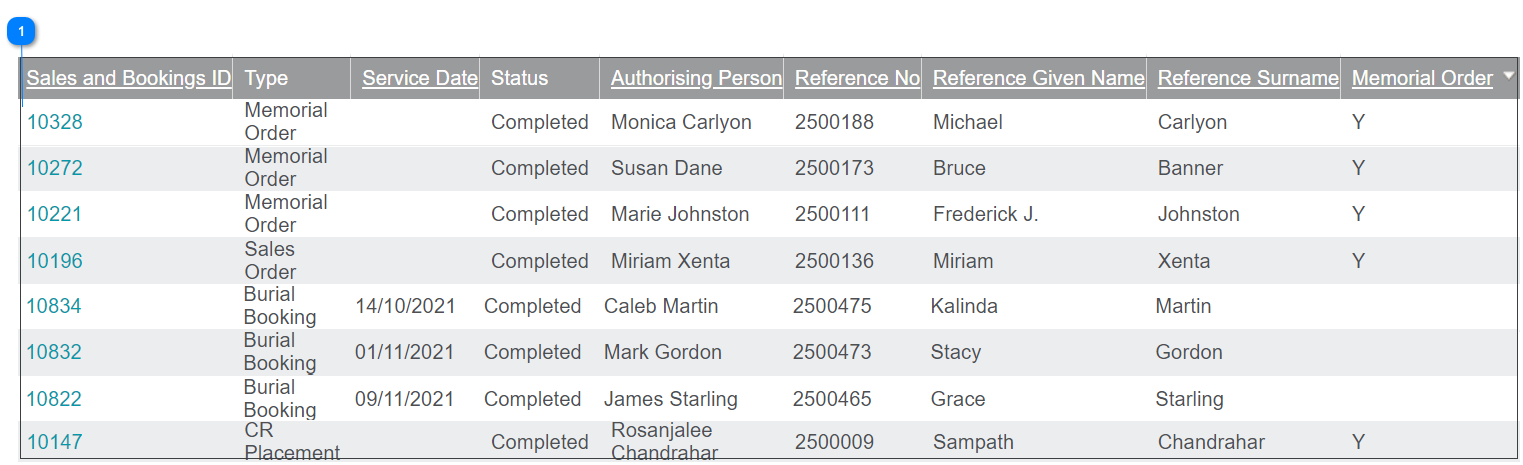
All options will bring the user to a search screen which looks as per the screenshot. Complete the relevant fields.
The fields and the individual search options available may vary from customer to customer.
In the case of Burial Bookings, for example, a user would choose Burial Booking in the Type field, the Site field as the site the Burial is to, or has occurred at. Any other information known at the time of completing the search may narrow down the list further.
After entering in the search criteria, press Find on the right-hand side of the page.
At any point during the search process, press Clear to clear the search criteria and search list.
The following will appear below, if applicable:
Sales and Booking ID
Type
Service Date
Status
Authorising Person
Reference Number
Reference Given name
Reference Surname
Y flag advising if a Memorial Order is on the booking
Go into the desired Sales and Booking by clicking on the Sales & Booking ID hyperlink.