The Pre-Need Register records every item sold under a pre-need arrangement by person and location, tracking the original sales documents and eventual redemption (or use) of the items.
To access the Pre-Need Register, click on the Pre-Need Register tile in yellow from the dashboard.
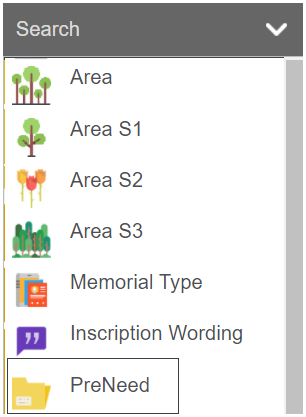
Or click on the drop-down arrow next to search on the Toolbar and choose the Pre-Need option.
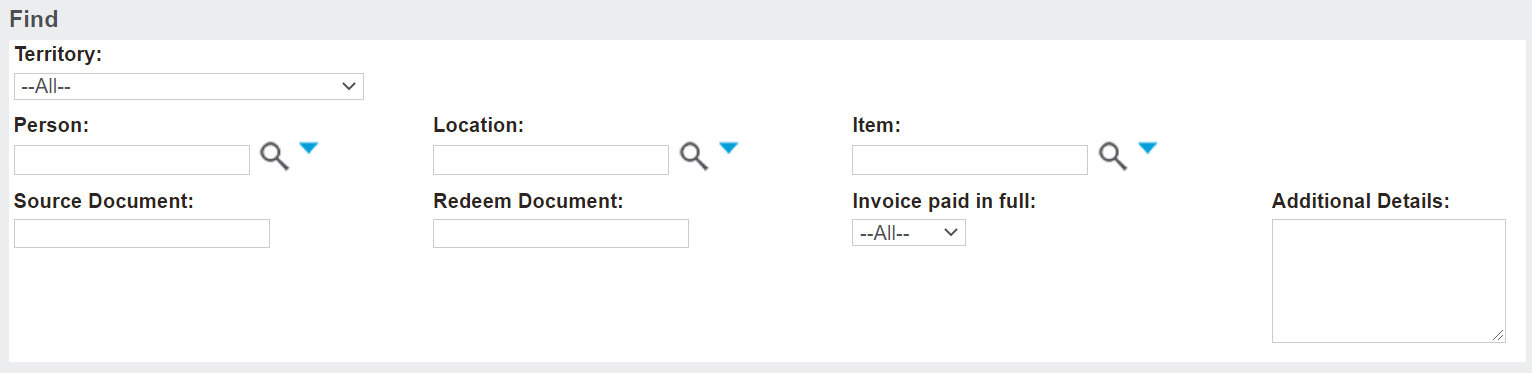
When first accessing the Pre-Need Register, there is a search screen to narrow down the list of pre-need items.
Complete the fields as necessary and then press Find on the right-hand side of the page.
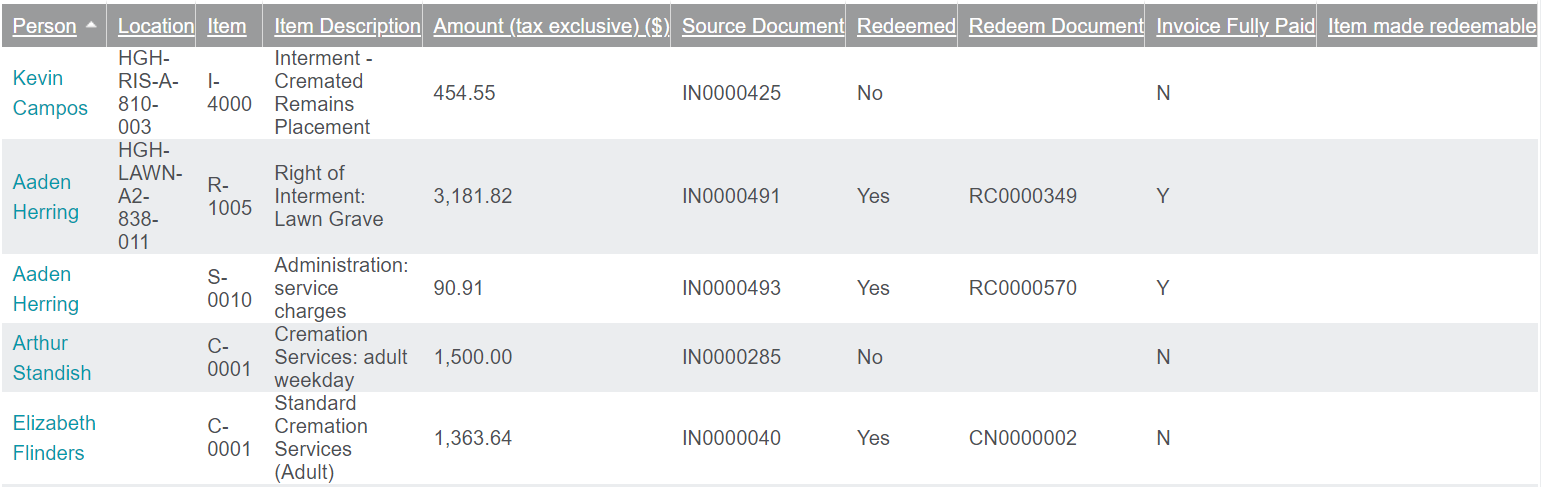
Once a search has been completed, pre-need items that meet the search criteria will display below.
The following information will display:
The name of the person linked to the item
The location
The Item Code
The Item Description
Amount (tax exclusive)
Source Document
Whether or not the item has been redeemed
The Redeem Document number, if applicable
Whether the invoice has been fully paid
If the item was made redeemable
To access the item, click on the name of the person linked to the item, which serves as a hyperlink.