Pre-Need Items Search
The Pre-Need Register records every item sold under a pre-need arrangement by person and location, tracking the original sales documents and eventual redemption (or use) of the items.
To access the Pre-Need Register, click on the Pre-Need Register tile in yellow from the dashboard.
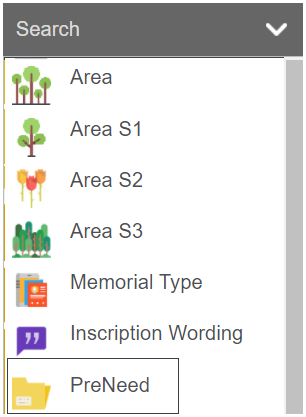
When first accessing the Pre-Need Register, there is a search screen to narrow down the list of pre-need items.
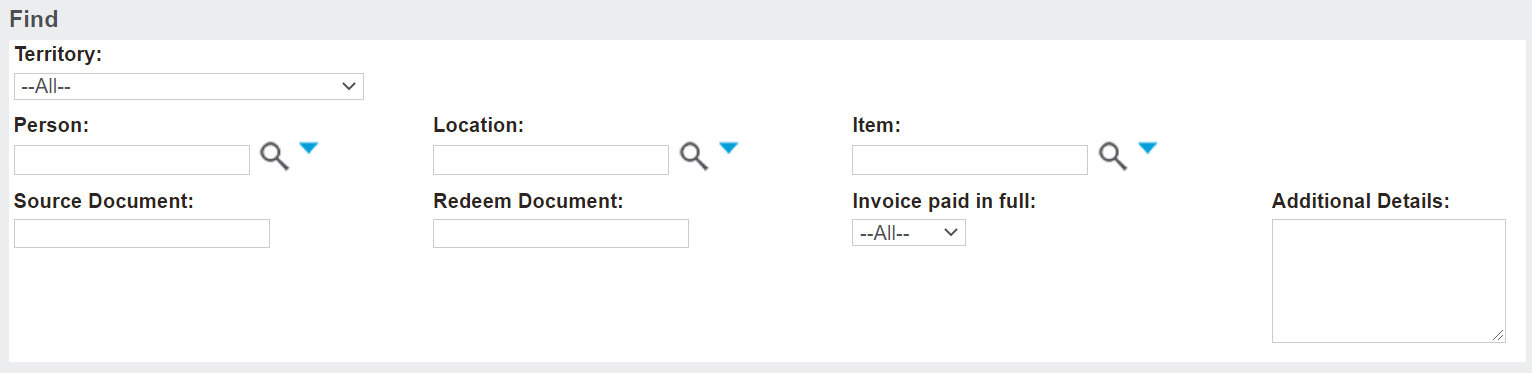
Complete the fields as necessary and then press Find on the right-hand side of the page.

Once a search has been completed, pre-need items that meet the search criteria will display below.
The following information will display:
-
The name of the person linked to the item
-
The location
-
The Item Code
-
The Item Description
-
Amount (tax exclusive)
-
Source Document
-
Whether or not the item has been redeemed
-
The Redeem Document number, if applicable
-
Whether the invoice has been fully paid
-
If the item was made redeemable
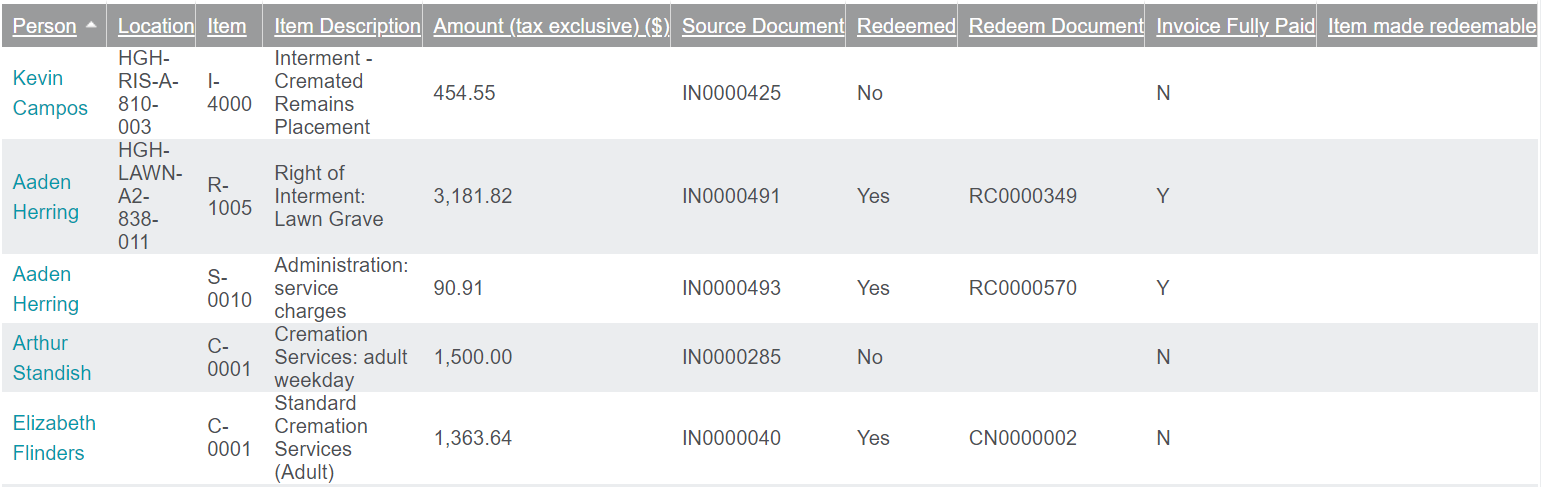
To access the item, click on the name of the person linked to the item, which serves as a hyperlink.