Mortuary Care Records
The Mortuary Care record can be created by simply ticking the Do you need Mortuary Care? box during the First Call process.

Once the record has been created, users can follow the Workflow to handle and record details of each stage of the Mortuary process from sign in of the body to release of the coffin.
The status of the record will determine what the user can do.
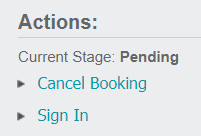
For example, a record with a Status of Pending only allows the user to Sign In or Cancel it.
The following pages will explain the Mortuary record tabs.
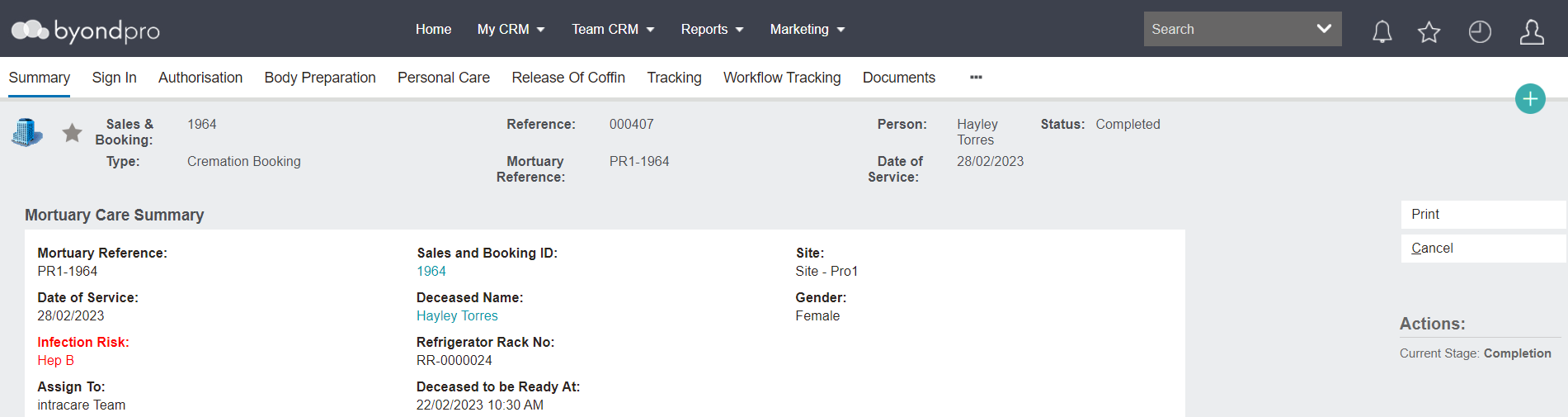
Tabs of a Mortuary Care Record
A Mortuary Care record has many tabs designed to record details of each stage of the Mortuary process including sign in of the deceased, confirmation the deceased's physical remains are ready to be prepared, preparing the body, documenting the dressing, jewellery, and makeup management, etc.
The tabs include: