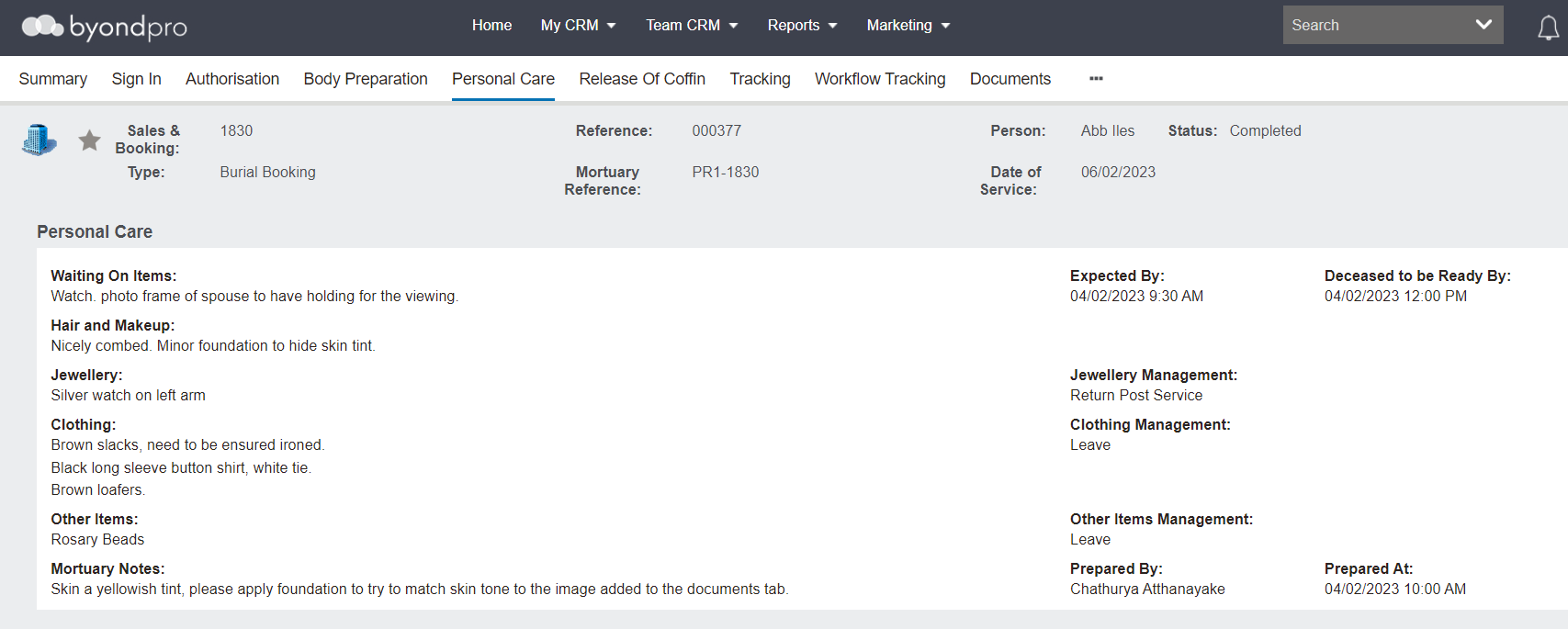
The Personal Care tab helps with the management of hair, make-up, jewellery, clothes, and personal items.
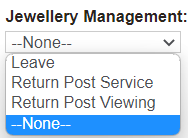
Fields, in a free-form text format, allow users to record any items that are currently being waited on, how the hair and make up have been applied, any jewellery, clothing, and additional items to be placed on the deceased for view and how to manage these items after service and any additional mortuary notes.
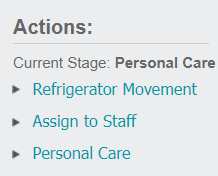
To make changes to this screen, the record must already be prepared and users must select Personal Care in the Actions list available on the right-hand side of the page.
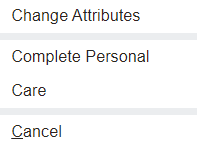
Once Personal Care is selected, the Change Attributes button is available to update the screen.
Press the Change Attributes button when ready to make changes to the tab.
To complete this stage, select the Complete Personal Care button.