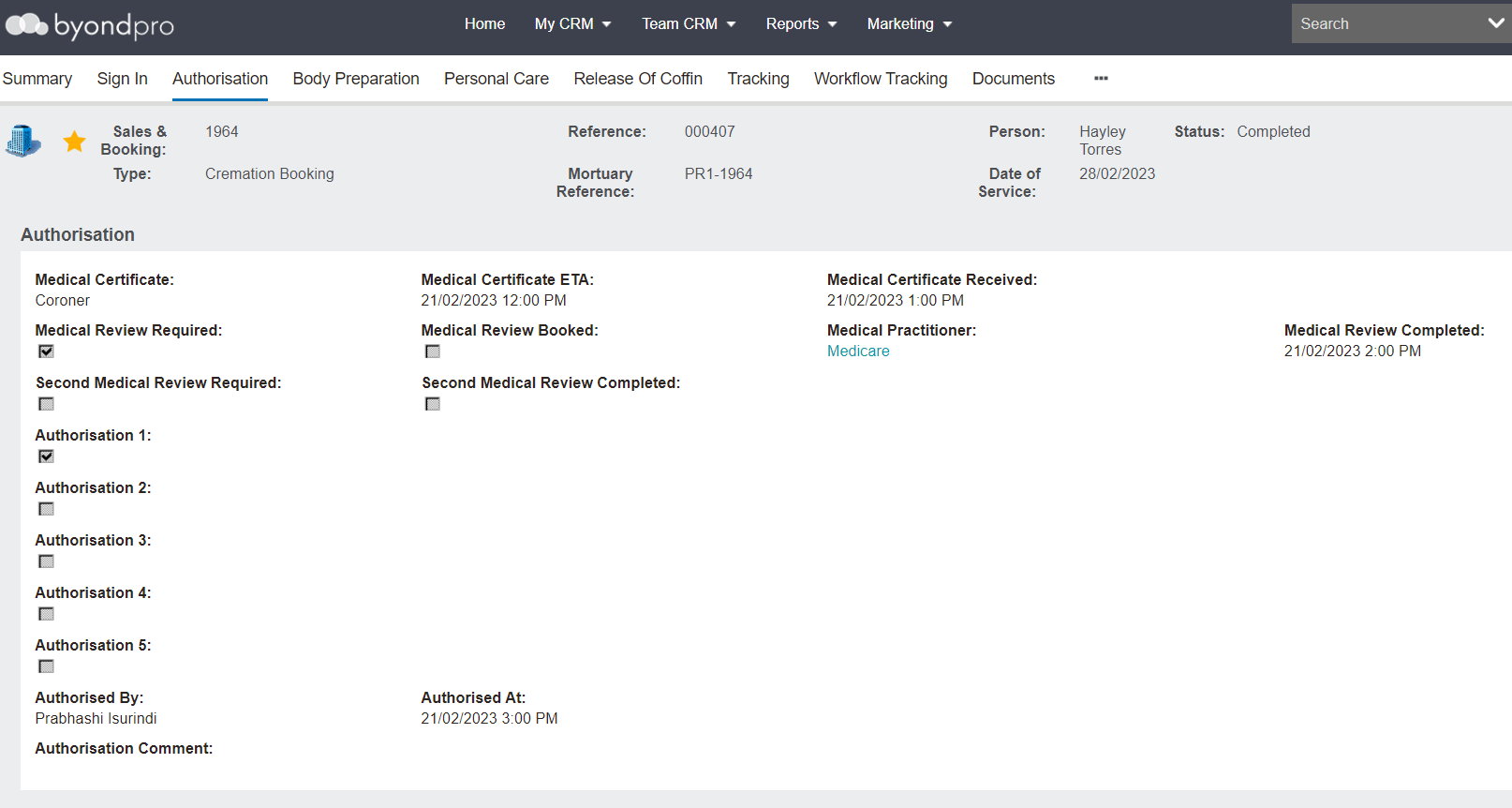
The Authorisation tab is designed for the verification of medical checks and to record authorisation to proceed with mortuary care.
It allows for tracking and recording
When a Medical Certificate is expected and has arrived
If medical reviews are required and completed
Authorisations to proceed with the mortuary care
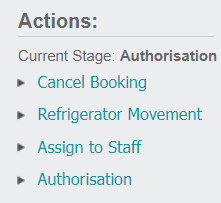
To make changes to this screen, the record must be signed in already and users must select Authorisation in the Actions list available on the right-hand side of the page.
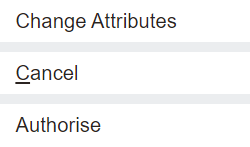
Once Authorisation is selected, the Change Attributes button is available to update the screen.
Press the Change Attributes button when ready to make changes to the tab.
To complete this stage, users must be in edit mode and select the Authorise button.