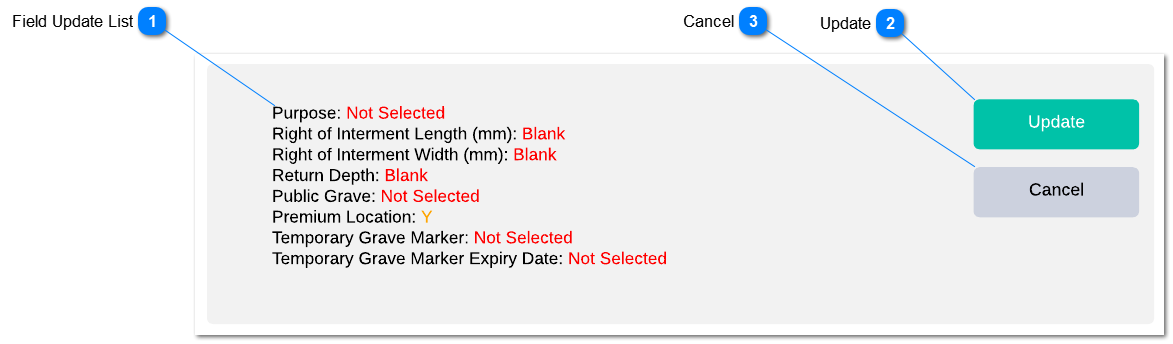
Clicking the action button will update the location records as per the updated fields.
The same batch location update/ Location Revaluation/ Tenure Status Change/ Location Status change rules will be applied as per existing functionality.
Confirmation message will pop-up with fields with changed values as per the standard location update confirmation screen. Clicking "update locations" will process the location update.
If a select field does not have any value. The selected batch locations will record the field with zero/ invalid value. If there is any validation will not allow the user to update zero/ invalid value, error message will be pop-up mentioning the field that requires as a value.
If a select field field validation will be applied if the user enter invalid value. listing the list of transactions which were not updated will appear on the pop-up if the user click on the update failure notification appear on the batch location update tool.
Field which allows the user to update zero value will update the field zero value if selected field kept zero value.
Only selected fields will be updated to the location record.
Clicking the action button will return to the relevant batch location update/ Location Revaluation/ Tenure Status Change/ Location Status change screen.