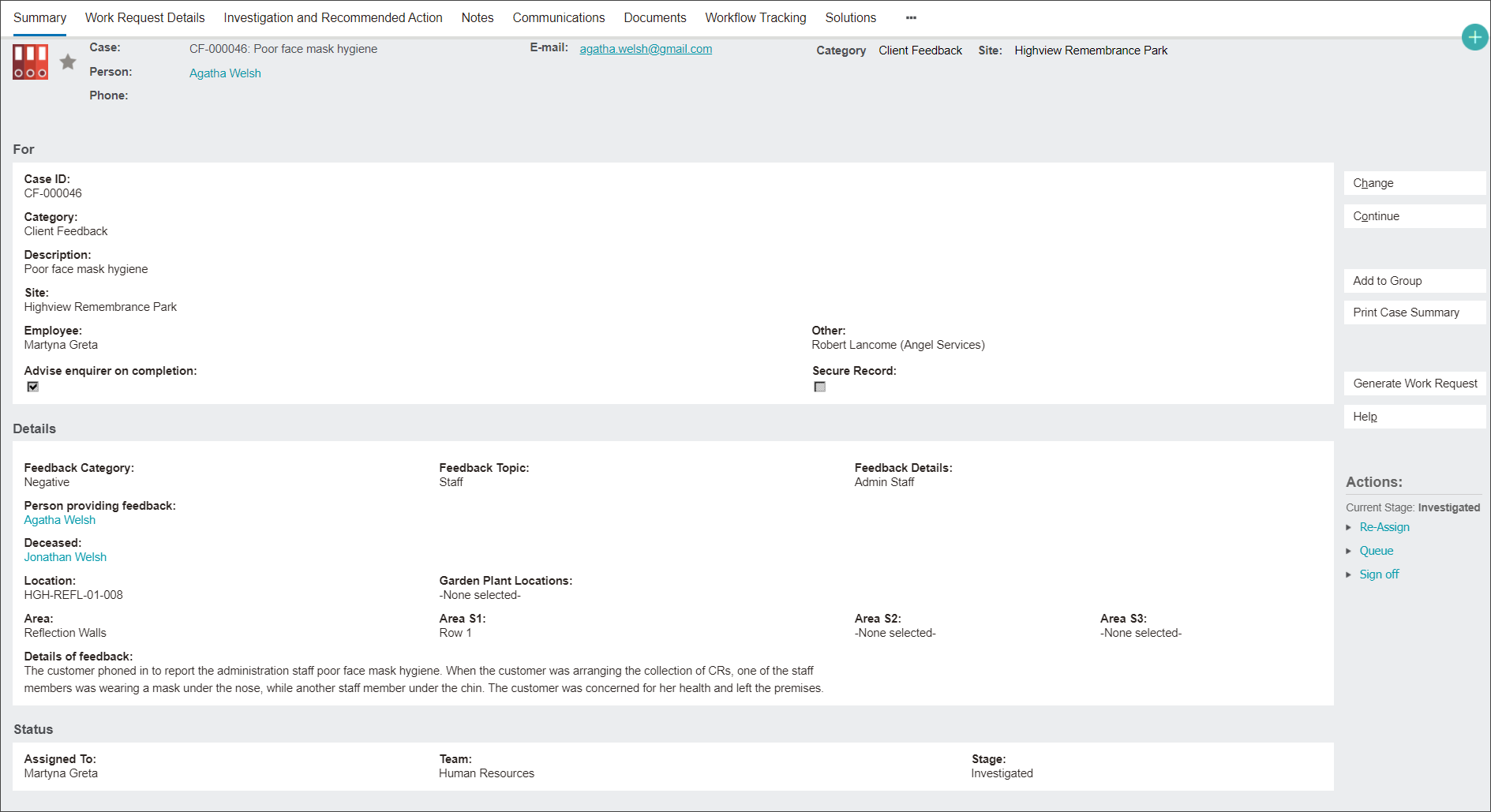
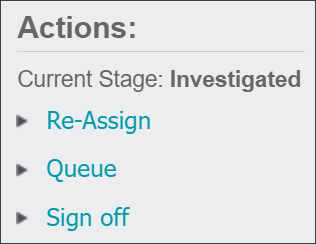
The Summary tab captures most of the record’s information.
From this tab you can perform the following tasks using functions on the right side of the screen:
Changing attributes of the record by clicking the Change button to enter a change screen.
2. Moving to the next case record by clicking the Continue button.
3. Creating a Works Request record related to the Client Feedback by clicking the Generate Works Request button and following the prompts on the new Case screen.