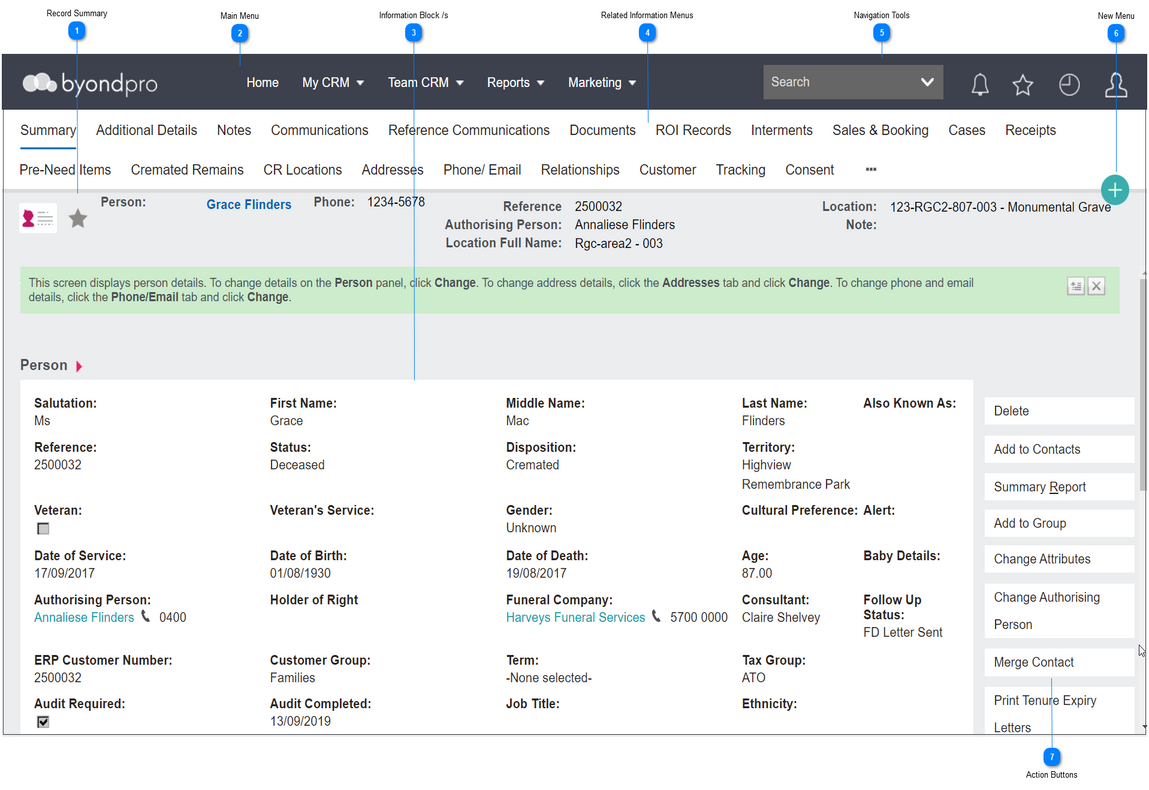
Every record in byondpro follows a similar layout, which is explained below:
 Record Summary
Displays key information pertaining to the record you are viewing.
|
|
 Main Menu
Main menu navigation bar
|
|
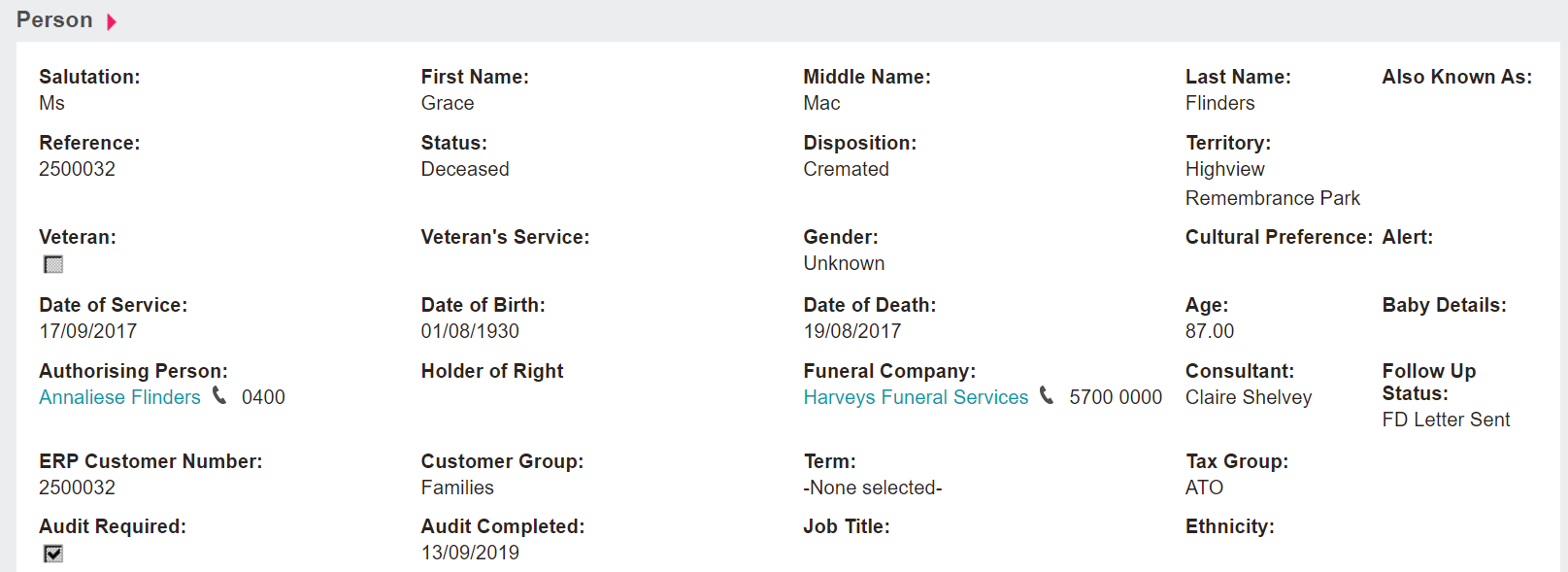
 Information Block /s
Displays detailed field values for the record you are viewing.
|
|
 Related Information Menus
These contain links to associated information like Cases or Sales & Bookings. The menus vary according to the type of record you are viewing.
|
|
 Navigation Tools
As explained in the Toolbar section.
|
|
 New Menu
To create new records.
|
|
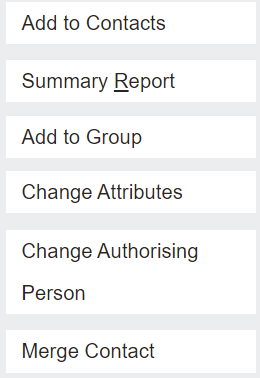
 Action Buttons
Allows various functions depending on the record you are reviewing.
|
|