This section will introduce you to the byondpro product and show key navigational tool aspects of the product.
To start:
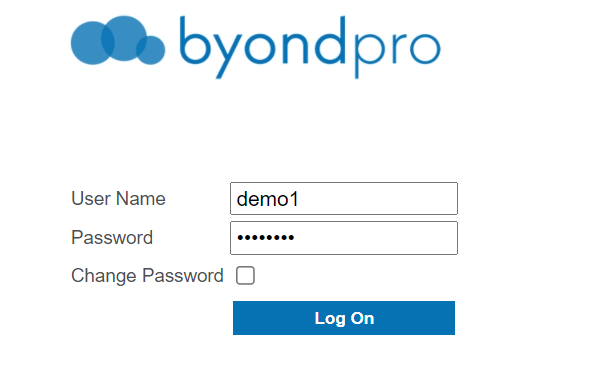
1. Navigate to the login page of the byondpro database
2. Type or copy and paste your allocated username and password into the relevant fields.
3. Press the blue log on button
Note: If you need to change your password upon login, tick the box under change password.
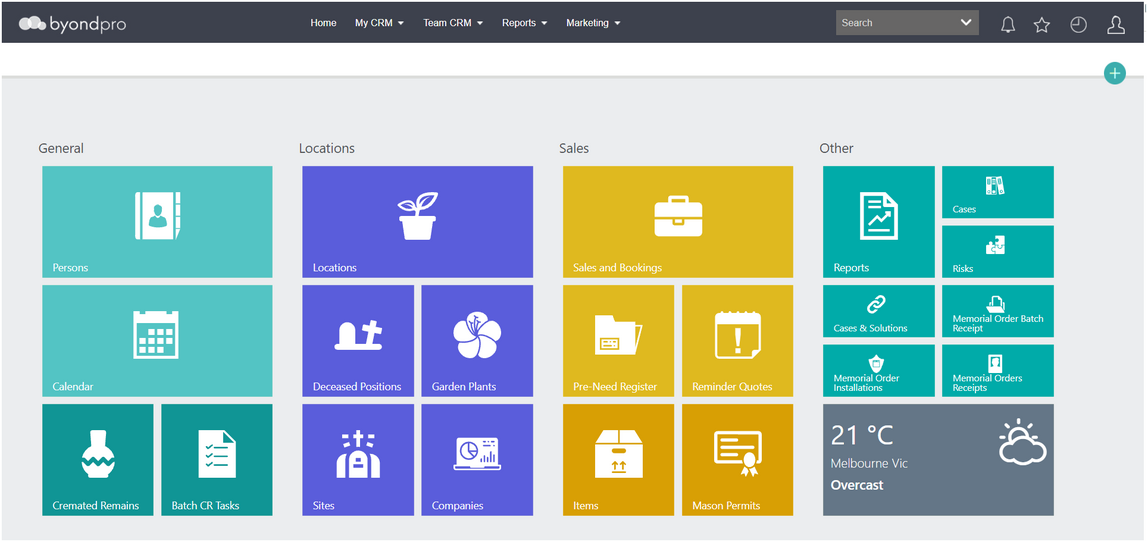
The below home screen will appear provided your user settings have not changed your home screen.
Forgotten Password
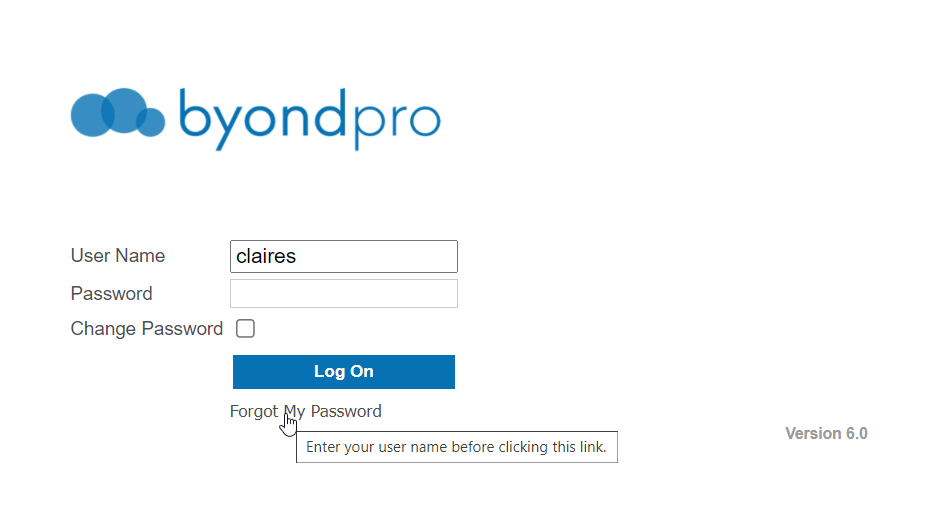
If you have forgotten your password, select the Forgot My Password link.
If you have not already done so, a prompt will appear reminding you to enter your username before selecting the option.
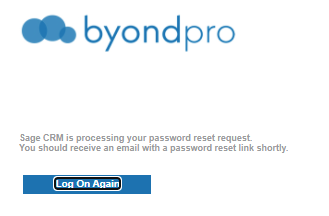
A notification advising password reset is being processed will display.
Note: if the email notification does not appear in your inbox, check your junk folder for the reset link.