The next information block will vary depending on the type of a booking.
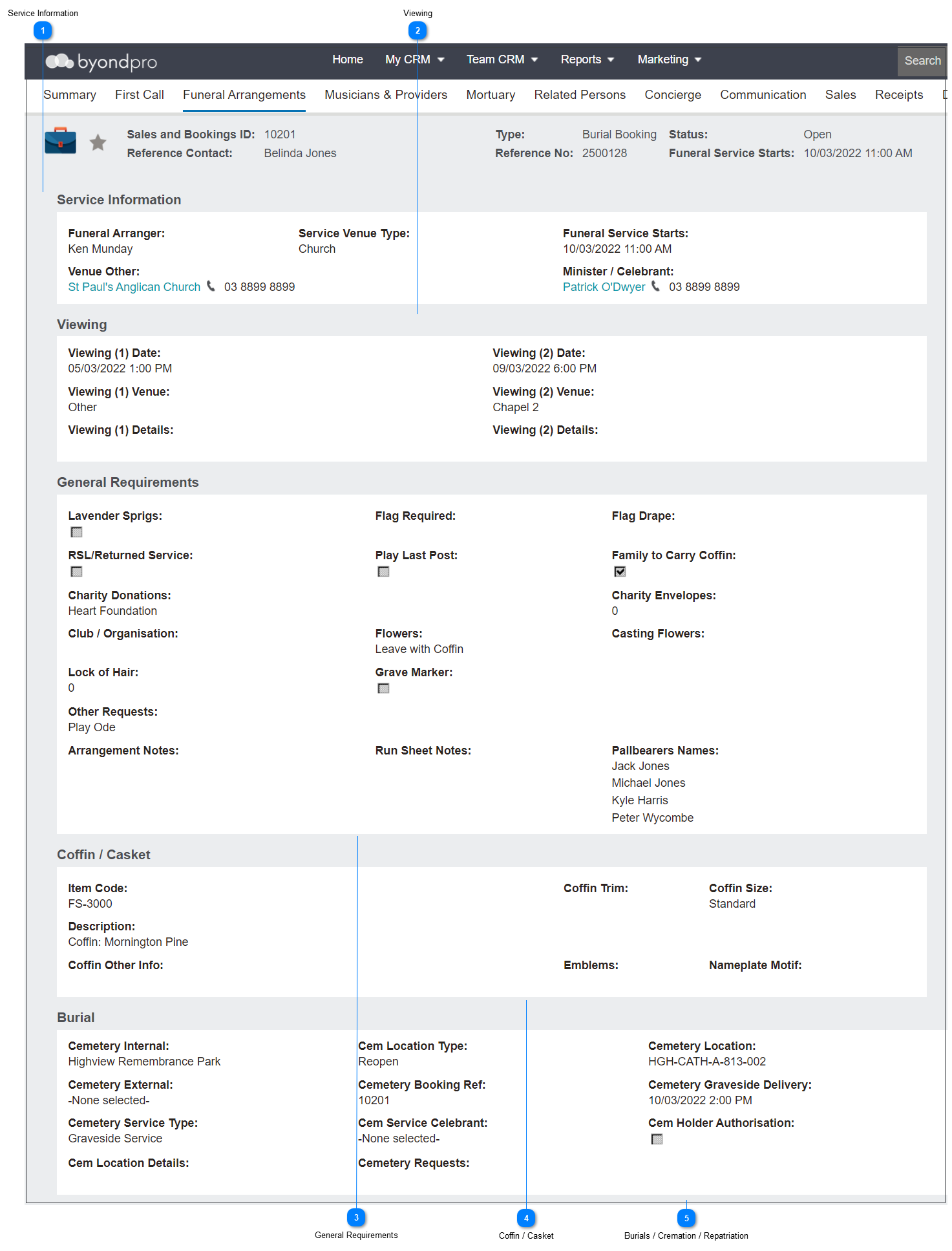
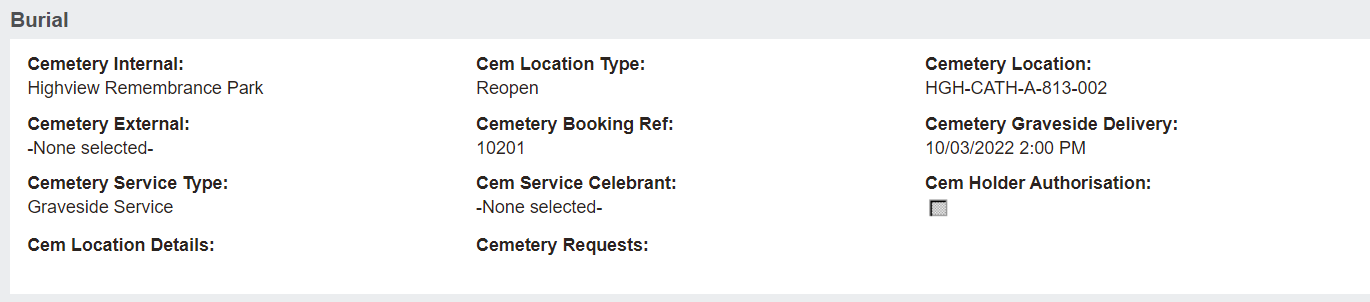
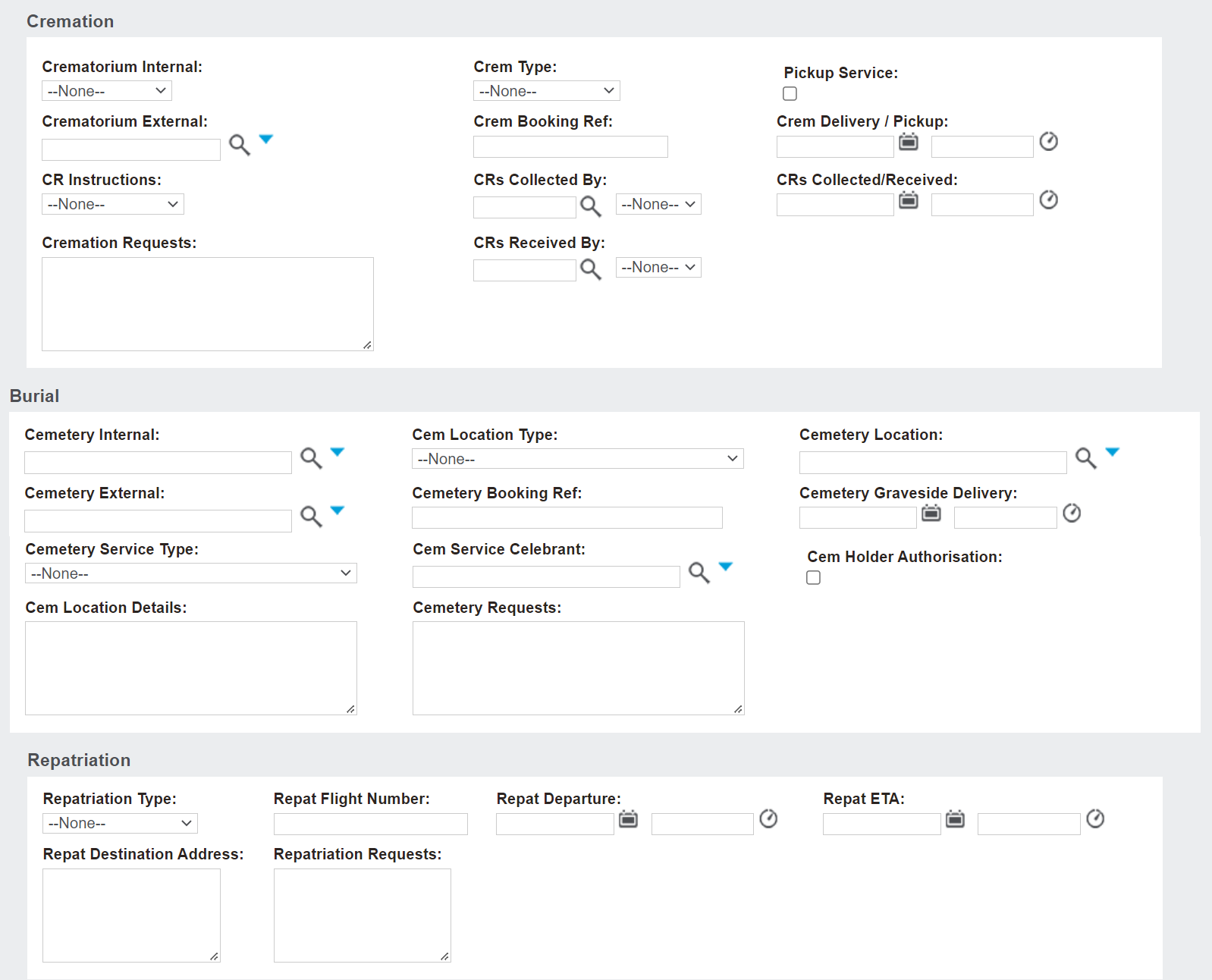
A Burial Booking, as below, will display the Burial information block, where you can note selections such as the following:
The Cemetery, whether it be Internal or External
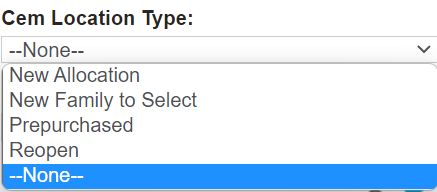
Cem Location Type
Cemetery Location for an integrated byondpro Cemetery Management system and Cemetery External, for an external cemetery.
Cem Location Type
Cemetery Booking Ref
Date & Time of Cemetery Graveside Delivery
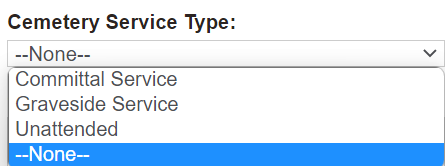
Cemetery Service Type
Cem Service Celebrant - if graveside service requires a different celebrant than above or if graveside service is the same celebrant, it can be replicated here as well.
Cem Holder Authorisation - tick to confirm the Holder of Right has authorised interment in the location.
Additional Cemetery Requests
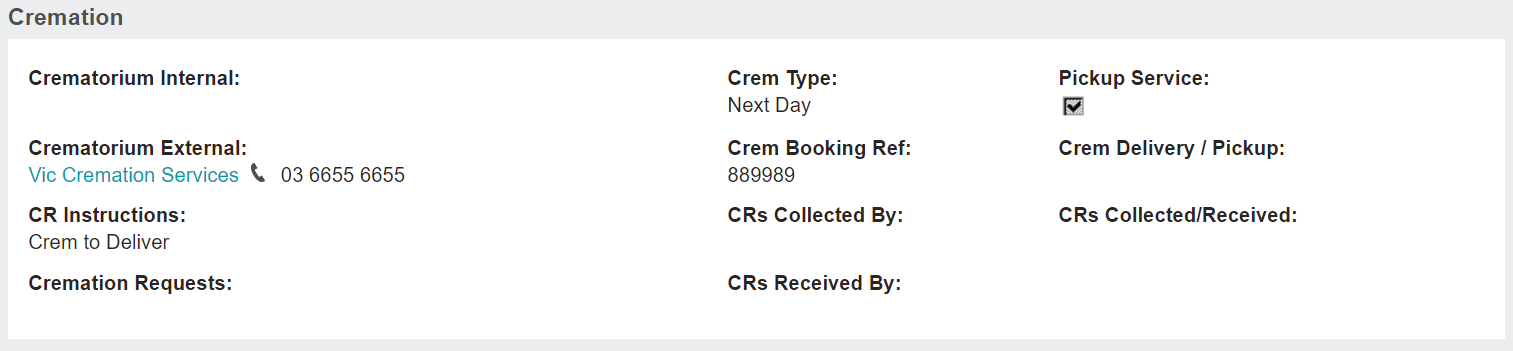
A Cremations Booking, as below, will display the Cremation information block, where you can note selections such as the following:
The Crematorium, whether it be Internal or External
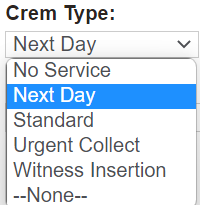
Crem Type
Pickup Service
Crem Booking Ref
Date & Time of Crem Delivery / Pickup
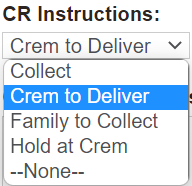
CR Instructions
CRs Collected By or CRs Received By whom
Date & time CRs Collected/Received
Additional Cremation Requests
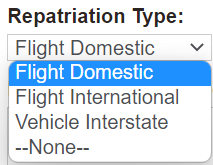
A Repatriation Booking, as below, will display the Repatriation information block, where you can note selections such as the following:
Repatriation Type
Repat Flight Number
Date & Time of Repat Departure
Date & Time of Repat ETA
Repat Destination Address
Additional Repatriation Requests
In the case of a Not Yet Known or Pre-Arrangement booking, all three information blocks will display for further planning.