Record Funeral Arrangements
To add or change any funeral arrangements, press Change on the right-hand side of the Funeral Arrangements tab and complete the fields.
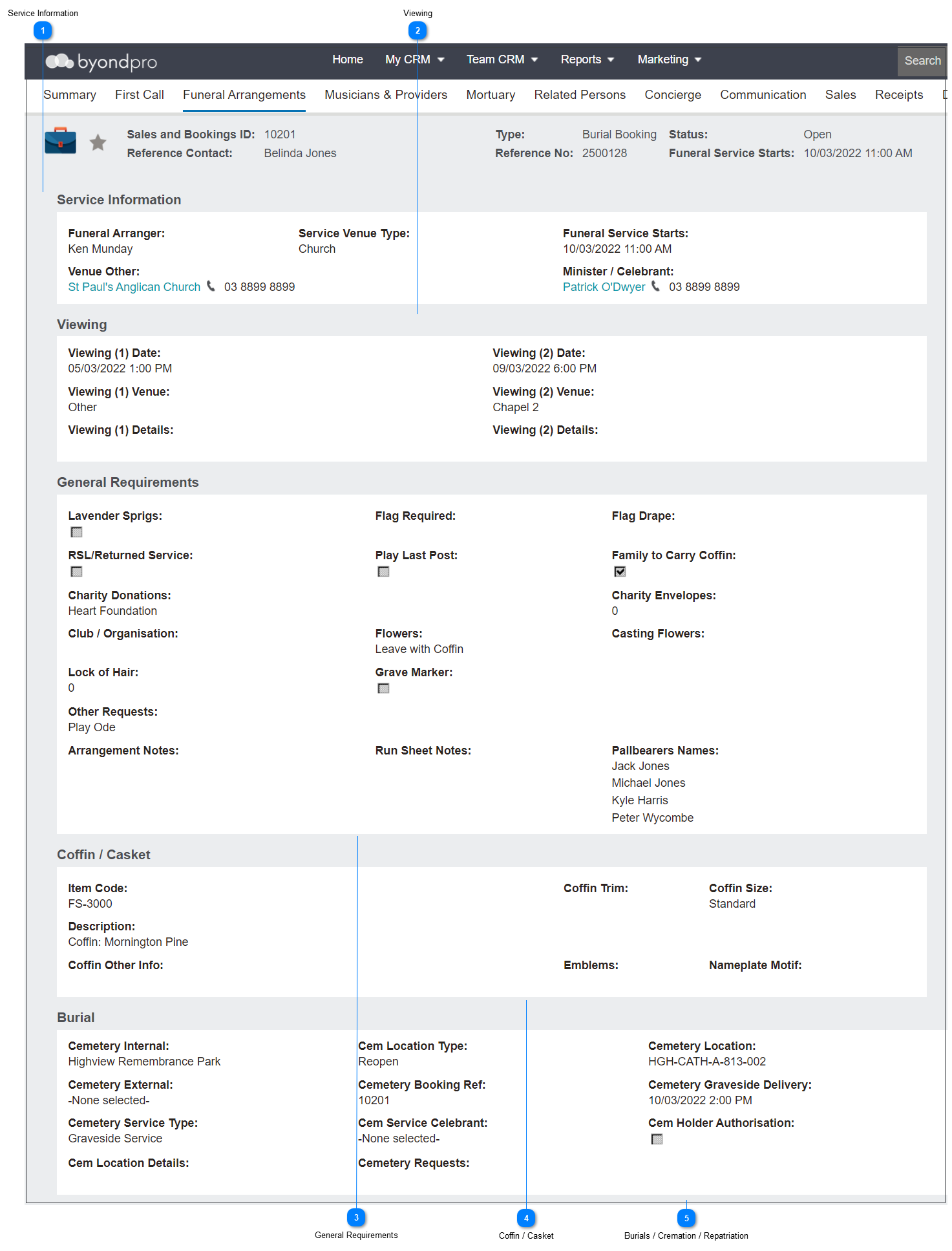
 Service Information
The Service Information block allows you to note details such as:
-
-
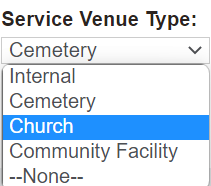
The Service Type Venue, whether it be internal / cemetery / church / community facility
-
The date and time of the funeral in the Funeral Service Starts field. -
The venue, if external, in the Venue Other field -
The Minister / Celebrant, to allow you to note this and book the person in
|
 Viewing
The Viewing information block allows you to capture details about any viewings held privately with the family prior to the funeral.
Information such as the Viewing Date & time, Venue, and Details, can be captured for each viewing.
|
 General Requirements
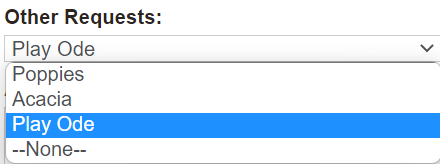
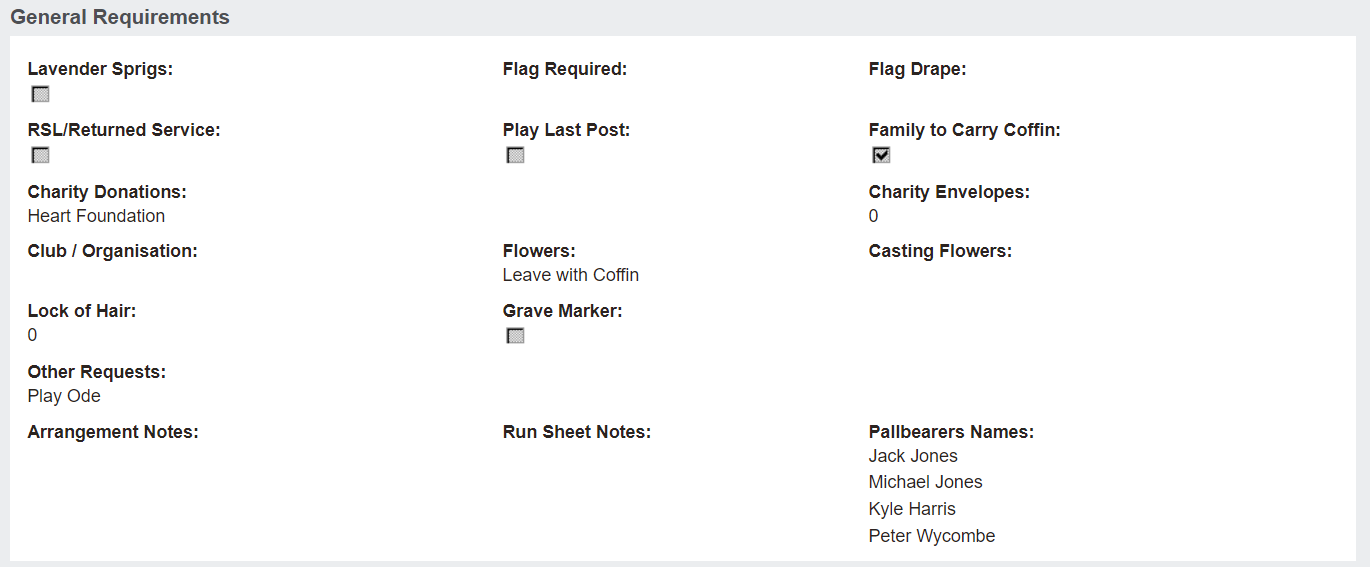
The General Requirements information block allows users to record requirements for the funeral arrangement.
Requirements, such as the below, can be noted:
-
-
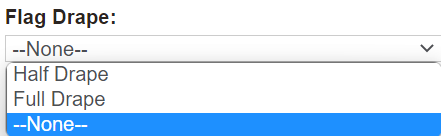
Flag Required, Flag Drape, RSL/Returned Service, Play Last Post
-
-
Charity Donations, Charity Envelopes, Club / Organisation - If the family are requesting donations, who would these go to?
-
|
 Coffin / Casket
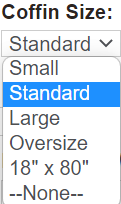
The Coffin / Casket information block allows you to note the coffin or casket requirements.
Selections in this information block may be a good reference point for which item /s are being purchased by the family when preparing the sales order.
Selections may include:
-
Item Code & Description - The coffin / casket being purchased
-
-
-
-
-
|
 Burials / Cremation / Repatriation
The next information block will vary depending on the type of a booking.
-
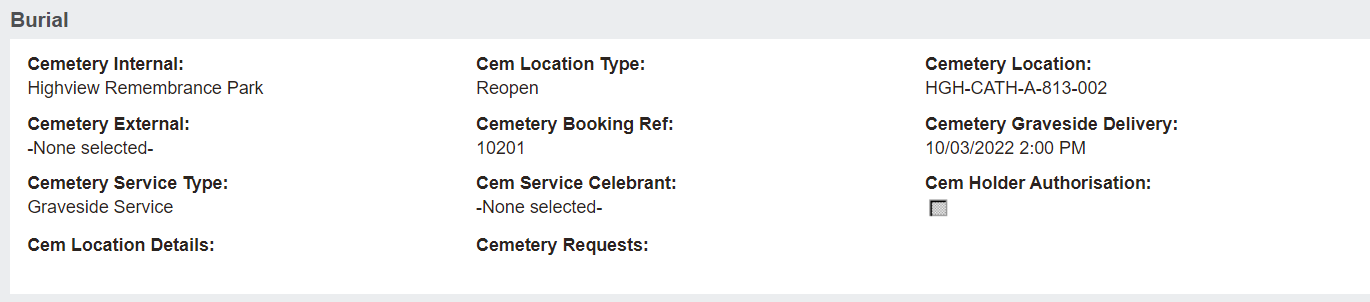
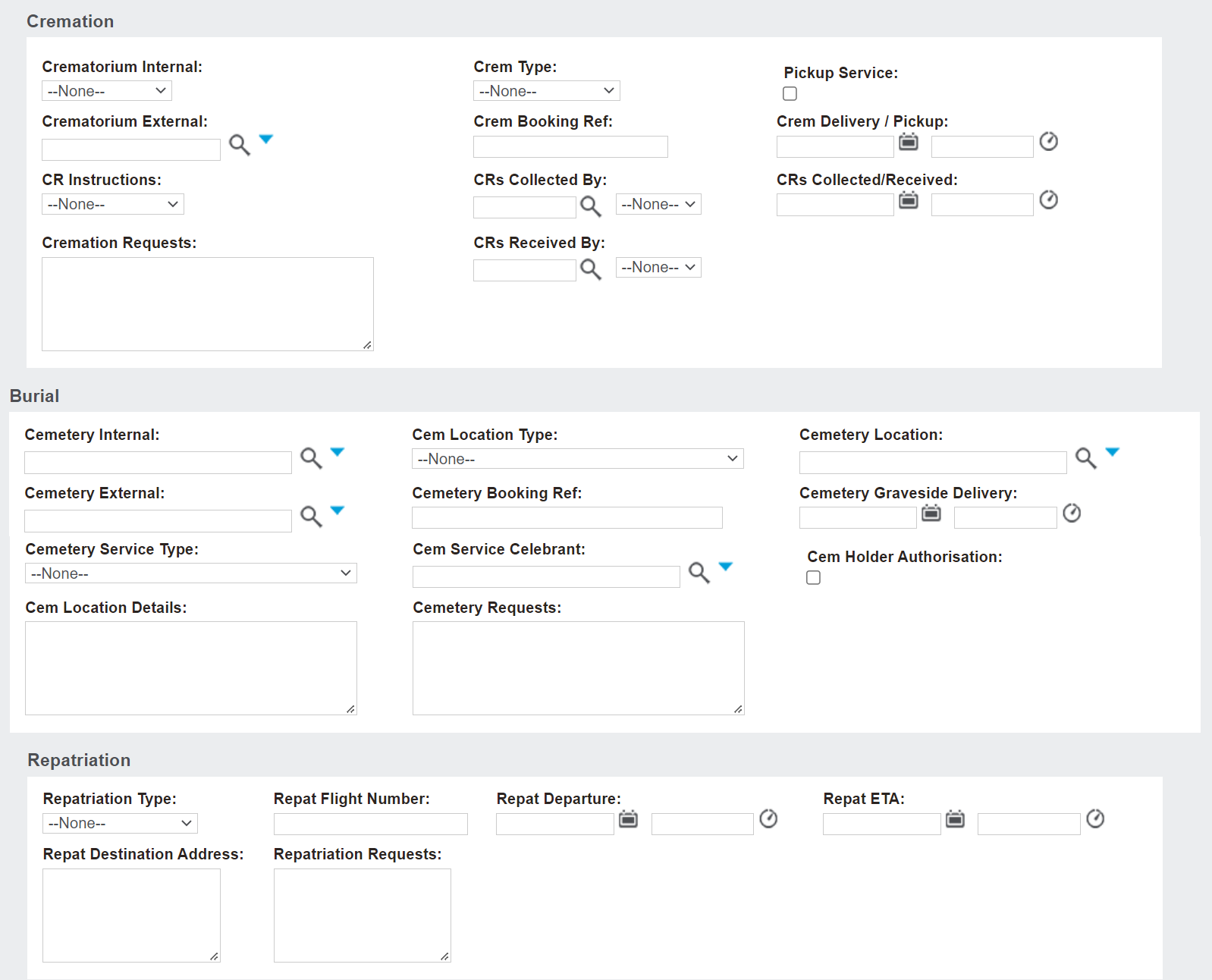
A Burial Booking, as below, will display the Burial information block, where you can note selections such as the following:
-
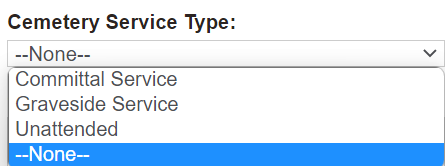
The Cemetery, whether it be Internal or External -
-
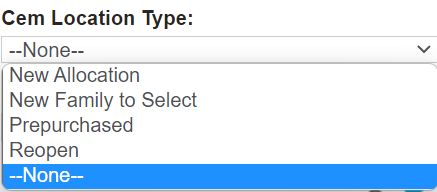
Cemetery Location for an integrated byondpro Cemetery Management system and Cemetery External, for an external cemetery.
-
-
-
Date & Time of Cemetery Graveside Delivery
-
-
Cem Service Celebrant - if graveside service requires a different celebrant than above or if graveside service is the same celebrant, it can be replicated here as well.
-
Cem Holder Authorisation - tick to confirm the Holder of Right has authorised interment in the location.
-
Additional Cemetery Requests
-
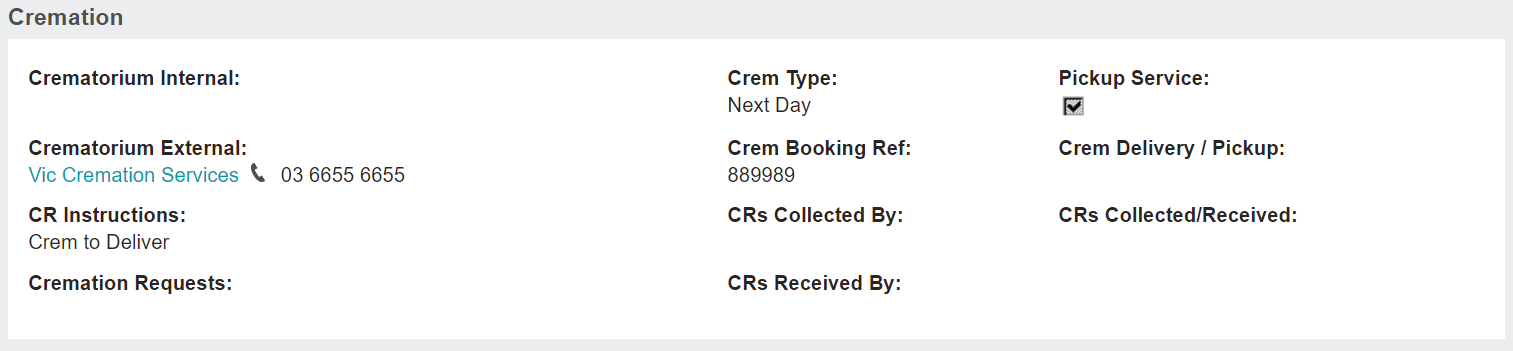
A Cremations Booking, as below, will display the Cremation information block, where you can note selections such as the following:
-
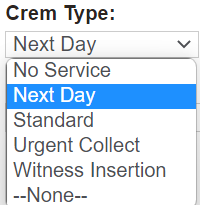
The Crematorium, whether it be Internal or External -
-
-
-
Date & Time of Crem Delivery / Pickup
-
-
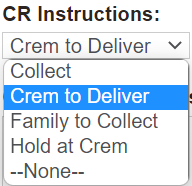
CRs Collected By or CRs Received By whom
-
Date & time CRs Collected/Received -
Additional Cremation Requests
-
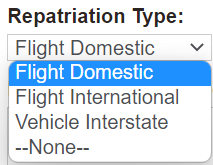
A Repatriation Booking, as below, will display the Repatriation information block, where you can note selections such as the following:
-
-
-
Date & Time of Repat Departure
-
-
Repat Destination Address
-
Additional Repatriation Requests
-
In the case of a Not Yet Known or Pre-Arrangement booking, all three information blocks will display for further planning.
|
Once all known details are entered, press Save on the right-hand side of the page.
Pressing the Cancel button will cause all changes made since the last save to be lost.
The online help was created with Dr.Explain
|