Processing Payments Using opuspay
A
detailed user guide is available for release, please speak with our services consultants for information on registering and configuring opuspay.
A summary of functionality is detailed below.
From your byondpro application:
-
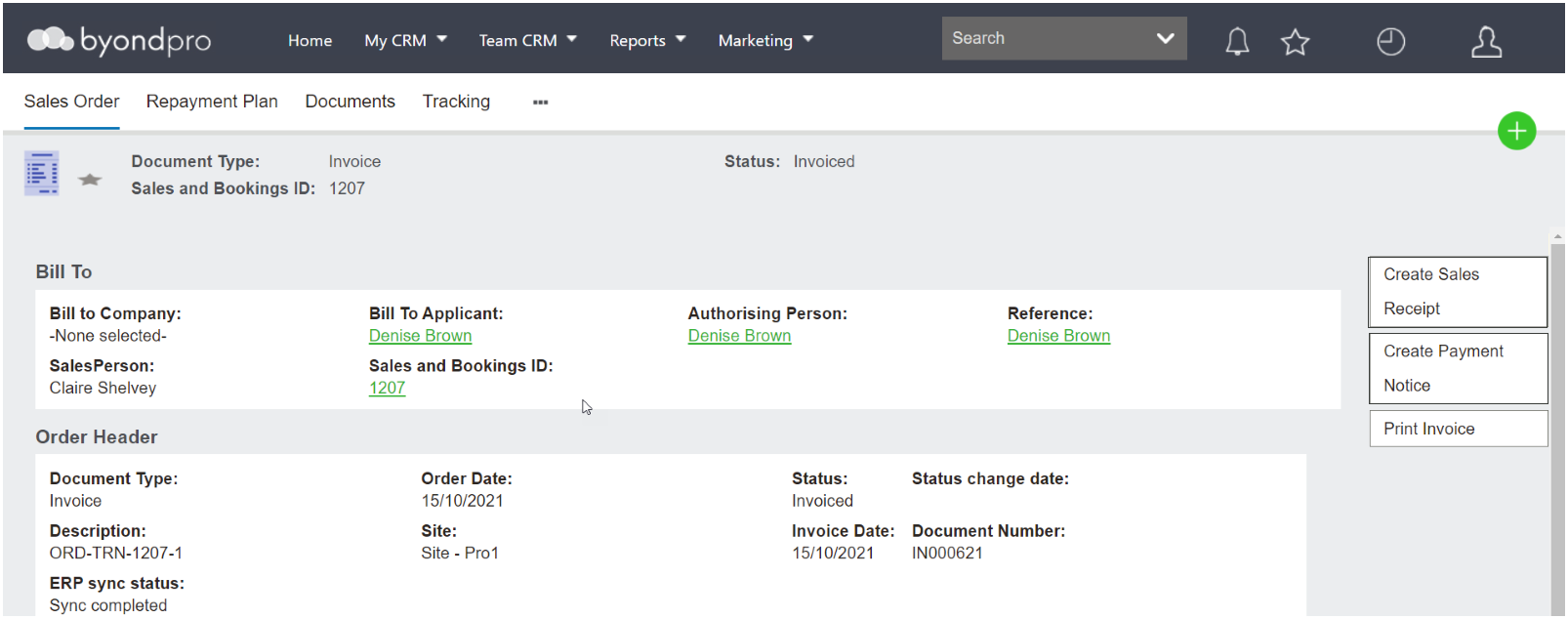
Process the Receipt using
Create a Sales Receipt -
The sales receipt accesses the API through to opus
pay -
opus
pay accesses API through to payment gateway
-
Customer swipes their card to pay
-
Card Payment is sent through the API to the gateway
-
And then processes back via API to opus
pay -
opus
pay pushes payment information back to your application.
-
Process the Receipt using
Create Payment Notice -
Payment Notice accesses the API through to opus
pay -
opus
pay accesses the API through to the payment gateway
-
Customer receives an email notification and actions the payment from there.
-
Payment is processed through the API to gateway
-
Which then processed back via the API to opus
pay -
opus
pay pushes payment information back to the customers application.