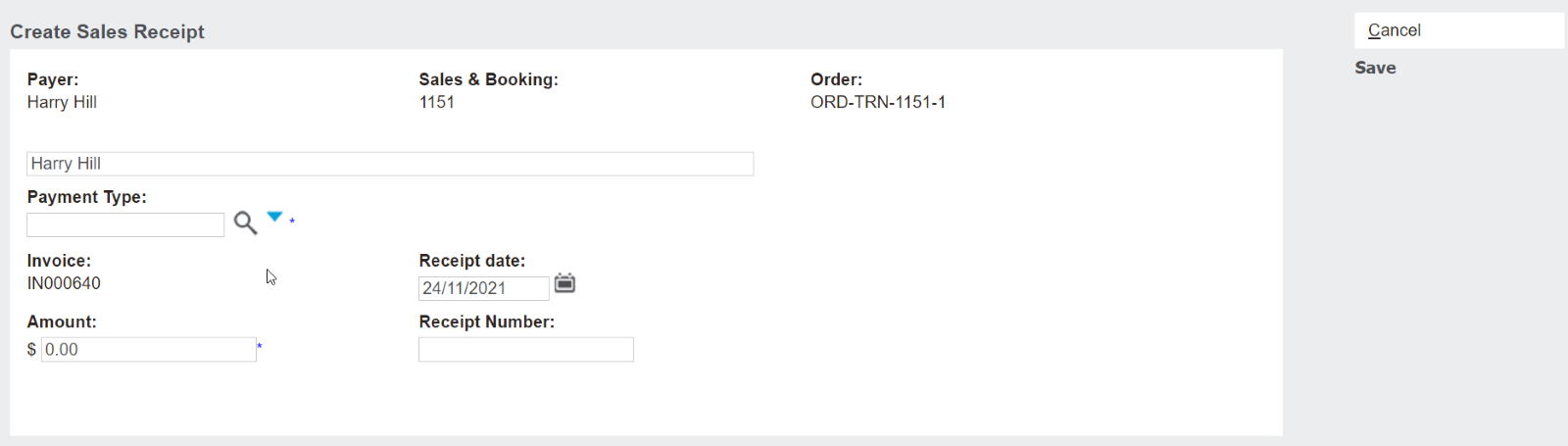
Receipting payments against an invoice that is fully paid will be prevented against a transaction with a zero balance.
From the Sales Order, users can select the Create Sales Receipt and the balance auto populates as $0.
Users can select payment type and enter an amount, however, the save button is greyed out preventing receipt of funds.
This functionality applies to both
The Receipt function on the Sales Order header
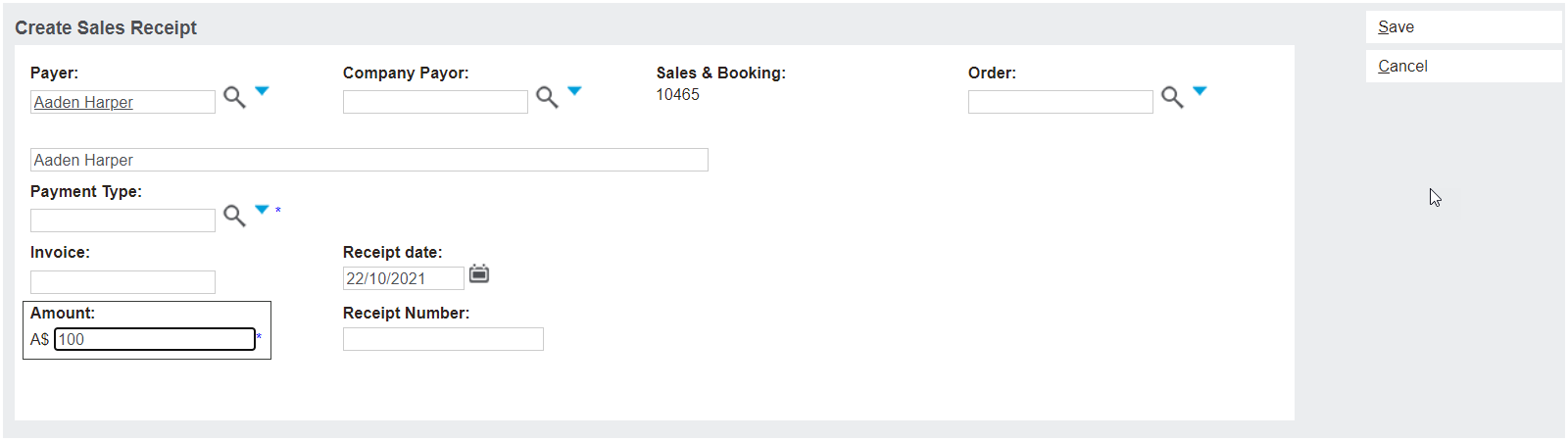
The Receipt option on the Sales & Booking Receipts tab, if an invoice is specified.
For Sage 300 customers this prevents any integration monitor (Iman) errors, where receipts get caught in the integration process due to the invoice already being fully applied.
If a customer has received an over payment, they can process a receipt by not selecting an invoice to apply the amount to from the Sales & Booking / Receipts tab.