Manage Personal Effects
A listing of all items transferred with the deceased, that have passed into the management of the funeral home can be compiled using the Personal Effects Register.
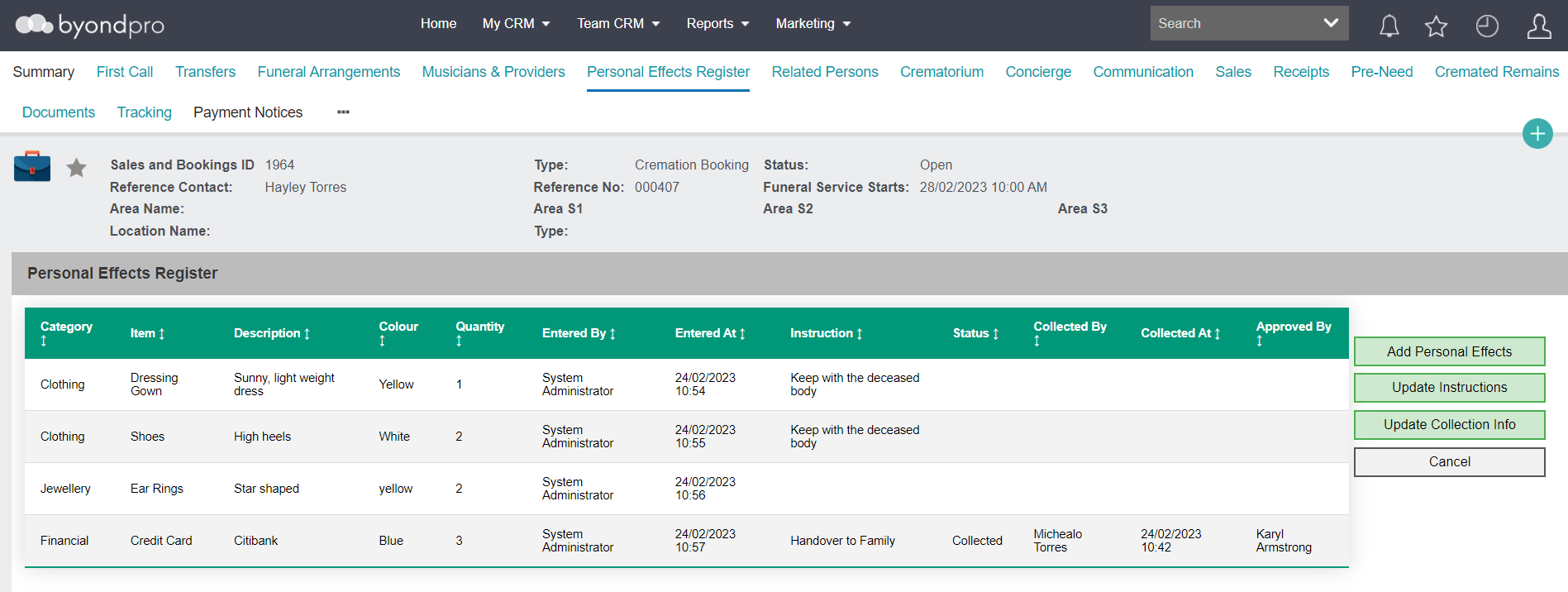
From the Sales & Booking record, select the Personal Effects Register tab.
The initial screen will have no items listed.
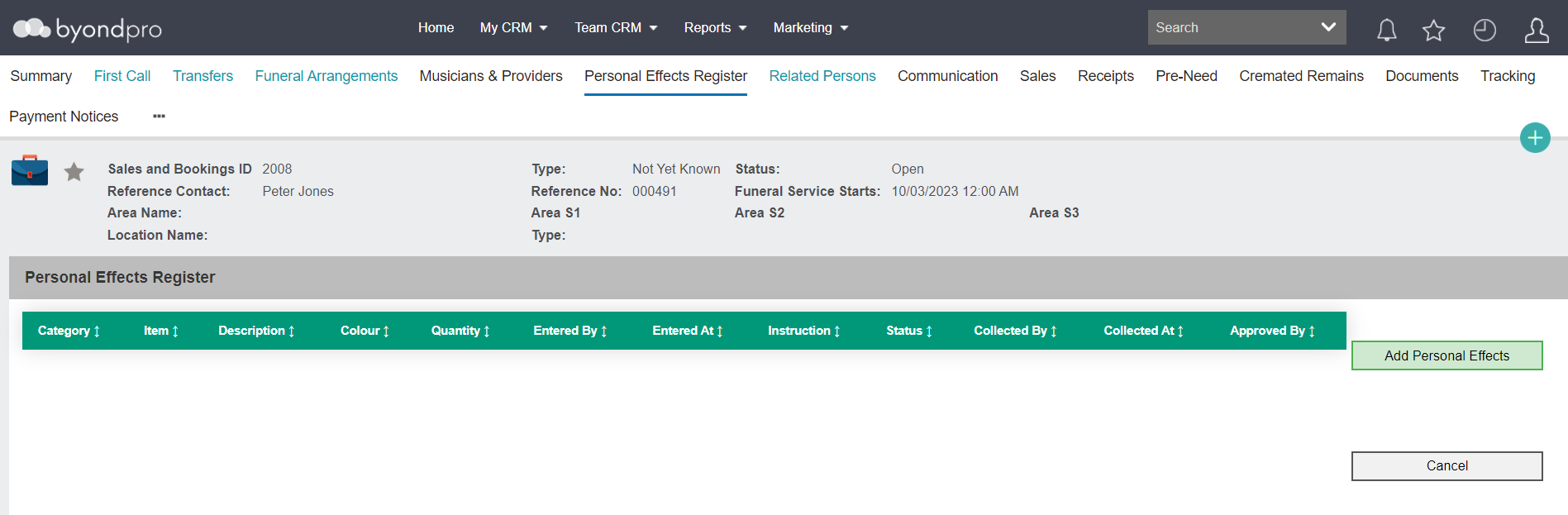
Add a new item, using the Add Personal Effects button on the right-hand side of the page.

To leave the tab, select the Cancel button. This button will bring you to the byondpro Home display.

As items are added to the register, an additional button is available to Update Instructions to record the family's requested action for each item .

If any of the items are to be collected, the Update Collection Info button becomes available, allowing to record who and when collected the item /s.

A document of the items in the Personal Effects Register can be generated from the Summary tab of the Sales & Booking.