Once an item is added to the Personal Effects Register, the Update Instructions button is available on the right-hand side of this page.
By selecting this button, you can record how the family want the items to be treated.
Please note that if in edit mode, the button will not display.
Once selected, the screen changes to the Update Instructions edit mode.
To add instructions, select the Edit button in-line with the item you want to update.
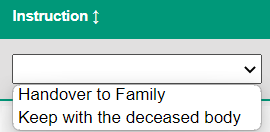
Under the Instruction header, select from the list the action to be taken with the item.
Choosing a selection that requires handing over to a thrid party, such as the family, will give that item a 'Pending' status.
Once finished, select the Save button.
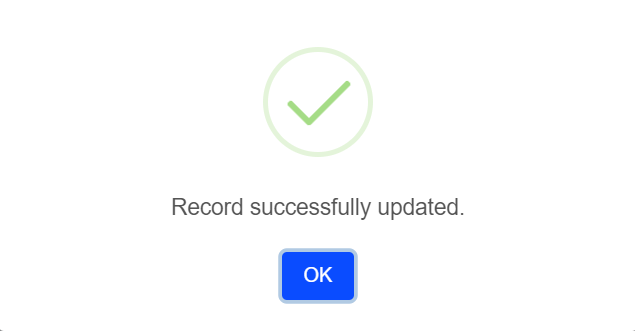
A message will display, confirming the update. Select OK.
If there are other items to add instructions to, complete the process again.
When finished, select the Cancel button on the right-hand side of the page to leave edit mode.