To make changes to an item in the list, enter edit mode of the Personal Effects Register using the Add Personal Effects button on the right-hand side of the page.
Edit
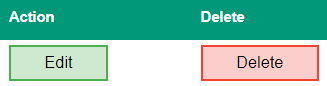
To make a change, select the Edit button in-line with the item you are changing.
Make any necessary changes and the select the Save button.
To leave edit mode, select the Cancel button on the right-hand side of the page.
Delete
To make a change, select the Delete button in-line with item you are removing.
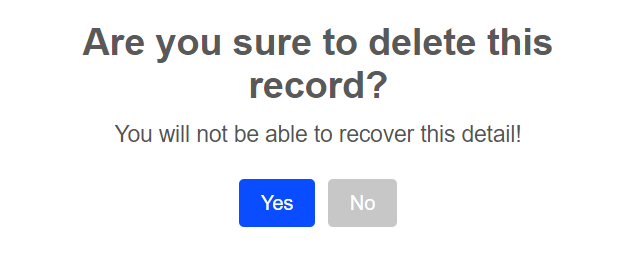
A message will display, asking you to confirm if you would like to delete the item.