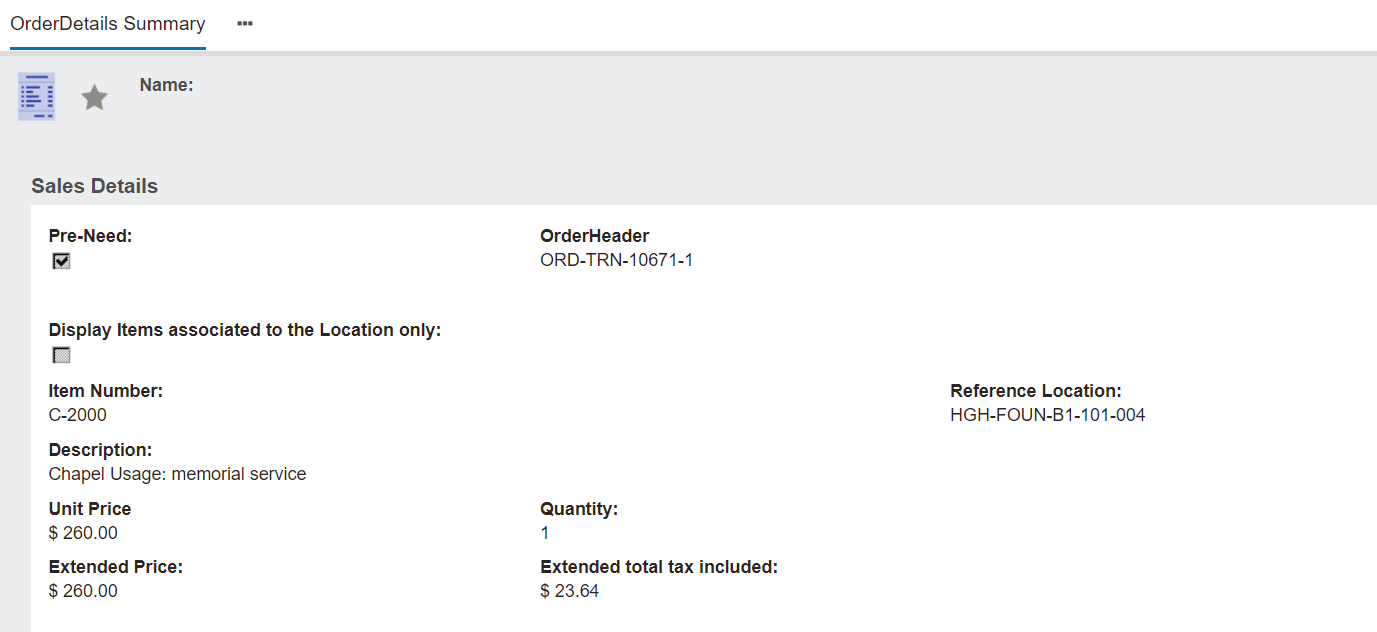
To make edits on items, click on the item number hyperlink in the Sales Details section.
Details of the item will appear on the next screen.
Changes or deletion of the item can be made by choosing the Change button on the right-hand side of the page.
Changes can be made, for example, updating the quantity of function items being sold, and then pressing Save on the right-hand side of the page.
Please note that ROI / Location items cannot be edited.
They can only be deleted and a new line item can be added using the Add Location button.
If the item needs to be deleted, choose Delete on the right-hand side of the page.
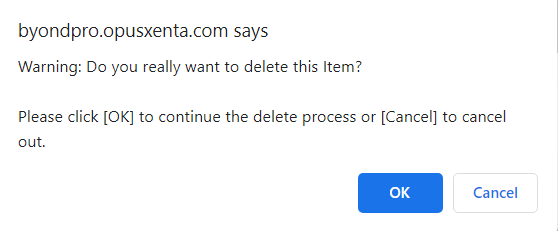
A message will appear to confirm if the item should be deleted.
Press OK to delete the item, or Cancel to not delete it.
Pressing OK will return the user back to the sales order.