Crediting Unredeemed Pre-Need Items
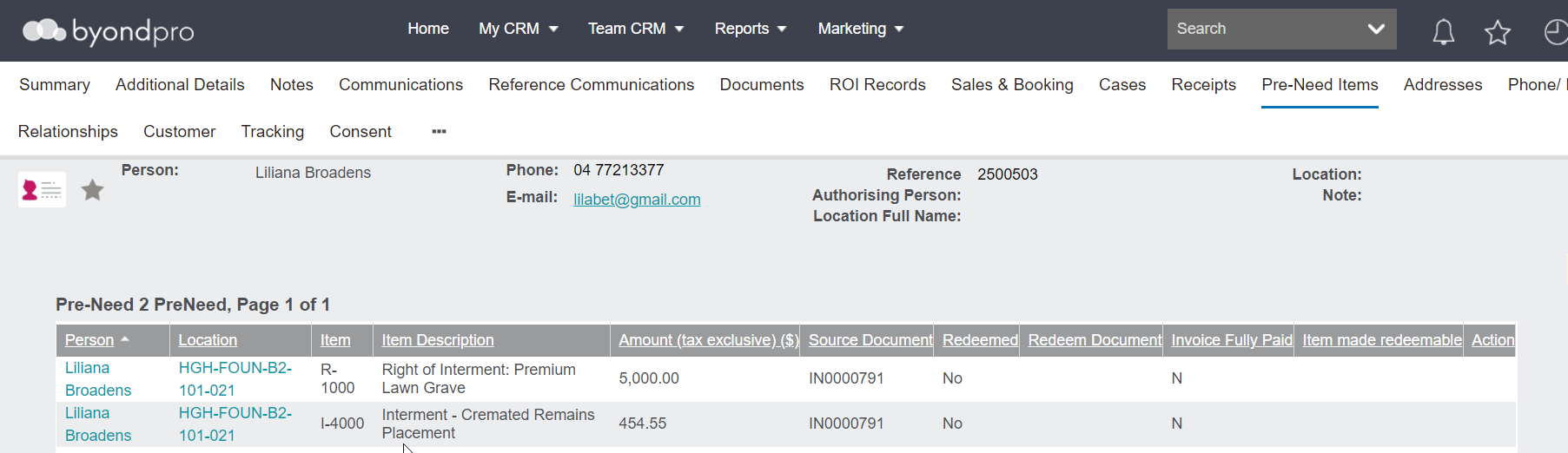
In our below example, an invoice has been created.
However, the pre-need items are visible and not redeemed.
There is no need to tick the pre-need tick box on the credit note entry.
As the source document invoice is being credited, this will be picked up as a credit note of pre-need item /s.
From your credit note sales order, select the Create Credit Note button on the right.
The credit note is created and offsets the original invoice.
Check on the Location record
-
The location has been returned to available for sale.
-
The holder of right details are no longer applicable.
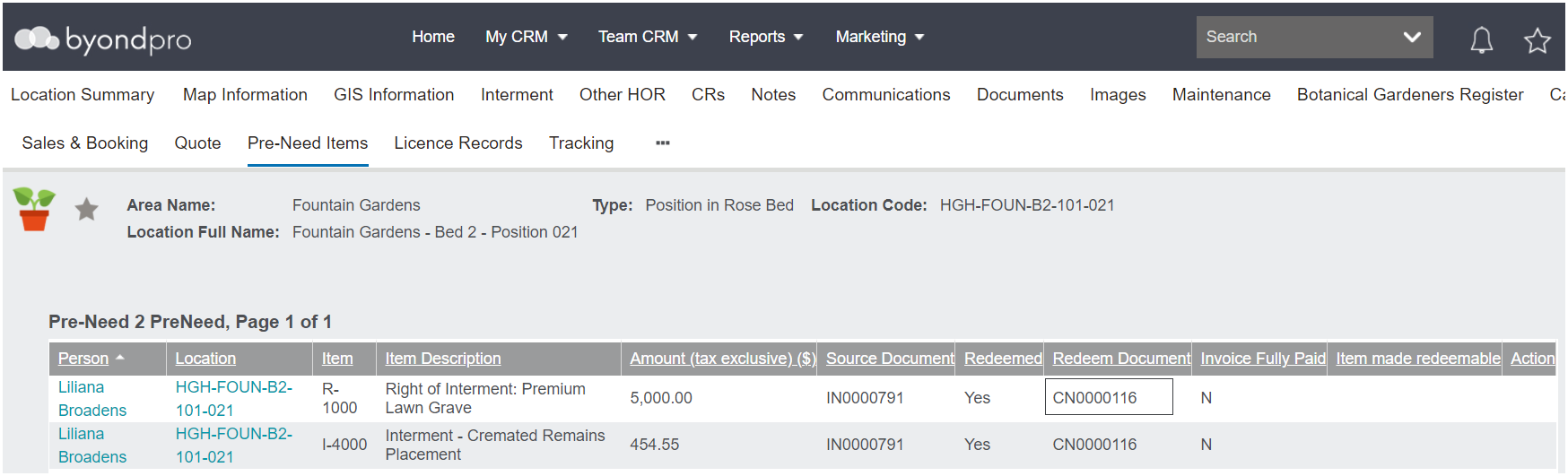
Pre-need items will display as redeemed against the Location and the Person record.
Note the redeem document is the Credit note.
We suggest a note is placed on the location and person record, indicating credit note has been applied and pre-need is no longer applicable.