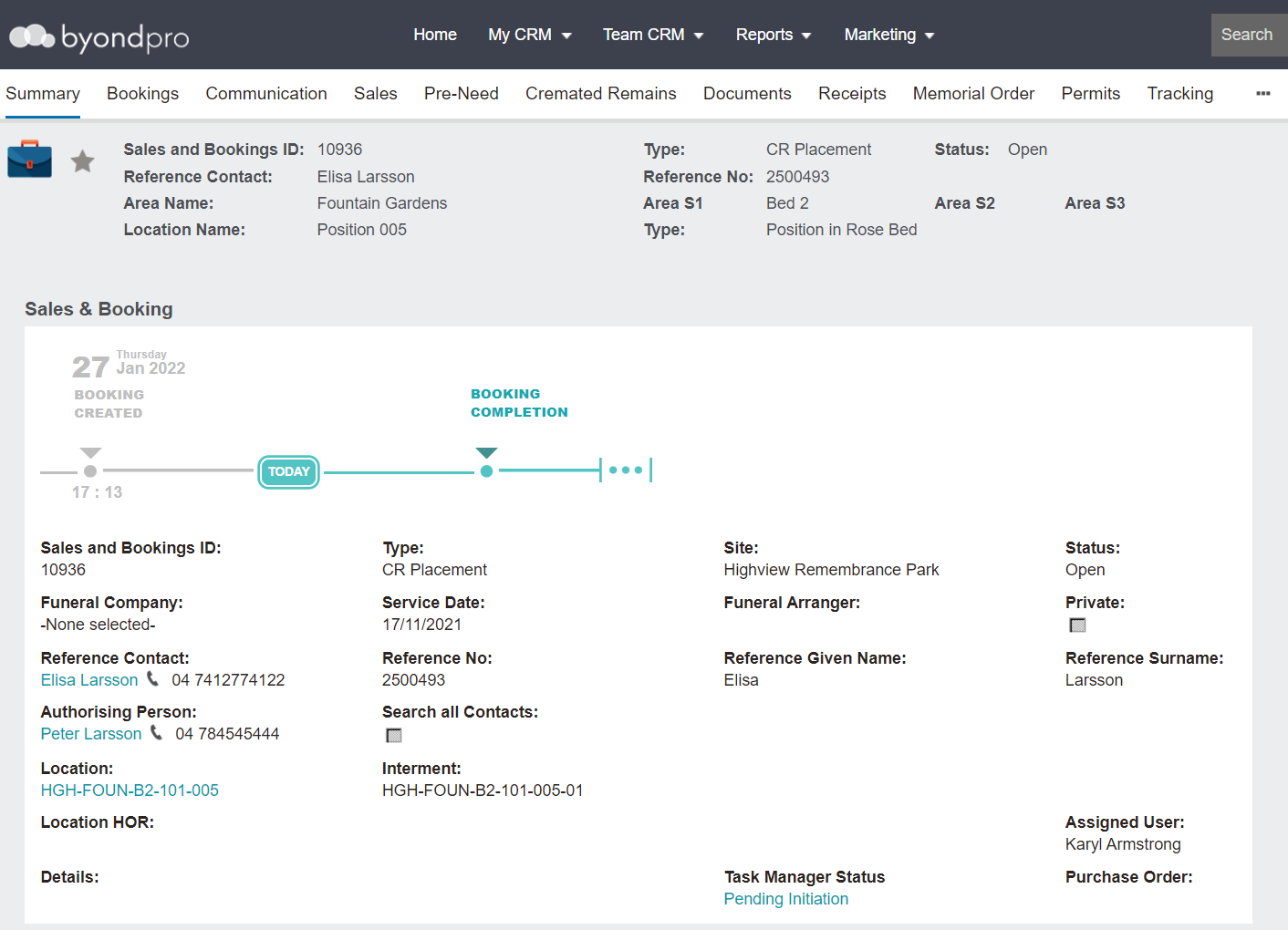
To organise a new Sales & Booking for CR Placement:
Click on the Plus symbol on the top right-hand side of the page.
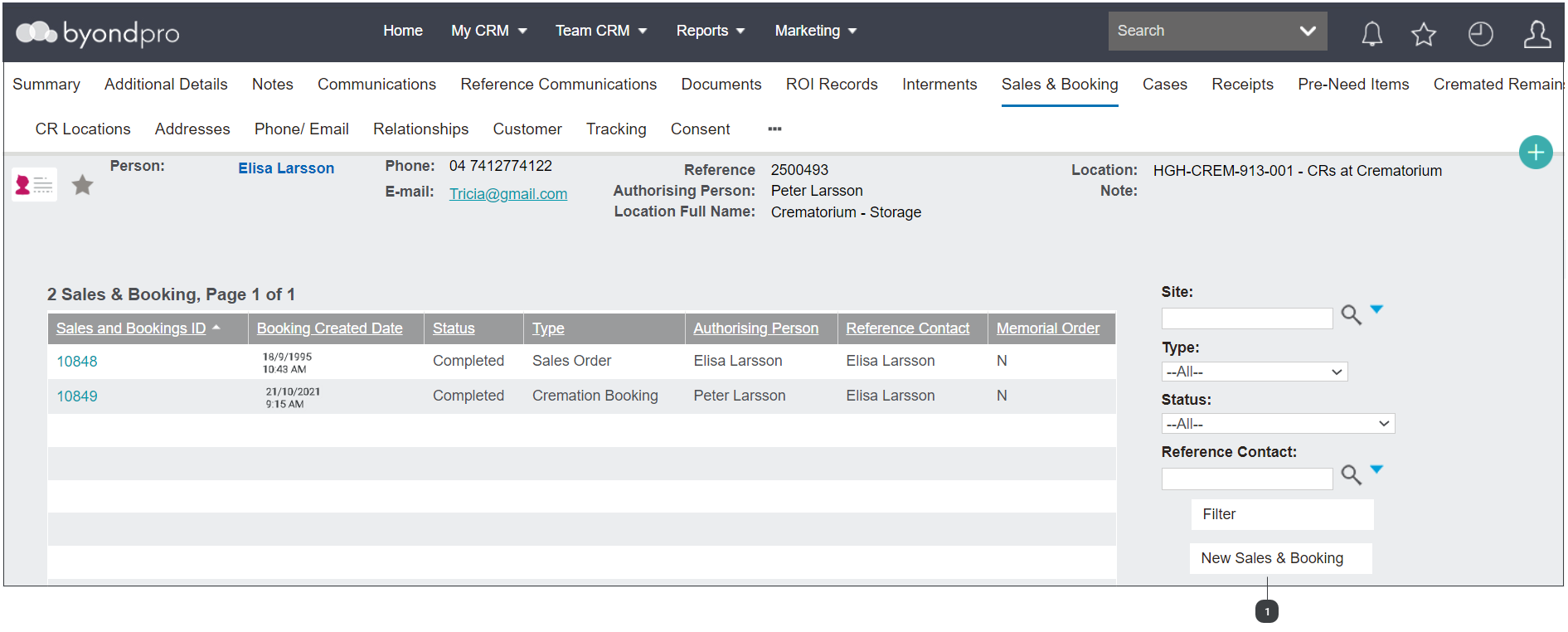
Navigate to the Sales and Booking tab of the person record.
For the first option:
Click on the Plus symbol on the top right-hand side of the page.
Next, choose New Sales & Bookings from the drop-down list.
For the second option:
Choose the New Sales & Booking button from the Sales & Booking tab of the Deceased record.
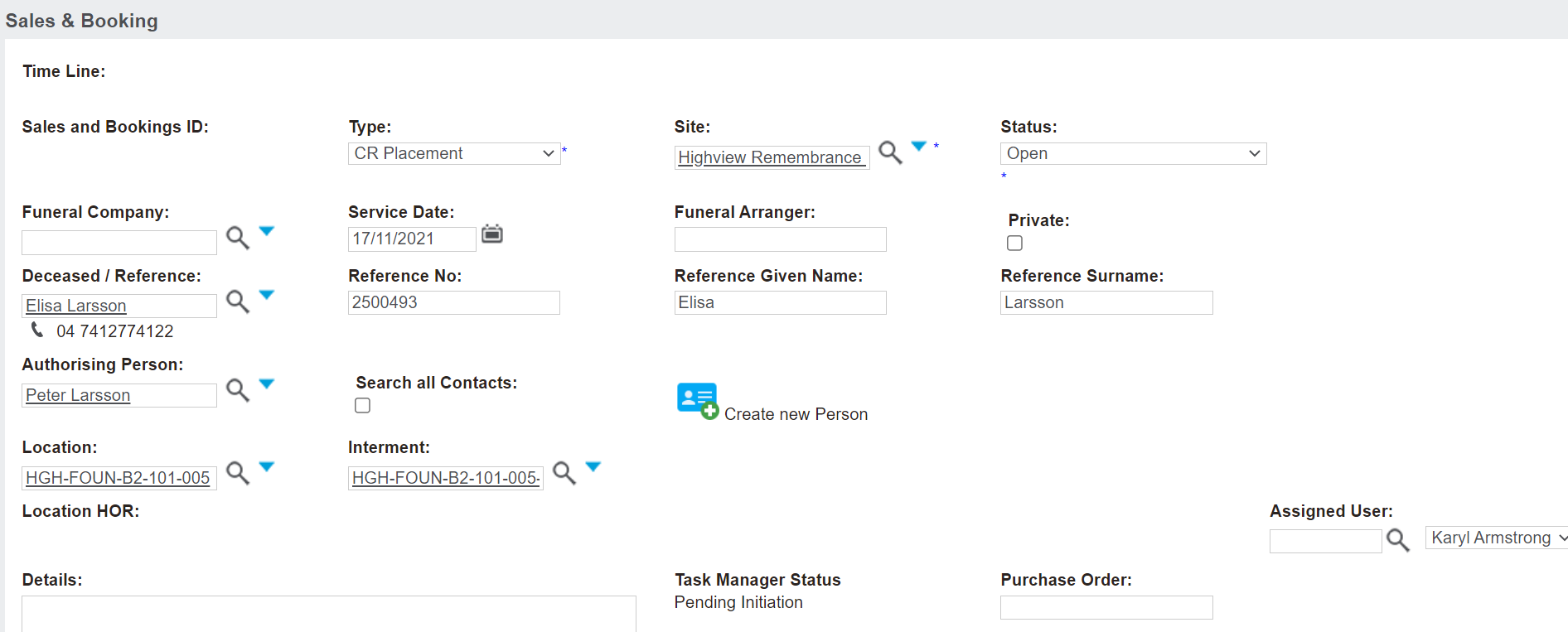
Complete the fields as necessary.
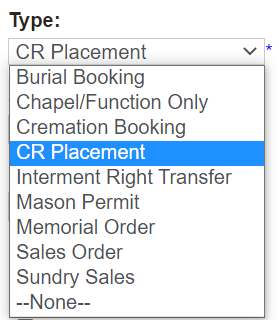
In the Type field, select the CR Placement option.
The Site field will be the site the cremated remains are to be placed.
The Status will auto-fill as open and throughout the process, users will change the status as necessary based on their internal processes.
The Funeral Company and Funeral Arranger fields would be left blank as the authorising person and the cemetery would generally be interacting without a funeral company involved.
Enter in the date of the placement in the Service Date field and determine if the placement service will be listed as private in the Private tick box.
The Location field auto-populates to the current location the cremated remains record is recorded at. Update this field to the location the cremated remains will be placed.
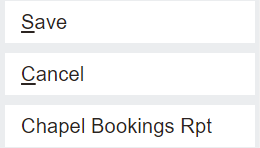
Once all known information is added, choose Save on the top right-hand side of the page.
Once your booking is saved, you will now be able to update the booking to deliver the CR Placement service.