Ensurepayments made to date are in line with terms of invoice
Ensure the deceased record is marked as deceased
Ensure the Task Manager status is in its final stage
As tabs such as the Burials, Conciergeand Receipts tab are editable after the booking is completed, our cemetery customers may choose to close the Sales & Booking before they are completed.
However, the deceased record must be marked as deceased and tabs such as the Bookingstab cannot be edited after marking as complete.
Once all checks have been completed, choose Change Status on the right-hand side of the Summary tab of the Sales & Booking and change the status to Completed, as outlined in the Completing the Booking section of this guide.
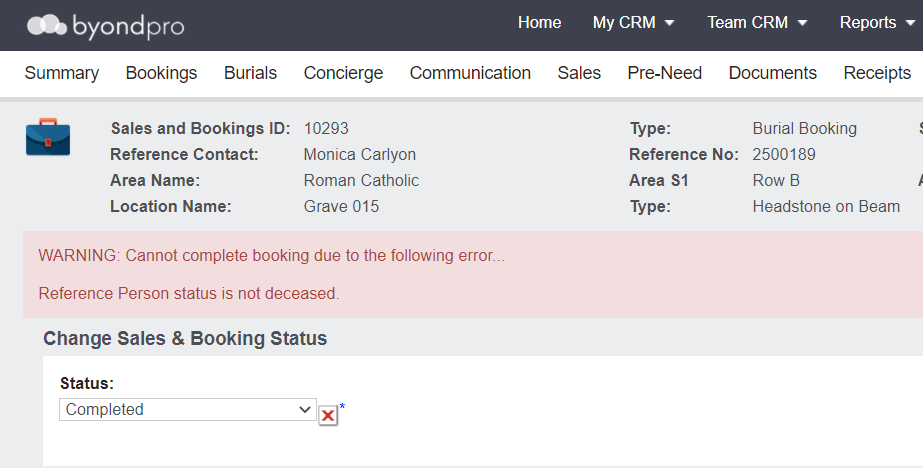
Please note, an error will be returned if you try to complete the booking and the reference person status has not been changed to deceased.
You would need to cancel out of the booking completion process and change the status to deceased in order to proceed with completion of the booking.