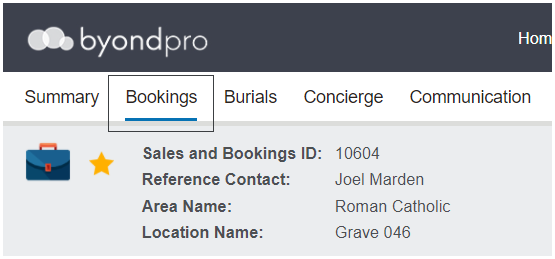
The bookings tab can be used to add relevant information regarding the burial and other services booked.
The bookings tab is divided among three different Information blocks of information to complete. Information provided in this tab is included in Service Schedule reports and Booking Confirmations.
The fields detailed below relate to the out-of-the-box byondpro. However, many of the fields can be customised to meet the customer’s needs. Fields can be customised to display as tick boxes, drop-down lists and free form text.
To add or change any booking details, press Change on the right-hand side of the page and complete the fields.
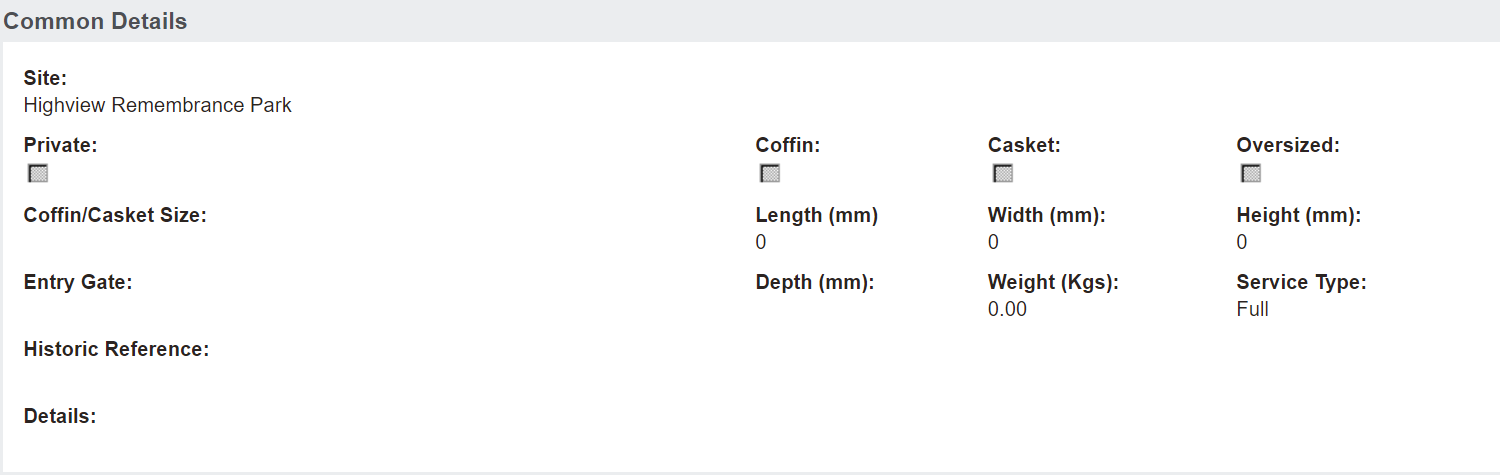
Common Details Information Block
Fields such as Site and the Private tick box will flow through from the summary screen of the booking.
The configuration MonitorMaximumCoffinSize set in Admin -> Cemetery System Setup -> Custom Configuration, controls the Oversize tick box, if set to Y (yes).
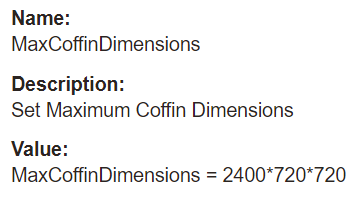
If set to Y, when the user types in a length, width, or height which is greater than set in the configuration MaxCoffinDimensions, the relevant field will be highlighted red and trigger the oversized box to be ticked.
Burial Details
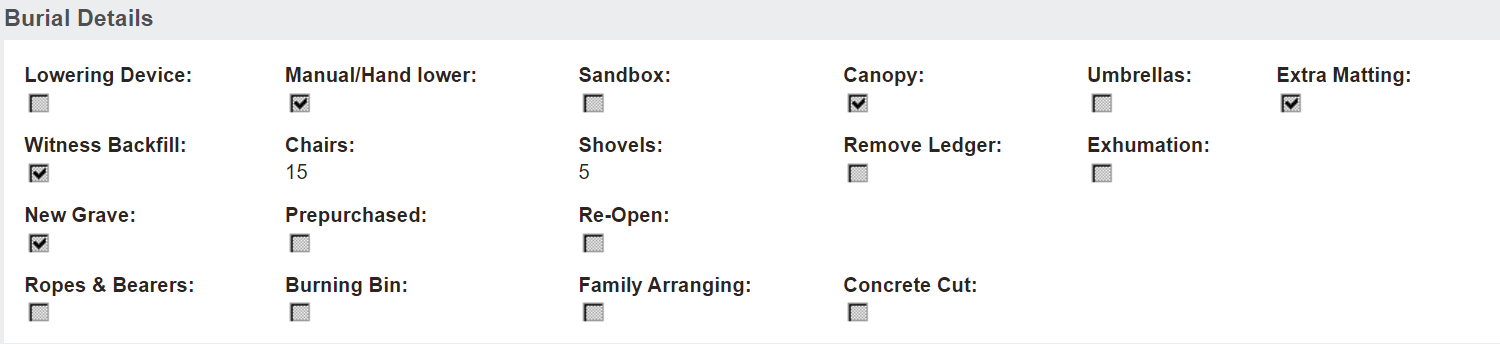
The Burial Details section refers to information related to the burial. This information block only appears for Sales & Bookings of a Burial type.
The fields of New Grave, Prepurchased, and Re-open indicate whether the person being interred is the first to be interred in the location, or if the location is being re-opened. Also, to indicate whether the location was purchased before the burial.
A user cannot save the bookings screen without choosing one of these options.
Other Details
The Other Details section refers to information that relate to other services offered, such as whether to carry in the coffin or back load the coffin for a chapel service.
Mark all of the selections required for this service. It is important to note these details are printed on schedules etc.,
Once all details are entered, press Save on the right-hand side of the page.
Pressing the Cancel button will cause all changes made since the last save to be lost.
Action Buttons
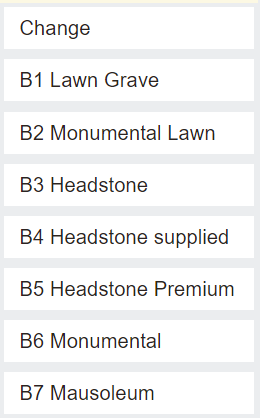
On the right-hand side of the Bookings tab are the action buttons that can be used to make changes or send various letters regarding memorialisation.
The buttons and letters are able to be customised for each customer.
B1 Lawn Grave, for example, advises of various plaques and bases the cemetery has on offer for a lawn grave.