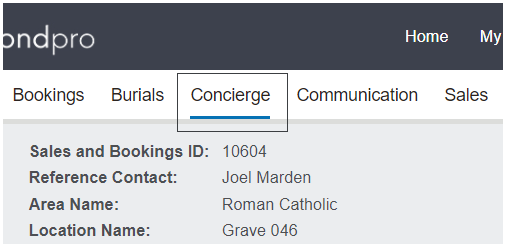
The tab is designed to assist with planning and running the chapel service and post service review of how the service functioned.
This tab would likely be completed at various times in the booking process and can be edited after a Sales & Booking has been marked as complete.
To change, press the Change button on the right-hand side of the page.
Pre-Service block
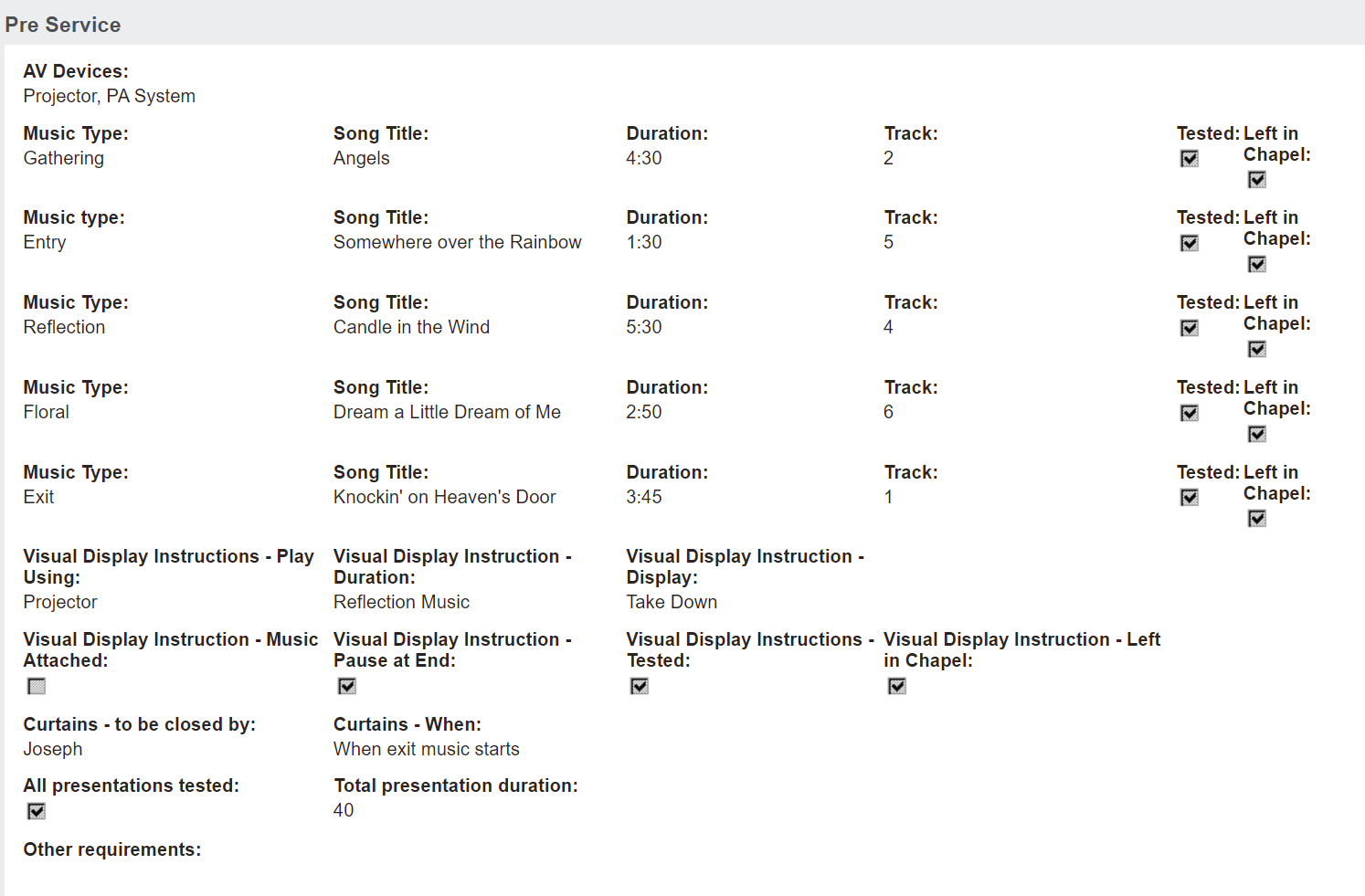
The Pre-service block can be used to plan the chapel service, including but not limited to the AV Devices, the music, visual displays etc.
Users can indicate all music used during the service, including the song duration, the track number, whether the music was tested and whether it was left in the chapel
DVD Request after Service
The DVD Request after Service block can be used to indicate if DVDs were requested, whether they were to be collected, or in a cremation booking example, placed with the ashes to be collected along with the costs and person to invoice for said costs.
Post-Service Block
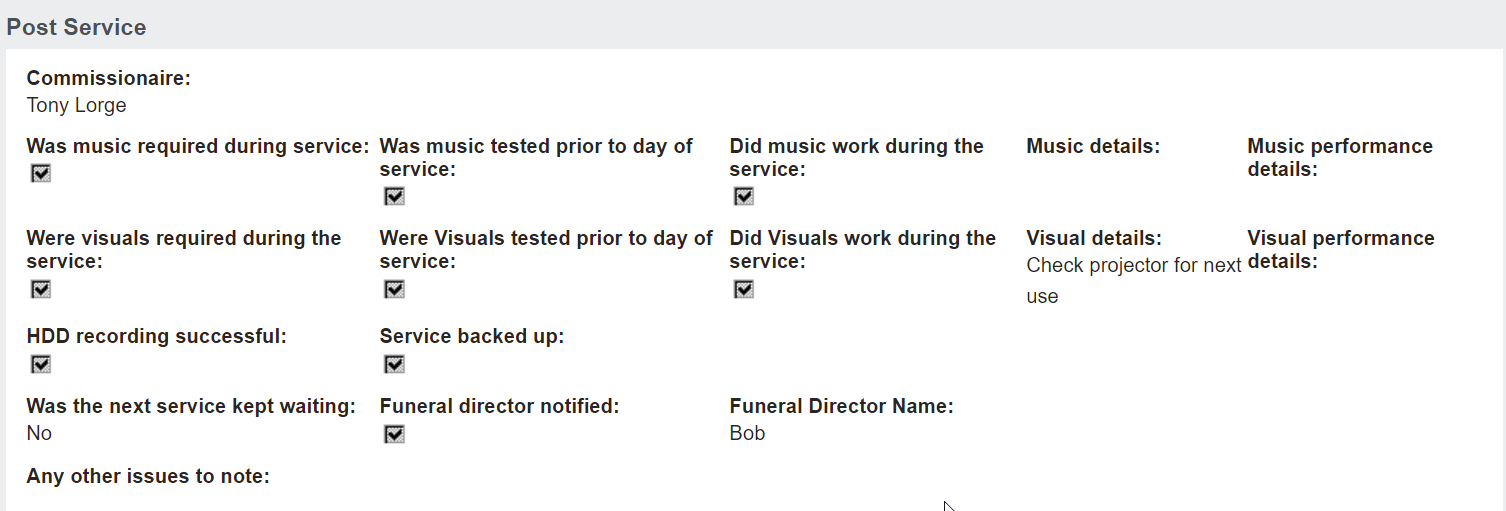
After the service has occurred, users can indicate who the commissionaire (s) was and complete basic feedback questions to identify if the service went smoothly and ran on time, etc.
Once changes have been made, be sure to press the Save button on the right-hand side of the page to lock in the updates.