Once a mason permit has been created, it is time for the cemetery staff to review the submitted mason permit application.
Cemetery staff can find submitted permit applications to review by using the search function described in Search for Mason Permits.
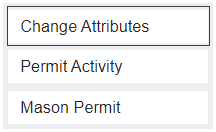
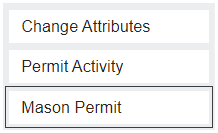
Once the cemetery staff have reviewed the application, they can change the permit's status by clicking the Change Attributes button on the right-hand side of the Permit Summary screen.
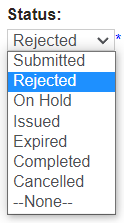
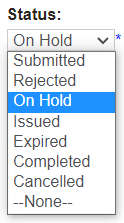
If the cemetery staff find an issue with the permit application, they can either Reject it outright or place it On Hold until the mason rectifies the issues.
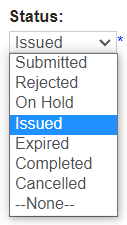
If the permit application passed through the review process without any issues, then the cemetery staff can change the Status to Issued.
This will auto-populate the Date of Issue and Permit Expiry Date.
Once the permit has been issued, click on the Mason Permit button on the right-hand side of the Permit Summary page.
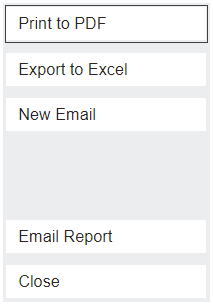
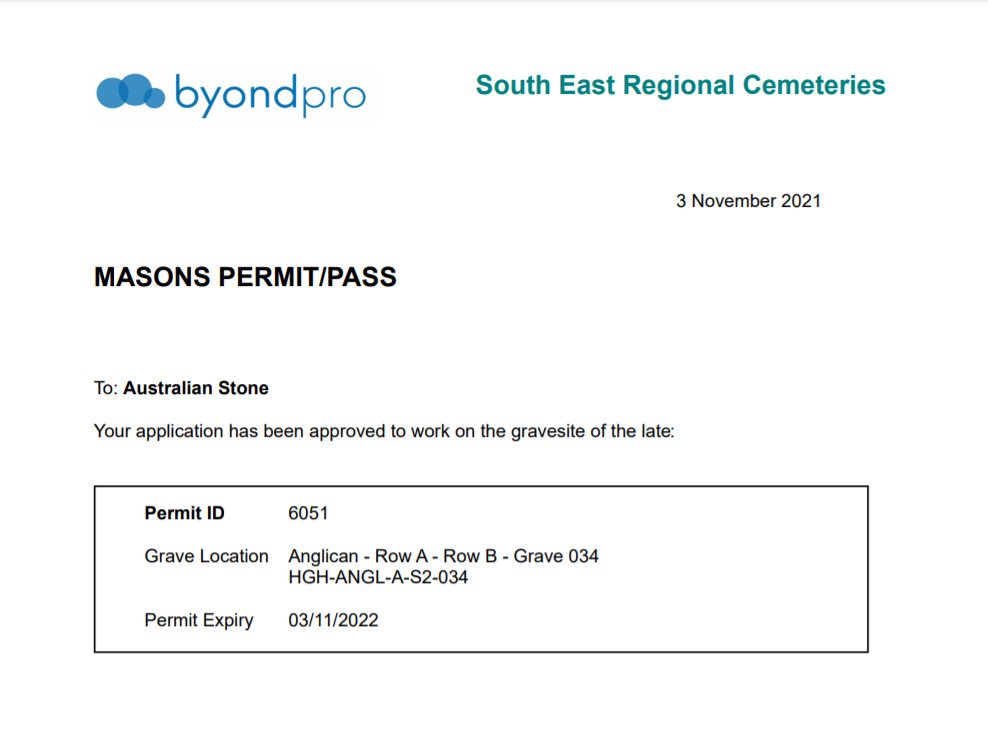
This will allow the user to email the mason permit to the mason, or to create a printable PDF that can be supplied to the mason in person.
If we click the Print to PDF button on the right-hand side of the screen, the mason permit will open in a new tab.