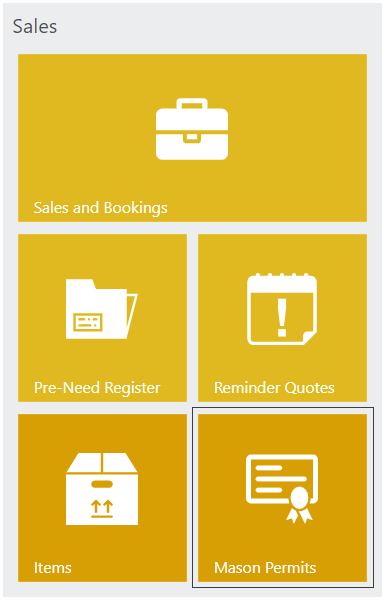
To search for permits in byondpro, click the Mason Permits icon in the byondpro Sales stream.
Permits can be filtered by the Status of the permit. For example, to find submitted permit applications, set the Status field to Submitted.
Otherwise, if information is known in relation to the permit, you may search by Mason Permit ID, Permit Type, Location, Dates, and Mason.
A list will appear with any permits matching the search criteria selected.
Clicking the Permit Type hyperlink will open the Permit Summary page.