Body Preparation
Once the authorisation to prepare the body has been recorded on the Mortuary record, you can complete the Body Preparation tab.
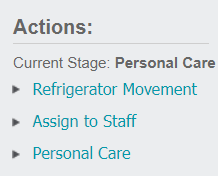
Select the Body Preparation tab on the header of the record or Body Preparation in the Actions list available on the right-hand side of the page to access and make changes to this tab.
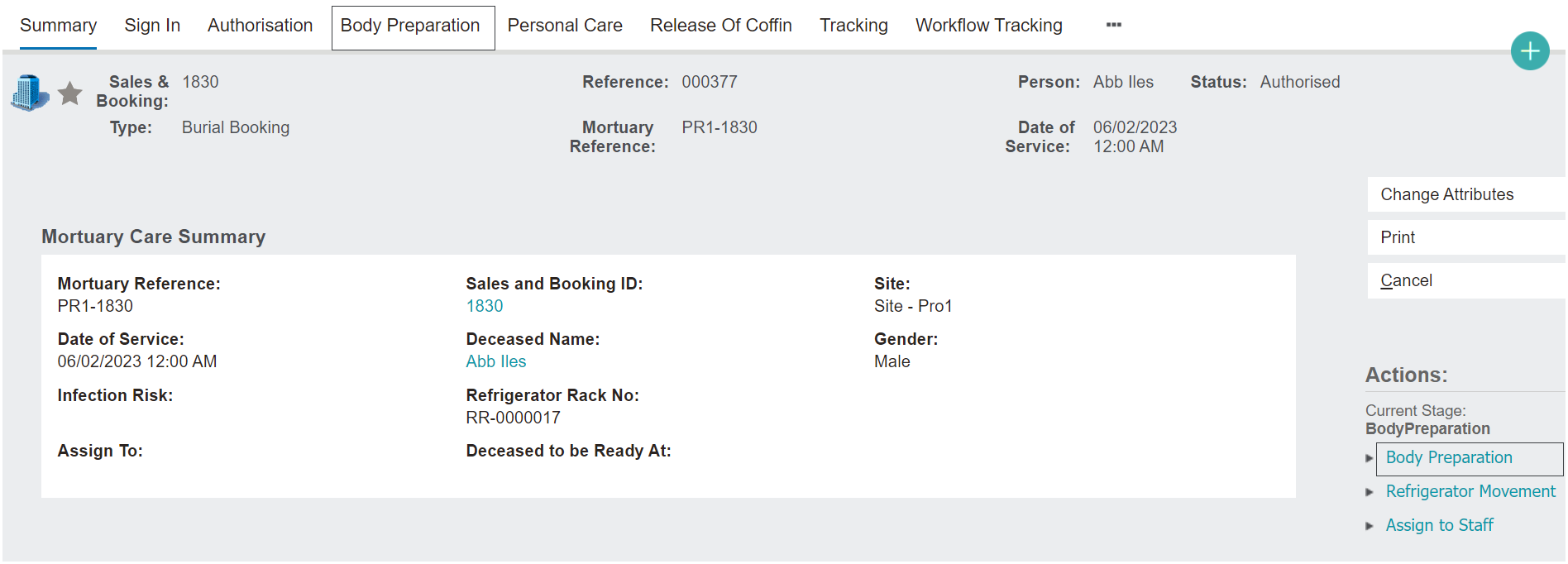
To record details of the Body Preparation, select the Change Attributes button.

Complete the fields as required. As a reminder, the fields in the below image are provided in the out-of-the-box byondpro. The fields can be customised to meet your Mortuary's needs.
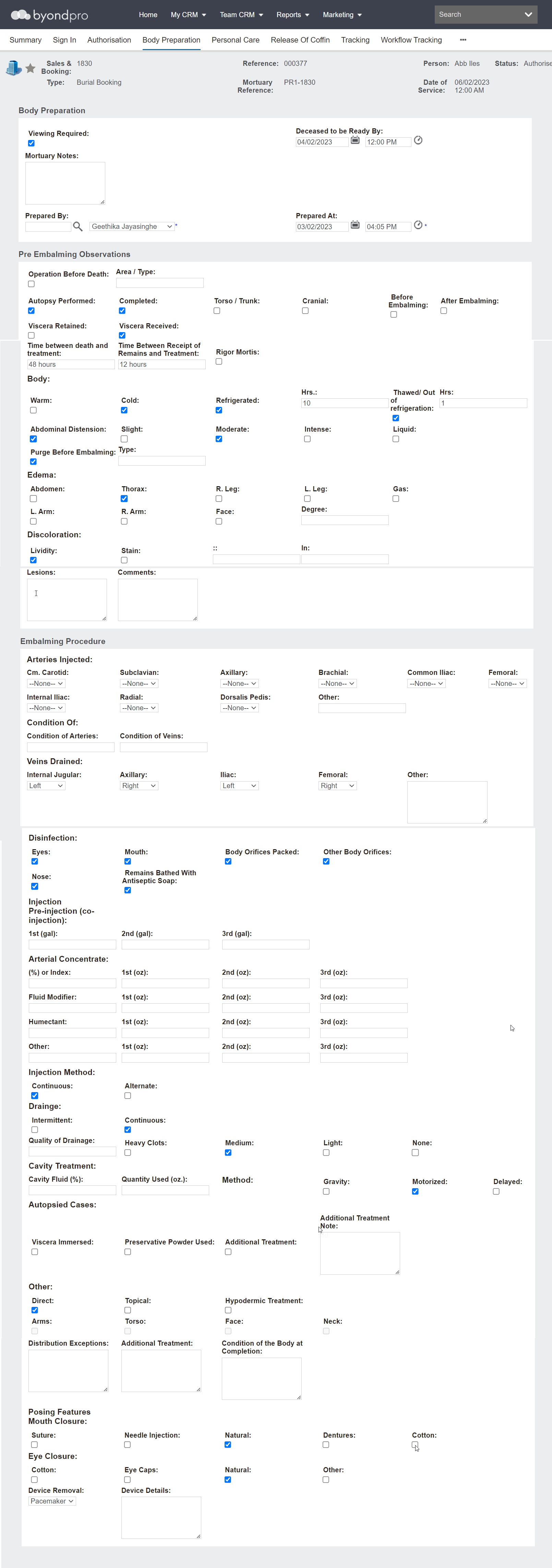
Be sure to press the Save button when you leave the screen.
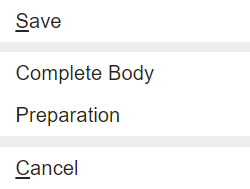
When all body preparation details are completed, press the Complete Body Preparation button.
If not in edit mode, you will need to select the Change Attributes button. Once selected, you will able to mark this stage as completed.
The Status of the record will be marked as 'Prepared.'

The record will now allow users to make changes to the Personal Care tab of the record, as well as assign to staff and update the cooling unit.