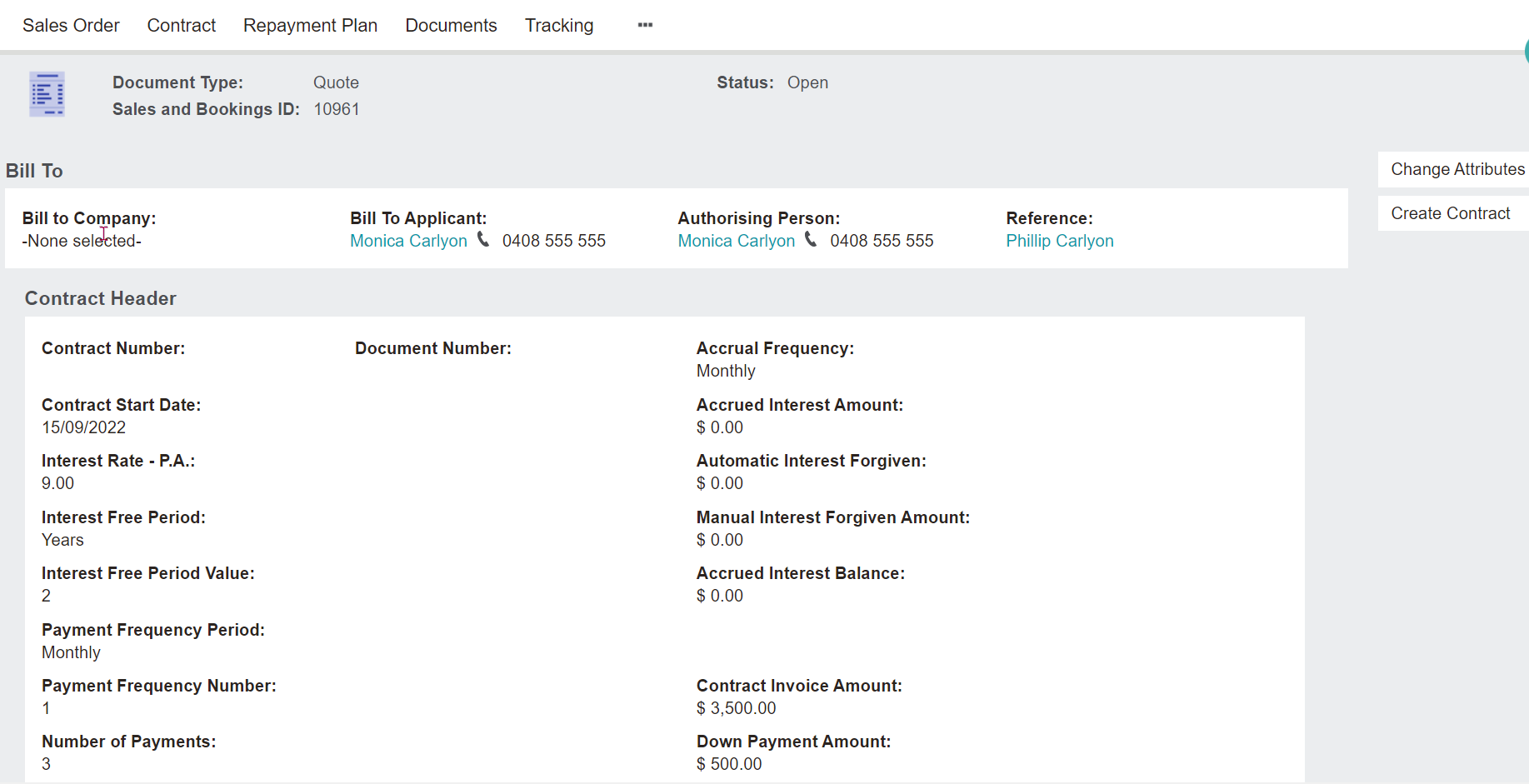
On the
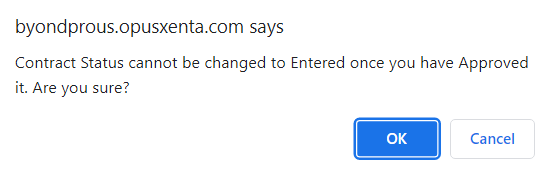
Contract tab of the sales order, update the contract status from
Entered to
Approved and choose
Save.
Once approved the user can proceed to invoice the sale.
Terms code & other values cannot be amended once the contract has been approved.
Proceed to Create Contract.
An on-screen message will display, contract has been created successfully.
Select OK.