Approve Contract
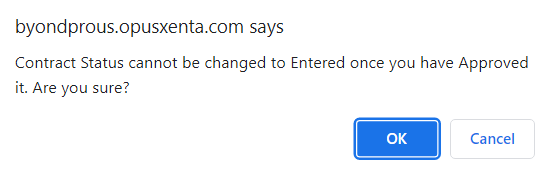
On the Contract tab of the sales order, update the contract status from Entered to Approved and choose Save.
Once approved the user can proceed to invoice the sale.
Terms code & other values cannot be amended once the contract has been approved.
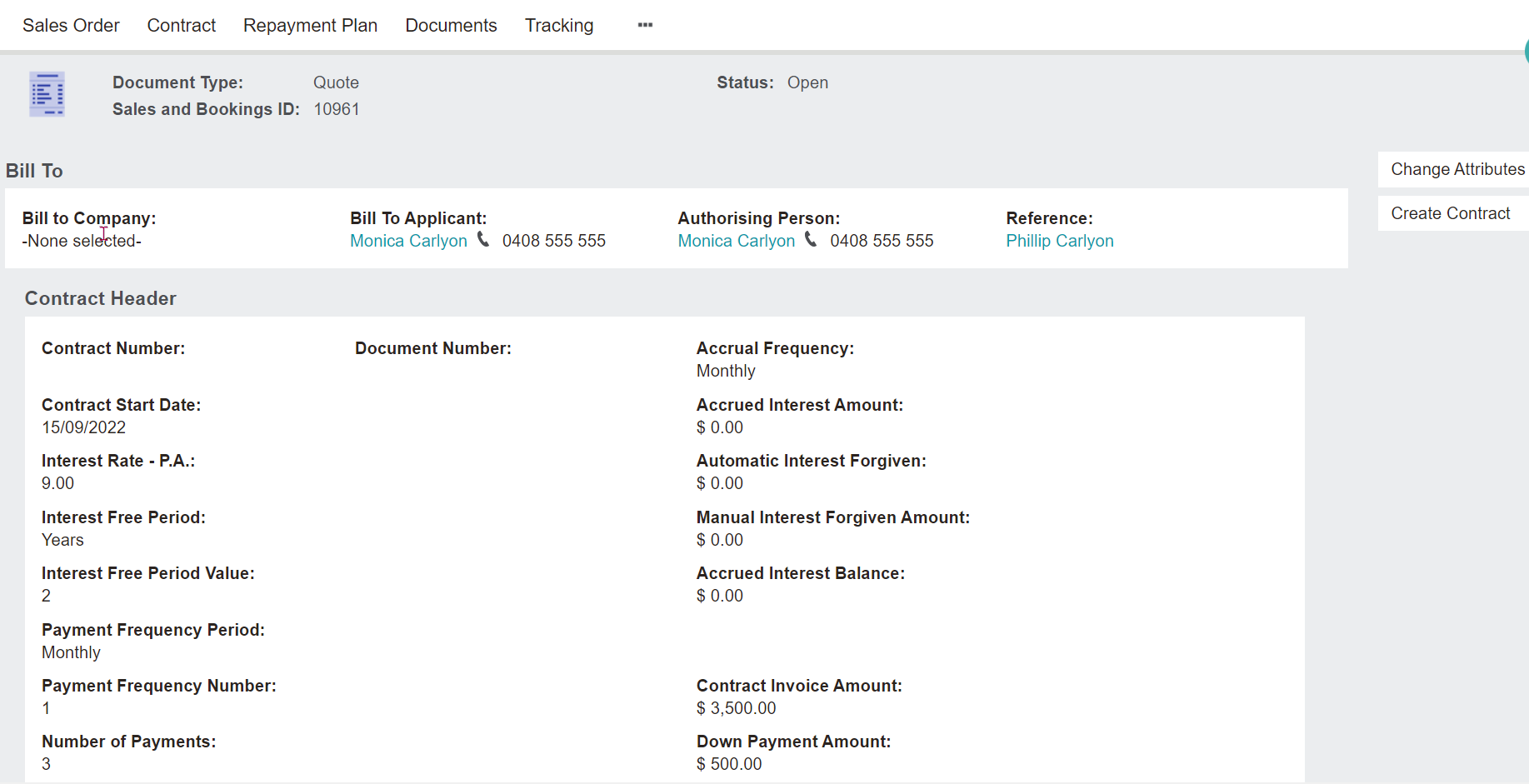
Proceed to Create Contract.
An on-screen message will display, contract has been created successfully.
Select OK.