To add a new Refrigerator rack, visit Profile Menu > Administration > Cemetery System Setup > Refrigerator Rack Numbers.
Select the New button on the right-hand side of the page.
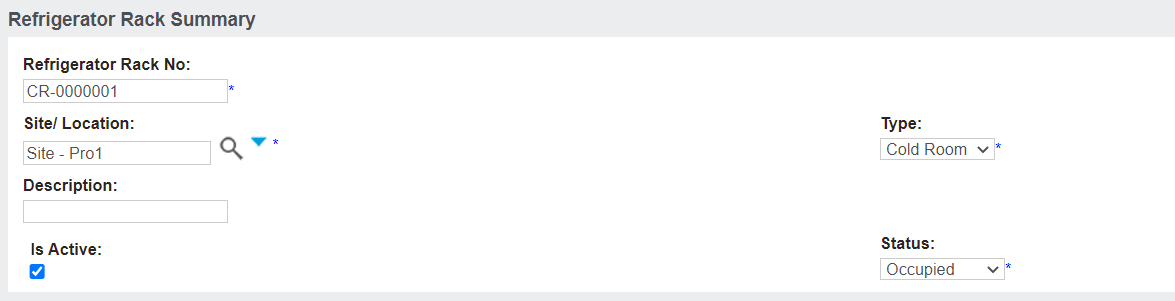
Complete the fields as necessary.
In the Refrigerator Rack No. field, enter in the number for the new rack. We recommend following a logical naming convention for your ease.
In the Site/ Location field, select the site that the refrigerator rack is linked to. If the rack can be used across all sites, select the trust level / territory.
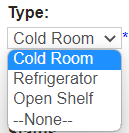
In the Type field, select from the selection list.
Options are available:
Cold Room
Refrigerator
Open Shelf
Type in details of the rack in the Description field.
Ensure the Is Active tick box is selected to allow the rack to be used.