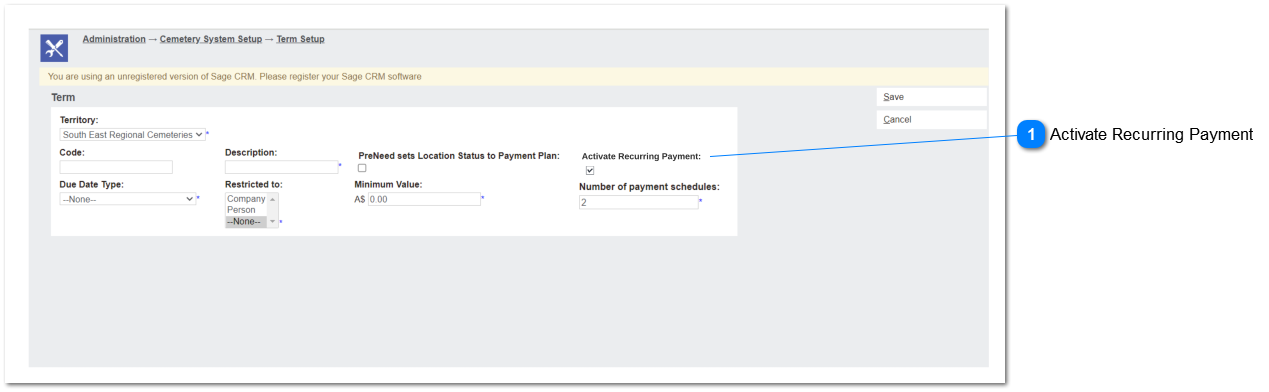
This tick box will activate the recurring payment process.
If the activate recurring payment is true selecting the payment term will make the payment detail tab visible in sale order allowing user to register recurring payment method.
Deselecting the ticked tick box warning message will appear to the user to if deactivating of recurring payments is required. Validation based on the user respond will be as follows;
Yes - System will call opuspay to deactivate the recurring tokens and registration incomplete init token (completed init tokens will be set null in the database) saved reference to invoice using payment term and clear data the payment detail tab upon the confirmation of user to deactivate existing payment schedules.
No - change will be only apply for new invoices.
Following field and notifications will be also apply for contracts.
Pre-codition
Tick box is allowed to mark true if number of payment schedule is more than 1.
Post-condition
Any column in repayment plan should not be hidden upon inactivating the recurring payment option.
Y
"Do you want to deactivate existing recurring payments?"