Location codes contain the site, area, sub areas if applicable and finally the location.
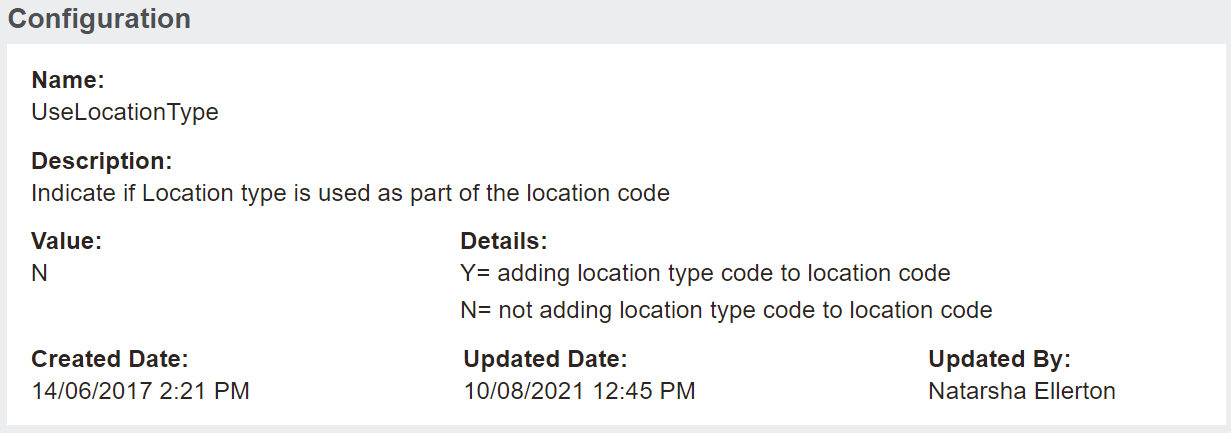
However, the Use Location Type configuration provides the option to have the type of location as part of the location code.
Access the configuration from the Custom Configuration area of byondpro.
Use the search fields to complete search for the configuration and then press Find on the right-hand side of the page.
Choose the configuration option of UseLocationType.
If set to Y, any locations created under this setting would include the location type in the location code.
If this functionality is required, speak to our OpusXenta Services Consultants to see if this is the best approach, or whether switching on the use sub-area 3 functionality might be a better alternative.
Our team will be able to work through the best solution for your needs.
When set to N the location code does not display the ‘type’ as part of the code.