Updates to Records
Records update throughout the booking process and once the booking is marked as complete.
Here are some key changes to records during this process.
Location Record
Sale Status will change throughout the process from Available to Sale initially, to Quoted when added to a Sales Order, to Sold when an Invoice has been created.

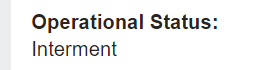
Operational Status will change from Available for Use to Interment once the booking has been completed.
The Available Positions field will decrease by one (provided there was only one burial) once the booking has been completed.

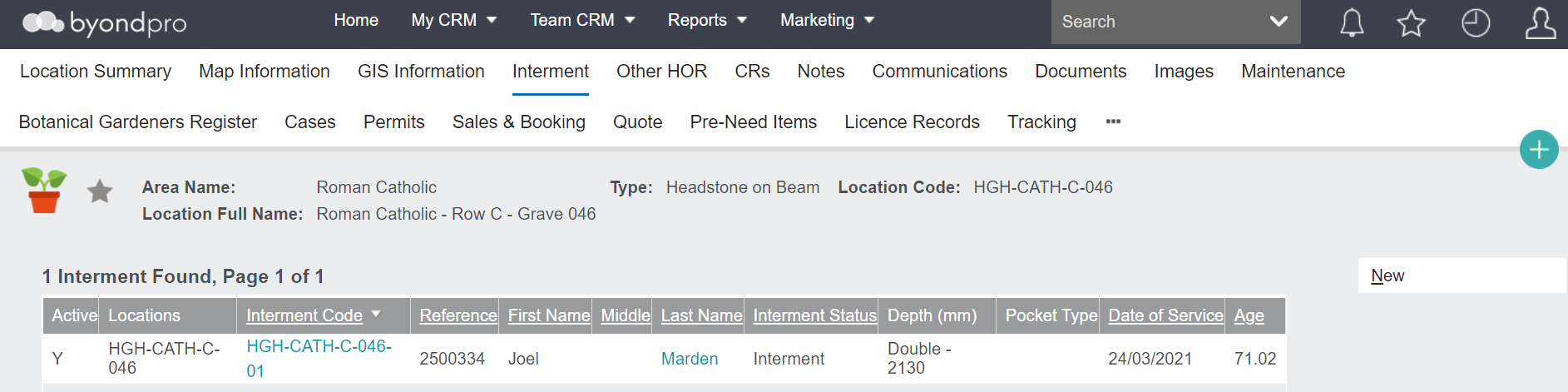
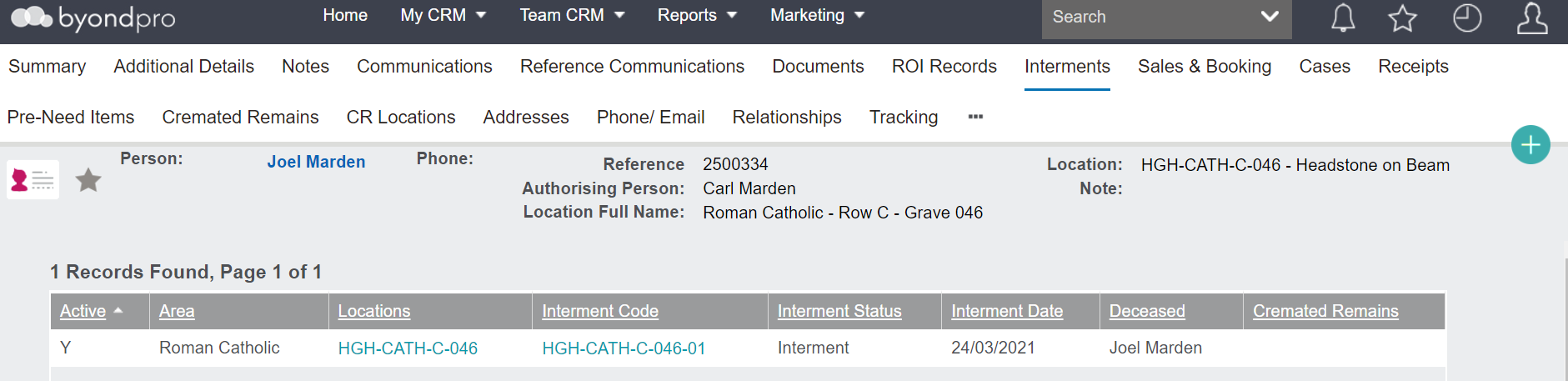
The Deceased Record will be displayed in the Interment tab once the booking is completed.
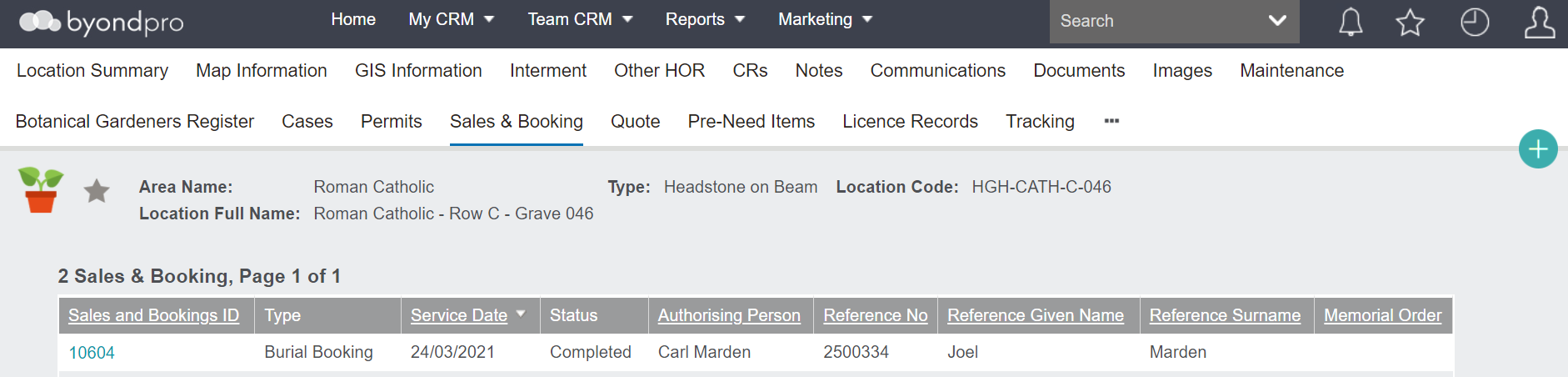
The Sales and Booking tab will display the booking. When the booking is marked as completed, the status of the booking will now display as completed.
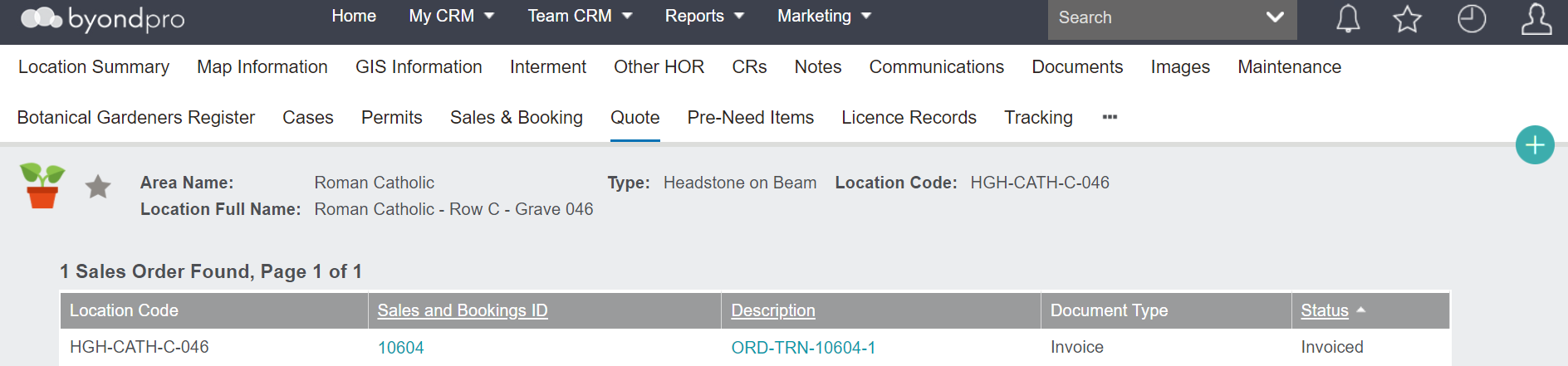
The Quote tab will display the Sales & Booking ID and the Sales Order when the location is added to the sales order. Once invoiced, the document type & the status on the quote tab change to indicate the sales order is an invoice.
Deceased Record
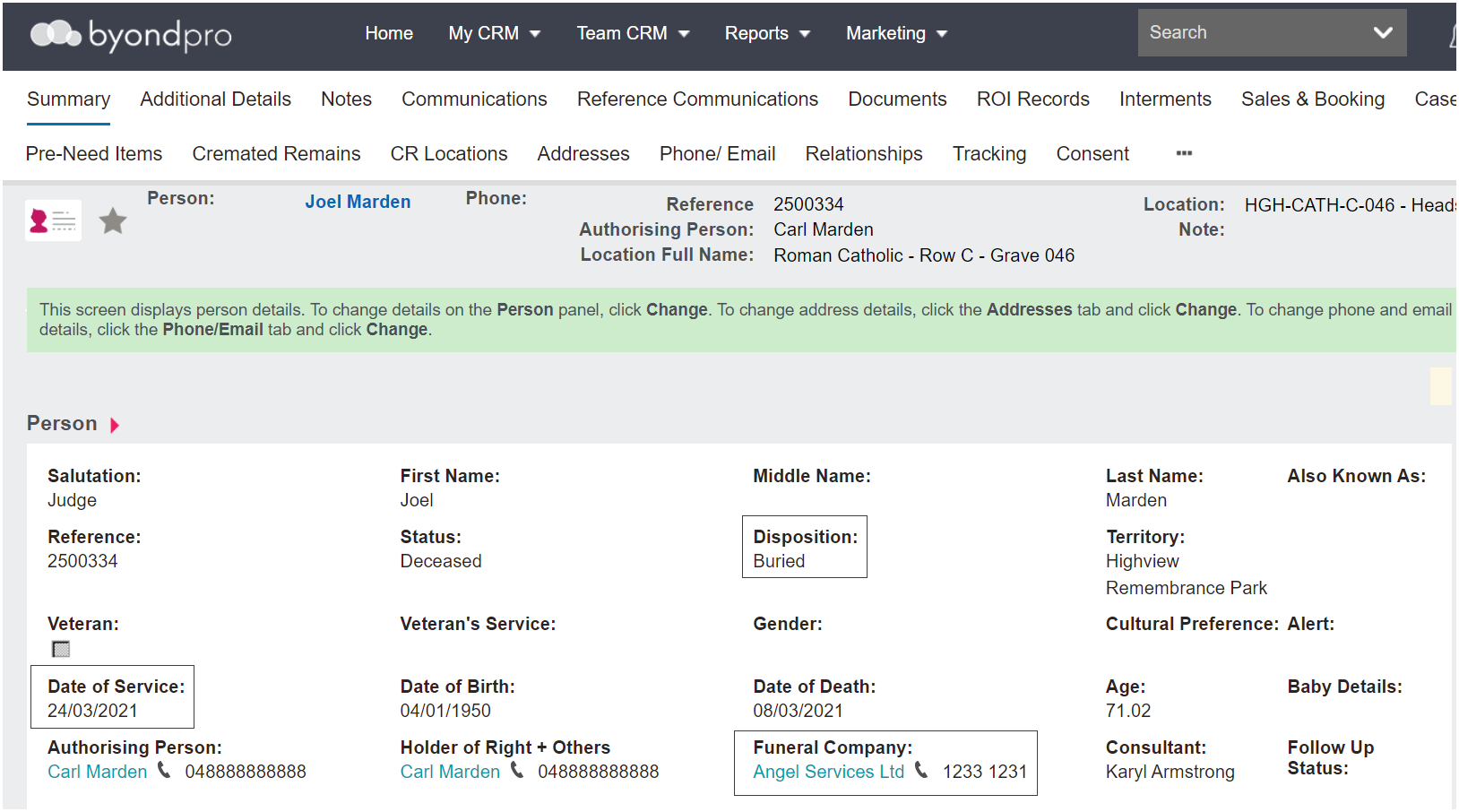
The person record will now have a Disposition as 'Buried' on the person summary.
The Funeral Company and Date of Service fields will populate as per the booking.
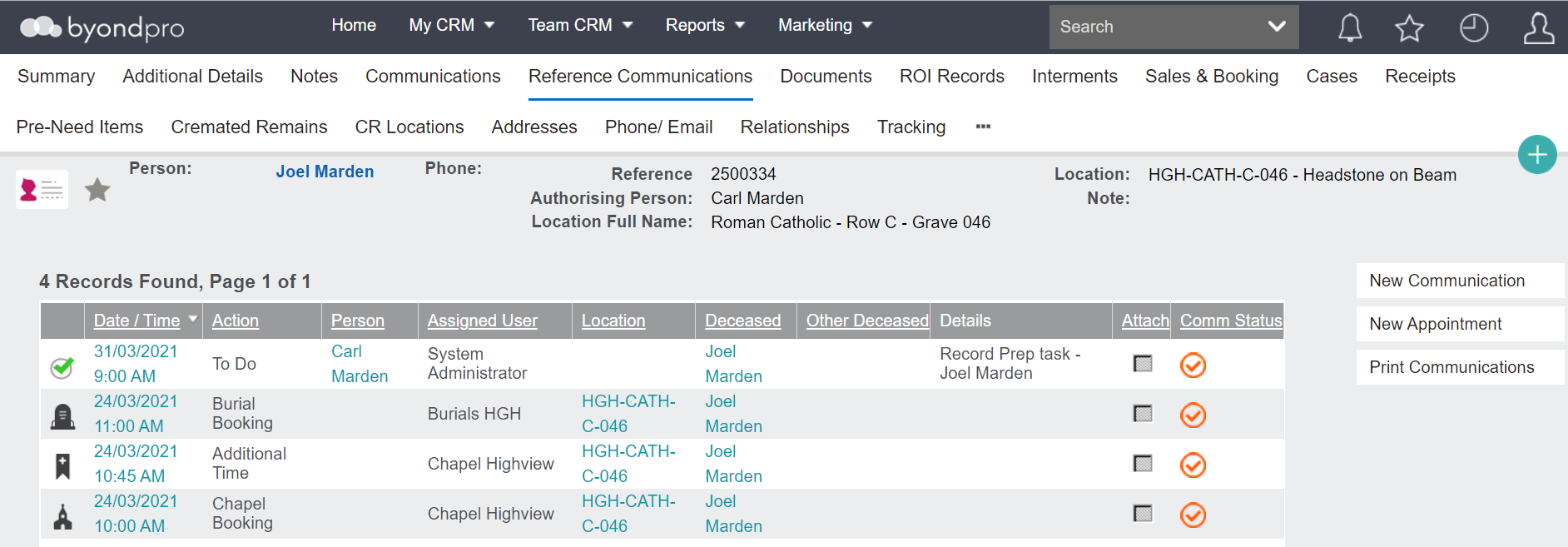
The Reference Communications tab of the deceased record will display all appointments created during the booking that referenced the deceased.
The Interment tab of the deceased record will have the details of the interment including the interment status, the interment date, the deceased, and links to the location and interment code.
The Sales & Booking tab of the deceased record will have a link to the completed Sales & Booking.
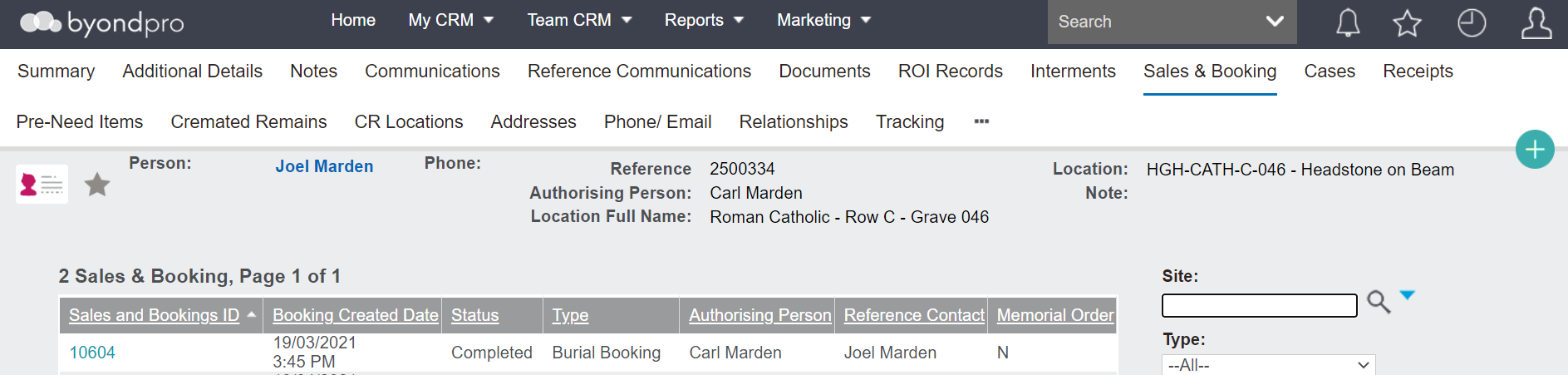
Holder of Right/ Applicant Record
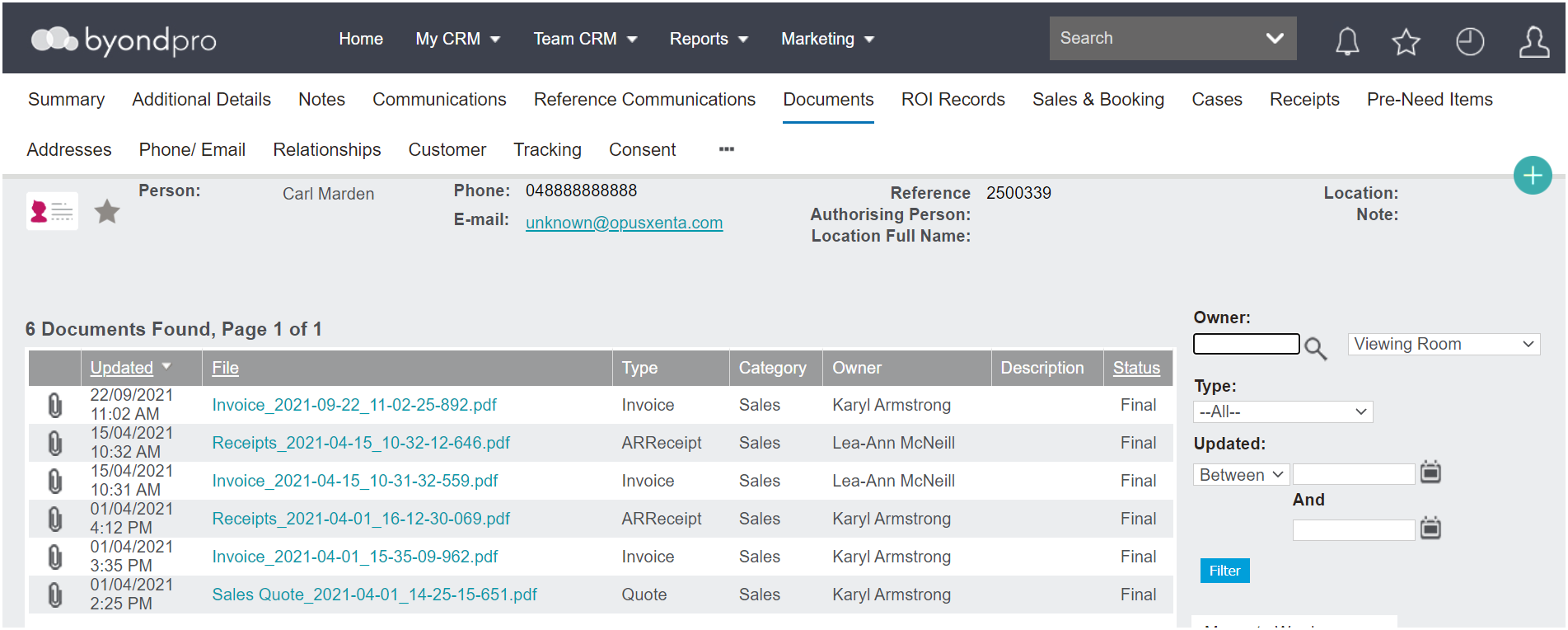
On the applicant or holder of right’s record, the documents tab will include the quote, invoice and receipts if they were printed.
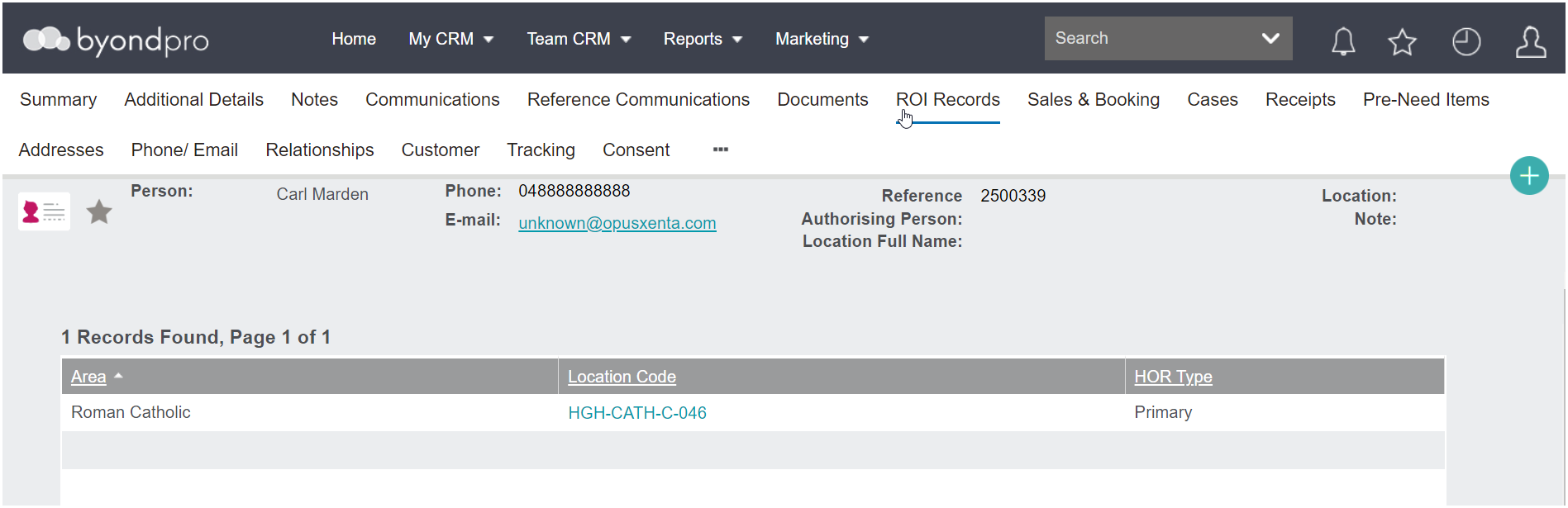
The ROI Records tab will include the area, the holder of right type (primary or other), and a link to the location code.
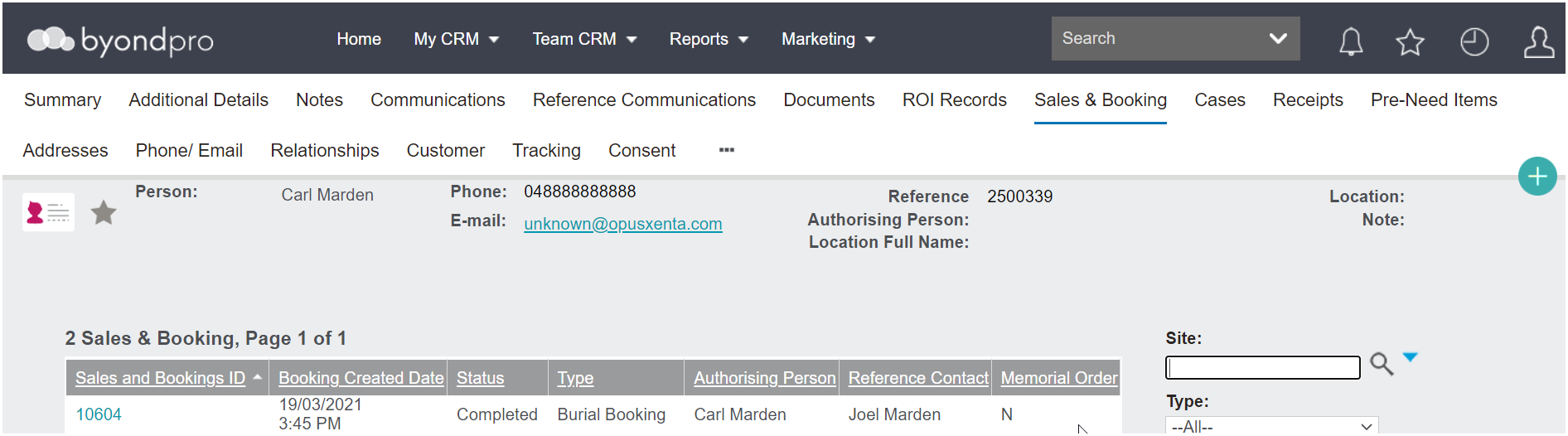
The completed booking will appear on the Sales and Booking tab.
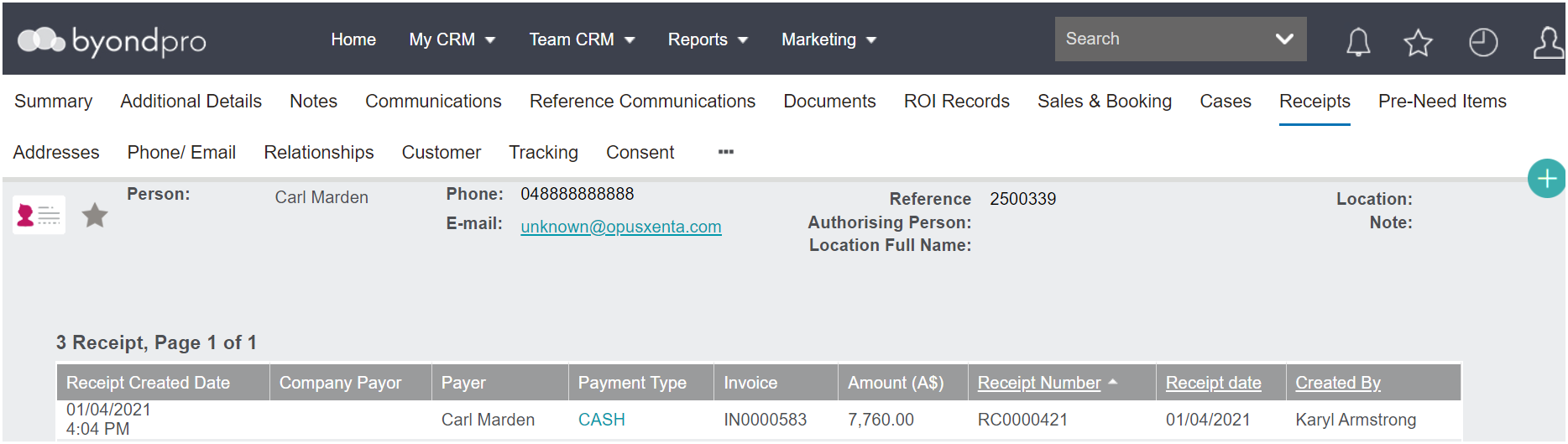
If the holder of right is also the bill to party, receipts for the payment will appear on the Receipts tab on the record.
This will include the
-
Receipt created date
-
Payer
-
Payment type
-
Invoice number
-
Amount
-
Receipt number
-
Receipt date
-
Salesperson who entered it into the system.
If the Holder of Right has been added as a finance customer, a new tab of Customer will now be available.
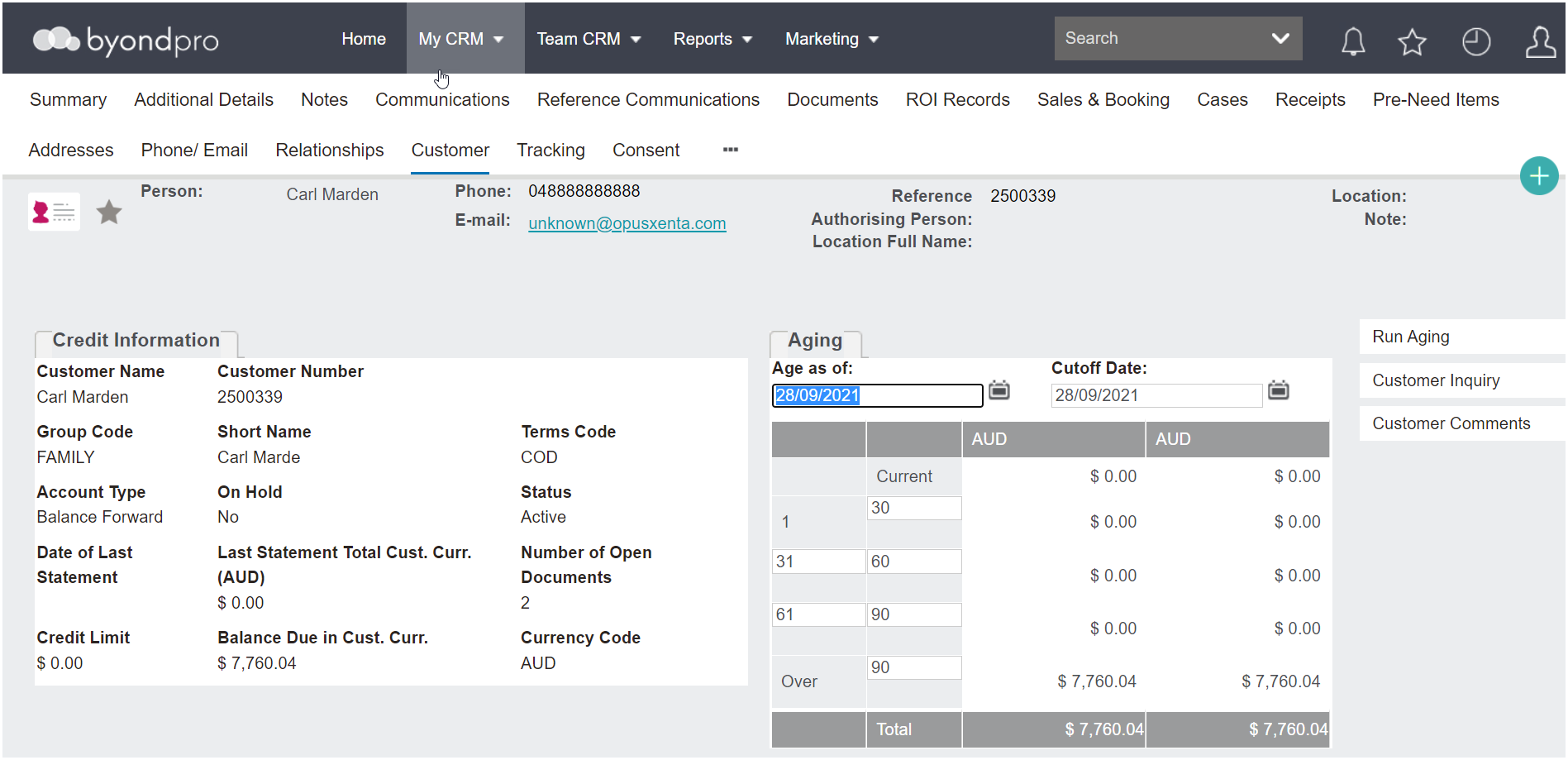
This tab contains a summary of the integrated details that have flowed through to Sage 300 and serves as a quick way to see what is in the finance system without going in to 300.