To properly display this page you need a browser with JavaScript support.
byondpro Configuration
& Processing Guide
×
Menu
Search
Search
Version 6.1 Release Notes
Sales Receipts
Recurring Payments for Payment Plans
Trigger Recurring Payment Schedule
Previous page
Next page
Print version
(c) OpusXenta Pty Ltd, 2023
To properly display this page you need a browser with JavaScript support.
Trigger Recurring Payment Schedule
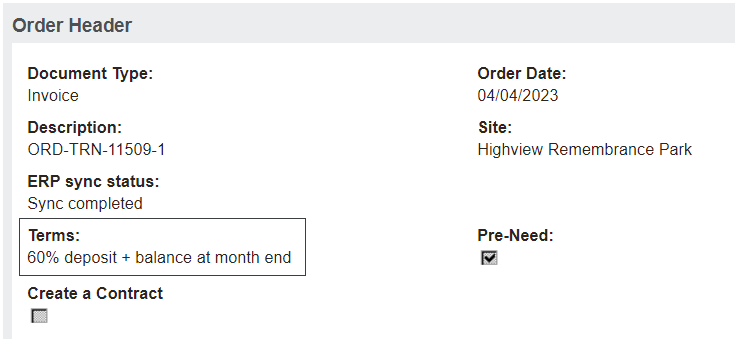
To trigger recurring payments, the term selected in the Sales Order must have the new field of
Activate Recurring Payment
selected in
Term Setup
..
Visit
Administration > Cemetery System Setup > Term Setup
.
The new field of
Activate Recurring Payment
exists on each term in the
Term Setup
, which activates the
Payment Details tab
.
The online help was created with Dr.Explain